Introduction (Best AI Tools for Students)
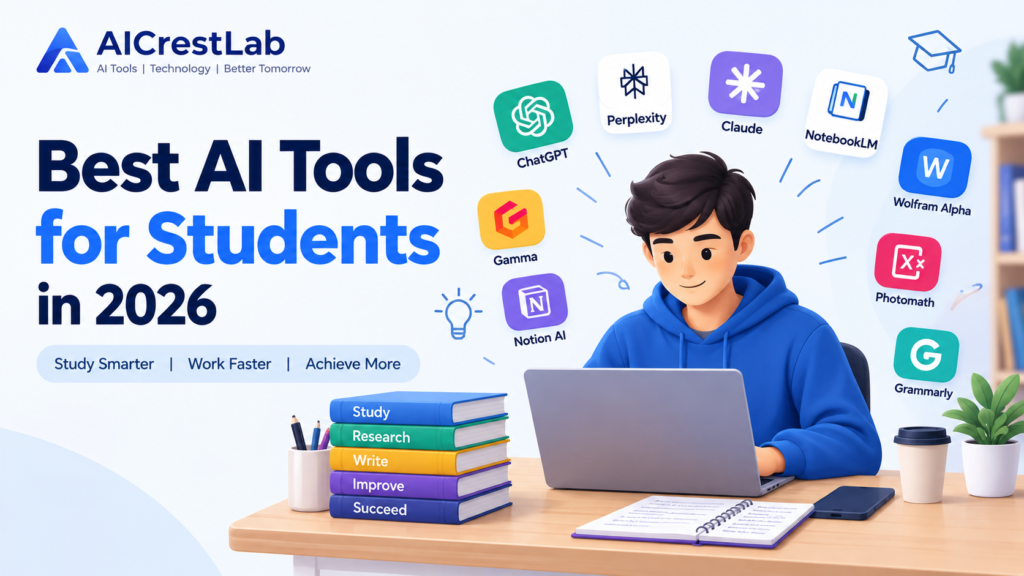
Students in 2026 have digital resources available to them than ever before. From understanding topics and organizing lecture notes to researching academic papers preparing presentations and practicing for exams AI tools can make many parts of student life easier.
The best AI tools for students in 2026 are not simply designed to provide answers. When used properly they can work as study assistants that help students understand concepts organize information practice what they have learned and manage their workload more efficiently.
For example an AI tool can turn notes into a study guide explain a difficult mathematical concept step by step generate practice questions summarize a research paper or help improve the clarity of an essay draft.
However AI should support the learning process than replace it. Students still need to think verify information follow their schools AI policies and complete their own academic work.
In this guide we look at 15 AI tools for students in 2026 including tools, for studying, research, writing, mathematics, note-taking, presentations, productivity and exam preparation.
Table of Contents
What Are AI Tools for Students?
AI tools for students are applications that use artificial intelligence to help with academic and educational tasks.
Some are general-purpose AI assistants, while others are designed specifically for activities such as academic research, mathematics, note-taking, writing, or memorization.
For example, a general AI assistant can explain a difficult topic or help brainstorm ideas, while a research-focused tool may search academic papers and organize research findings.
Some important features that make modern AI study tools useful include:
- Working with personal study material: Some tools can analyze PDFs, lecture notes, documents, and other materials provided by the student.
- Research assistance: Academic-focused platforms can help students discover relevant research papers and organize information from scholarly sources.
- Study and practice features: AI can create quizzes, flashcards, summaries, and study questions to support active recall.
- Multimodal capabilities: Certain AI tools can work with text, images, audio recordings, PDFs, and handwritten mathematical problems.
- Writing assistance: AI writing tools can help identify grammar problems, improve clarity, and provide feedback on drafts.
The most useful tool depends on what a student is actually trying to accomplish.
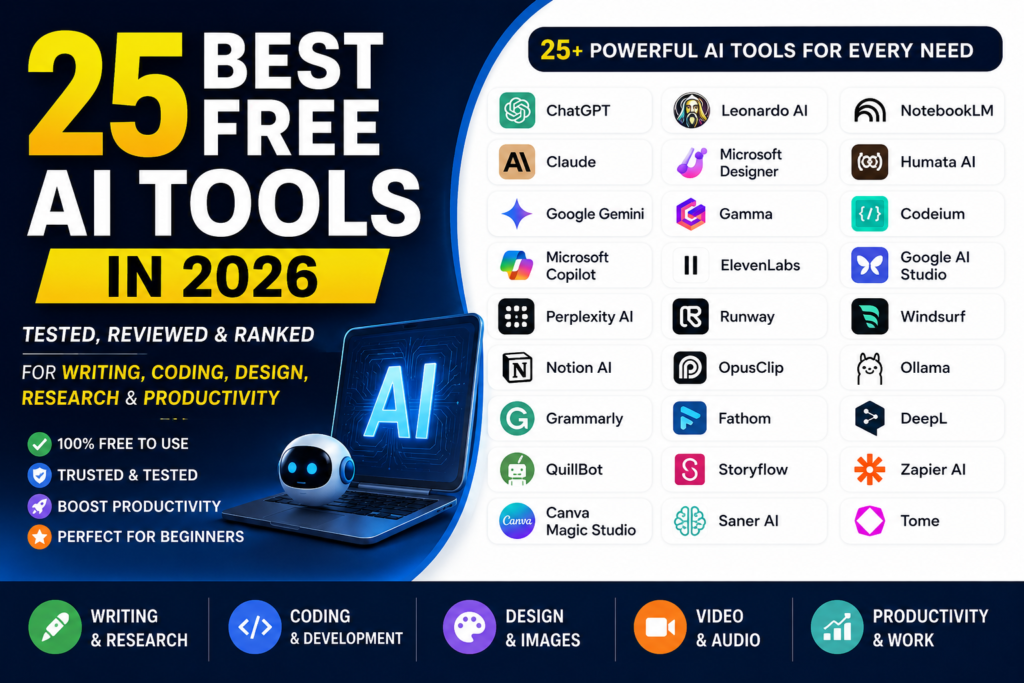
Also Read: 25 Best Free AI Tools in 2026: Top Picks Compared
How AI Can Help Students
AI can be useful throughout the academic process when it is used as a learning assistant rather than a replacement for studying.
Understanding Difficult Topics
Students can ask AI to explain complicated concepts using simpler language, examples, analogies, or step-by-step explanations.
This can be particularly useful for subjects such as mathematics, physics, economics, computer science, and other technical areas.
Research and Information Gathering
Research-focused AI tools can help students discover relevant papers, understand research findings, and organize information before they begin writing an assignment or research project.
Writing and Proofreading
AI writing assistants can help identify grammar mistakes, unclear sentences, spelling problems, and awkward wording in an existing draft.
Students should still make the final decisions about their own writing.
Summarizing Notes
Long lecture notes, documents, and other study materials can be converted into shorter summaries that are easier to review.
Creating Study Guides
AI can generate practice questions, revision notes, flashcards, and study plans based on a student’s material.
Creating Presentations
Presentation-focused AI tools can turn an outline or topic into an initial slide structure, helping students save time on formatting and organization.
Mathematics and Problem Solving
Some tools can explain mathematical problems step by step. This is most useful when students use the explanation to understand the method rather than simply copying the final answer.
Productivity and Organization
AI-powered productivity tools can help students organize assignments, create task lists, manage notes, and plan study sessions.
Language Learning
AI assistants can be used for conversation practice, grammar feedback, vocabulary exercises, and translation.
Exam Preparation
Students can ask AI to create mock questions, quizzes, flashcards, and revision exercises to test their knowledge before an exam.
Important Things Students Should Consider Before Using AI
Before adding AI tools to your study routine, there are several important factors to consider.
1. Accuracy and Fact-Checking
AI systems can sometimes produce incorrect information. This can include wrong facts, dates, quotations, calculations, or references.
Always compare important information with your textbook, lecture material, official sources, or reliable academic research.
2. Academic Integrity
Different schools, colleges, and universities have different rules regarding AI.
Using AI to understand a topic or improve a draft may be allowed, while submitting AI-generated work as your own may violate academic policies.
Always check your course or institution’s guidelines before using AI for assignments.
3. Data Privacy
Think carefully before uploading personal or confidential information to an AI service.
Avoid sharing private student information, confidential research, sensitive documents, or other information that should not be publicly processed.
4. Free vs. Paid Plans
Many AI tools provide free versions that are useful for students.
Paid plans may provide additional models, higher limits, advanced features, or larger upload allowances. Students should first determine whether those extra features are actually necessary.
5. Ease of Use
A complicated tool can sometimes create more work than it saves.
Choose tools that fit naturally into your study routine and that you can learn to use without spending excessive time on setup.
6. Avoiding Over-Reliance
AI should not replace the learning process.
Instead of asking an AI tool to complete an assignment, ask it to explain the concept, provide hints, create practice questions, or test your understanding.
Quick Comparison: 15 Best AI Tools for Students in 2026
| Tool | Best For | Free Option | Main Feature | Student Use Case |
|---|---|---|---|---|
| NotebookLM | Source-based studying | Yes | Document-based Q&A and study tools | Turning class material into study guides and quizzes |
| Perplexity AI | Research | Yes | Web search with citations | Finding information and checking sources |
| Elicit | Academic research | Yes | Literature discovery and analysis | Finding and comparing research papers |
| Consensus AI | Evidence-based research | Yes | Research-based answers | Exploring questions using academic studies |
| ChatGPT | General studying | Yes | Conversational AI assistance | Explanations, brainstorming, coding, and tutoring |
| Claude | Writing and analysis | Yes | Long-text analysis | Reviewing essays and lengthy documents |
| Grammarly | Writing | Yes | Grammar and clarity suggestions | Improving academic writing |
| Notion AI | Organization | Yes | AI inside a workspace | Managing notes, assignments, and study plans |
| Otter.ai | Lecture transcription | Yes | Speech-to-text | Creating searchable lecture transcripts |
| Gamma | Presentations | Yes | AI presentation creation | Building first drafts of class presentations |
| Wolfram Alpha | Mathematics and STEM | Yes | Computational answers | Checking mathematical and scientific problems |
| Photomath | Mathematics | Yes | Camera-based problem solving | Understanding photographed math problems |
| Quizlet AI | Memorization | Yes | AI study and flashcards | Practicing vocabulary and exam material |
| RemNote | Spaced repetition | Yes | Notes and flashcards | Long-term retention and revision |
| Canva AI | Visual projects | Yes | AI design features | Creating presentations, posters, and graphics |
Features, pricing, and free-plan limits can change over time, so students should check the official websites before making purchasing decisions.
Detailed Reviews of the 15 Best AI Tools for Students
1. NotebookLM
Overview
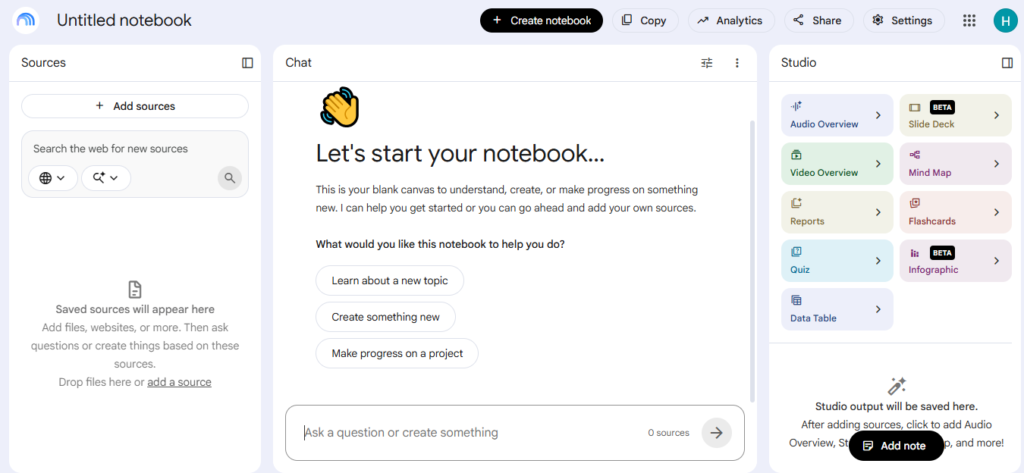
NotebookLM is designed around the study material that a student provides.
Instead of simply asking an AI about a general topic, students can provide documents, PDFs, notes, and other sources and then ask questions based on those materials.
This makes it particularly useful for students who want to work directly with their own course content.
Key Features
- Source-based question answering
- Study guides and summaries
- Audio and video overviews
- Practice questions and study materials
- Citations connected to uploaded sources
How Students Can Use It
A student could upload lecture slides, textbook chapters, and class notes for a particular course.
They could then ask the tool to create a practice quiz, summarize a chapter, identify important concepts, or explain a section of their notes.
Free Plan or Pricing
- Free Plan: Available with a Google account.
- Additional features or enhanced access may vary depending on Google’s current offerings.
Pros
- Useful for working directly with course materials
- Helps organize large amounts of study information
- Can create different types of study resources
Cons
- Its usefulness depends heavily on the quality of the sources provided
- Some complex diagrams or technical material may require additional checking
Best For
Students who want an AI study assistant centered around their own notes, textbooks, and lecture materials.
Also Read: Best AI Writing Tools 2026: 15 Best AI Writers Compared (Free & Paid)
2. Perplexity AI
Overview
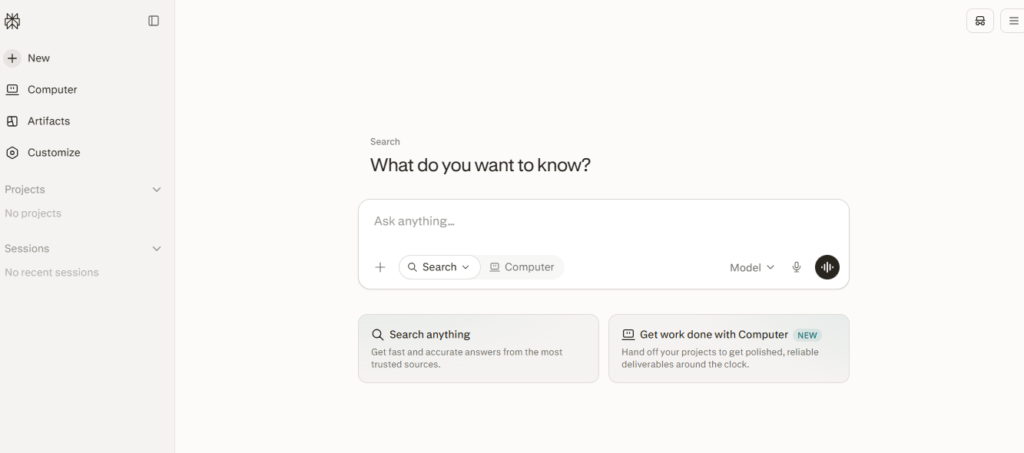
Perplexity AI combines conversational AI with web search.
It is particularly useful when students need current information and want to see the sources used to support an answer.
Key Features
- Web-based research
- Inline citations
- Current information
- Academic-focused search options
- Document and PDF analysis
How Students Can Use It
A student researching a history, business, technology, or science topic can use Perplexity to quickly find background information and sources.
The citations can then be checked before being used in academic work.
Free Plan or Pricing
- Free Plan: Provides access to basic search capabilities.
- Pro Plan: Paid features and limits vary by current plan.
Pros
- Fast research
- Citations make source checking easier
- Useful for current topics
Cons
- Citations still need to be checked manually
- Search results should not automatically be treated as academically reliable
Best For
Students who need quick web research and source-supported answers.
3. Elicit
Overview
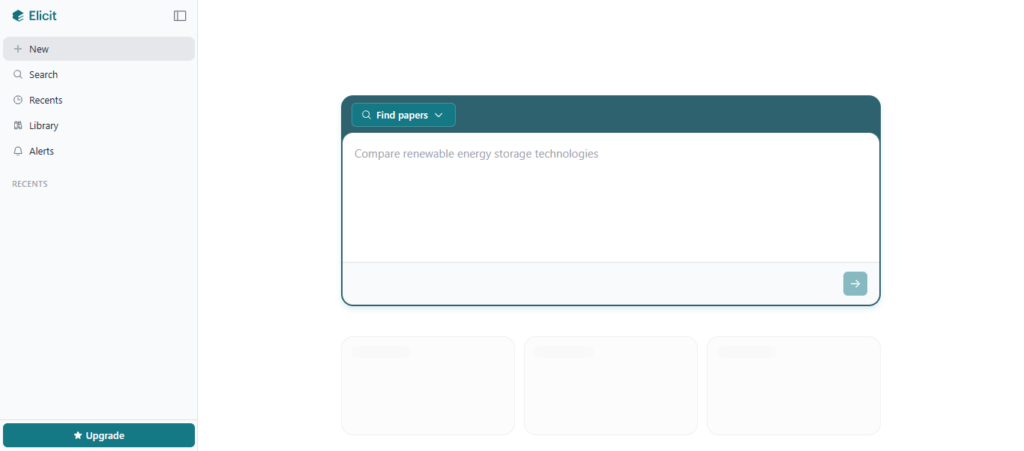
Elicit is designed for academic research and literature reviews.
Instead of manually searching through large numbers of papers, students can use it to discover relevant research and organize information from academic literature.
Key Features
- Academic paper discovery
- Literature review assistance
- Research summaries
- Structured information extraction
- Paper comparison
How Students Can Use It
A student writing a literature review in psychology, biology, sociology, or another research-based subject can enter a research question and use Elicit to discover potentially relevant studies.
Free Plan or Pricing
- Basic Plan: Free access is available.
- Paid plans provide additional capabilities and usage depending on the current subscription.
Pros
- Designed specifically for academic research
- Helps compare multiple papers
- Can reduce the time required for literature discovery
Cons
- More useful for research-heavy subjects
- Free usage may be limited for intensive research
Best For
University students and researchers working on literature reviews and academic papers.
4. Consensus AI
Overview
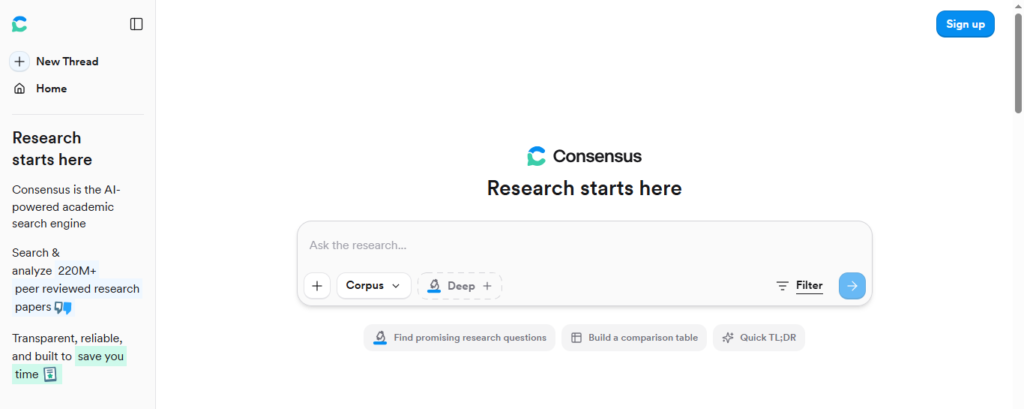
Consensus is another research-focused AI platform designed around scientific and academic literature.
It can help students explore research questions by examining findings from academic papers.
Key Features
- Research paper search
- Evidence-based answers
- Study summaries
- Research comparison
- Consensus-focused insights
How Students Can Use It
For a science or social science assignment, students can ask research questions and use the resulting studies as a starting point for deeper investigation.
Free Plan or Pricing
- A free option is available with limits.
- Paid access depends on the current subscription plans.
Pros
- Focuses on academic research
- Useful for evidence-based questions
- Helps students discover relevant studies
Cons
- Less useful for everyday study tasks
- Academic sources still need to be read and evaluated
Best For
Students who regularly work with scientific and academic research.
5. ChatGPT
Overview
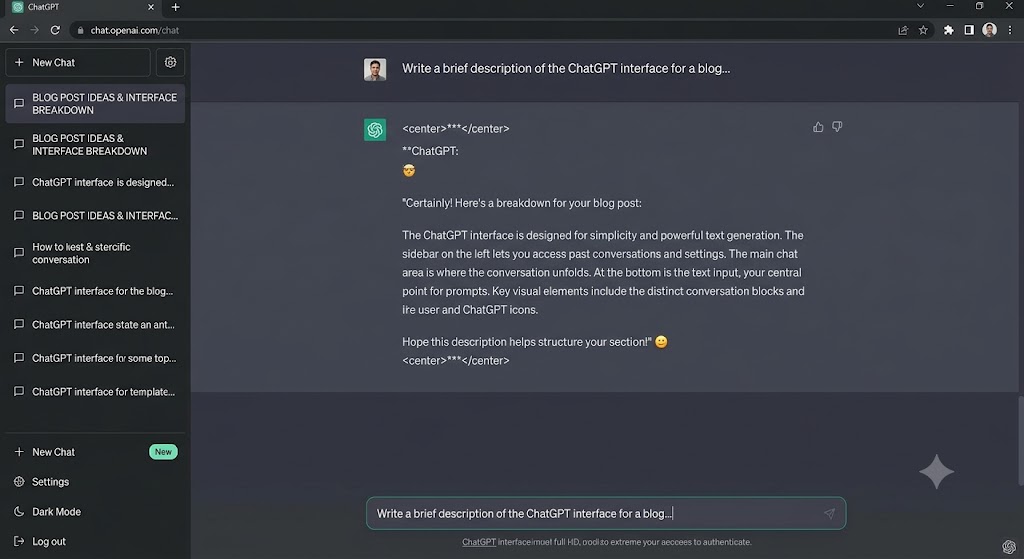
ChatGPT is one of the most flexible AI tools students can use.
It can function as a conversational tutor, brainstorming assistant, coding helper, writing partner, and study companion.
Key Features
- Interactive explanations
- Brainstorming
- Coding assistance
- Problem-solving support
- Multimodal capabilities
- Language practice
How Students Can Use It
Instead of asking ChatGPT to complete an assignment, students can ask:
“Explain this concept like I’m a first-year college student and give me a simple example.”
They can then ask follow-up questions until the topic becomes clear.
Free Plan or Pricing
- Free access: Available with usage limitations.
- Paid plans provide additional capabilities and higher limits depending on the current offering.
Pros
- Useful for many different subjects
- Interactive learning experience
- Can adapt explanations to different levels
Cons
- Can sometimes provide inaccurate information
- Students may become dependent on it if they use it to complete rather than understand their work
Best For
Students looking for a general-purpose AI tutor and study assistant.
Also Read: Best AI Meeting Assistants in 2026
6. Claude
Overview
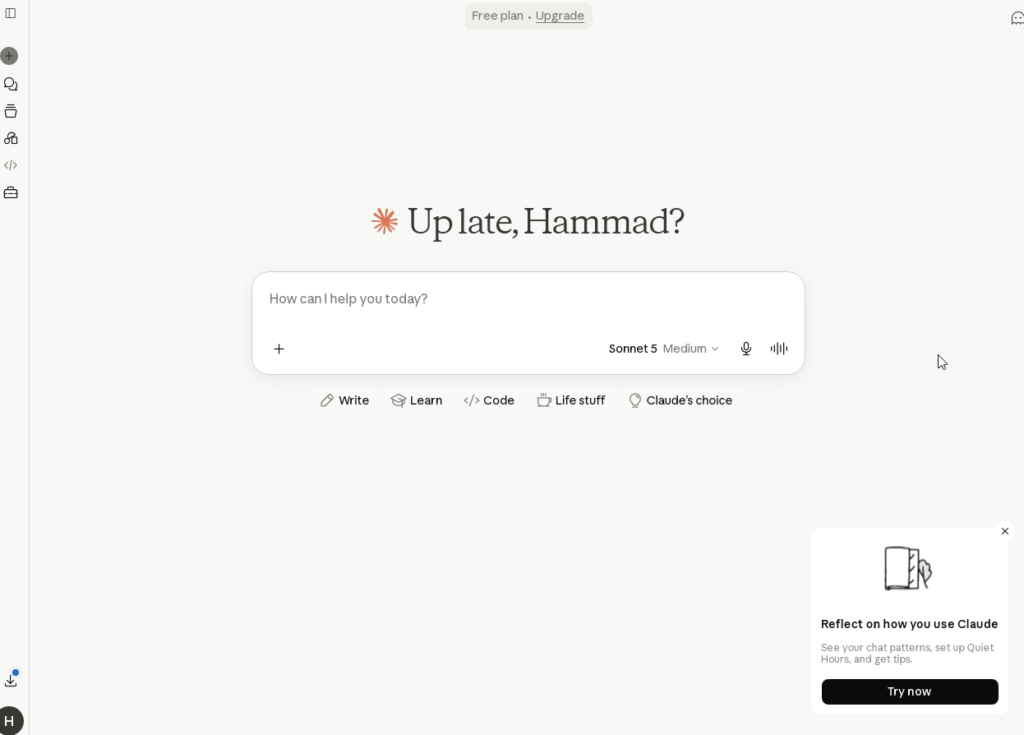
Claude is particularly useful for working with long documents and improving written work.
Students can use it to analyze essays, summarize lengthy readings, or receive feedback on organization and argument structure.
Key Features
- Long-document analysis
- Writing feedback
- Summarization
- Brainstorming
- Code assistance
- Artifacts workspace
How Students Can Use It
A student can upload an essay draft and ask Claude to identify weaknesses in the thesis, structure, transitions, or argument without asking it to rewrite the entire assignment.
Free Plan or Pricing
- Free access: Available with usage limits.
- Claude Pro: Paid subscription with additional access.
Pros
- Strong long-text analysis
- Useful writing feedback
- Good for complex instructions
Cons
- Free usage can be limited
- Students still need to verify factual information
Best For
Students working with long readings, essays, research papers, and detailed written assignments.
Also Read: Claude AI Review 2026: Features, Pricing, Pros & Cons (Complete Guide)
7. Grammarly
Overview
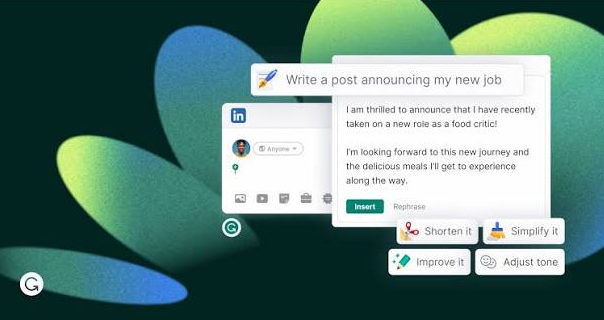
Grammarly is a popular AI writing assistant that focuses on improving written communication.
It can be particularly helpful when students want to polish an essay they have already written.
Key Features
- Grammar checking
- Spelling correction
- Clarity suggestions
- Tone feedback
- Writing improvements
- Plagiarism-related features on eligible plans
How Students Can Use It
Students can use Grammarly while writing essays, emails, applications, and discussion posts to catch grammar and punctuation mistakes.
Free Plan or Pricing
- Free Plan: Basic writing suggestions are available.
- Premium: Additional writing features are available through paid plans.
Pros
- Easy to use
- Works across many writing environments
- Helpful for proofreading
Cons
- Some suggestions may change the student’s natural writing style
- Advanced features require paid access
Best For
Students who want help improving grammar, clarity, and readability.
8. Notion AI
Overview
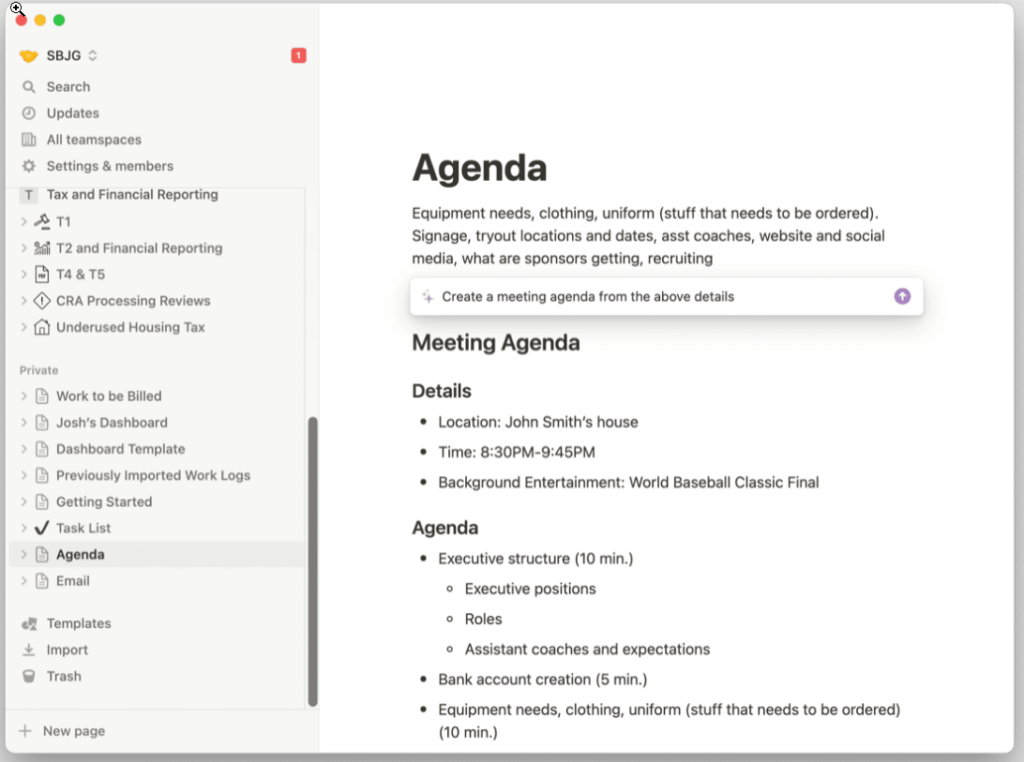
Notion combines notes, task management, databases, and productivity tools in one workspace.
With its AI features, students can use the same workspace for organizing notes and getting AI assistance.
Key Features
- AI-powered summaries
- Note organization
- Workspace Q&A
- Task management
- Study planning
How Students Can Use It
A student can create a separate workspace for each course and keep lecture notes, assignments, deadlines, and revision material together.
Free Plan or Pricing
- Notion: Free plan available.
- AI features and advanced capabilities may require paid access.
Pros
- Combines organization and AI
- Useful for course management
- Flexible workspace
Cons
- Initial setup can take time
- Advanced AI features may require payment
Best For
Students who want one central place for notes, assignments, and study organization.
9. Otter.ai
Overview
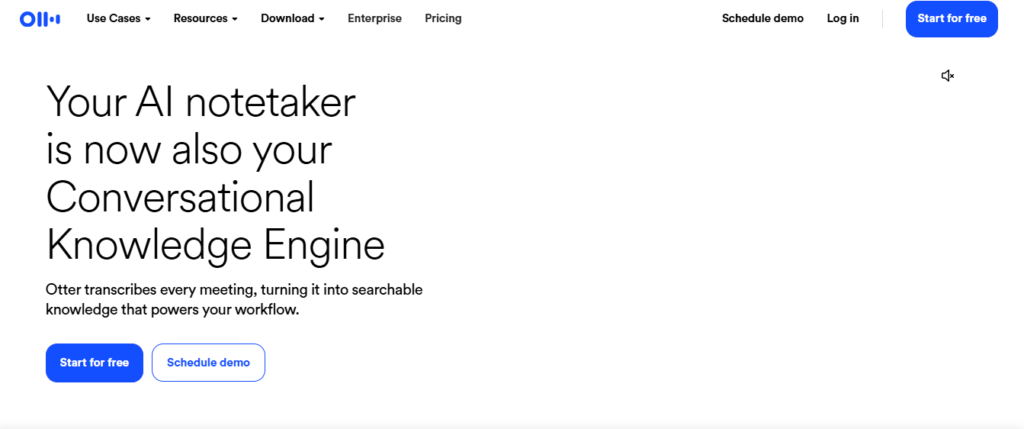
Otter.ai is an AI transcription tool that converts speech into text.
For students, it can be useful for creating searchable transcripts of lectures when recording is permitted.
Key Features
- Live transcription
- Audio recording
- Automated summaries
- Searchable transcripts
- Key discussion points
How Students Can Use It
A student attending a lecture can use Otter to create a transcript and later search through the text to find important sections.
Students should always follow their instructor’s and institution’s rules regarding recording lectures.
Free Plan or Pricing
- Basic Plan: Free usage is available with limits.
- Paid plans provide additional transcription capabilities.
Pros
- Useful for lecture-heavy courses
- Makes recordings searchable
- Can save time when reviewing lectures
Cons
- Accuracy depends on audio quality
- Recording may not be permitted in every classroom
Best For
Students who need help keeping track of lecture discussions and spoken material.
10. Gamma
Overview
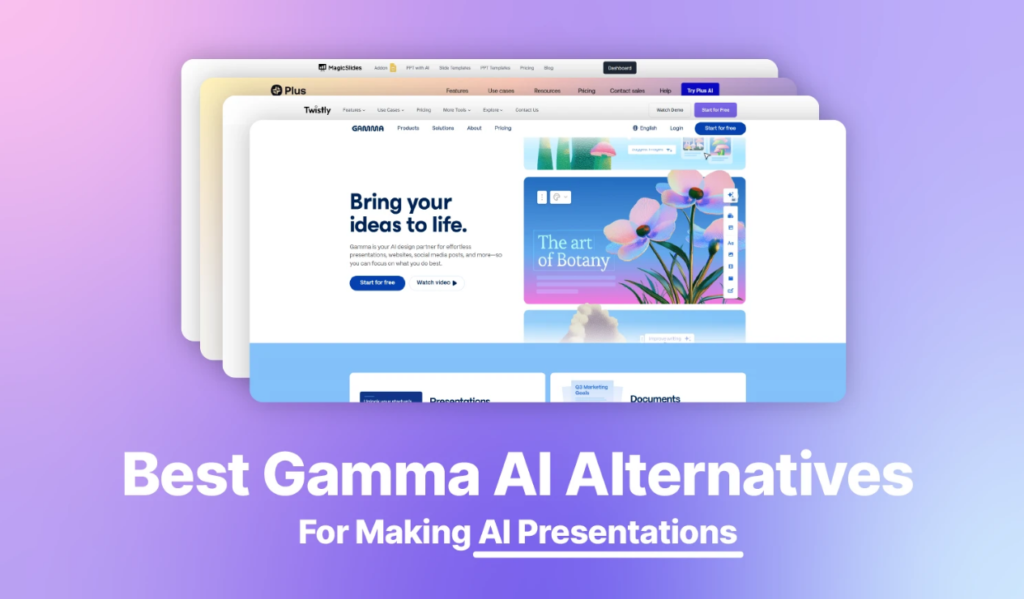
Gamma is an AI presentation tool that can turn an outline or text prompt into a structured presentation.
It can help students get past the time-consuming initial stage of designing slides.
Key Features
- AI presentation generation
- Automated layouts
- Editable cards
- Visual elements
- Interactive content options
How Students Can Use It
A student preparing a 10-minute class presentation can provide an outline and use Gamma to create an initial presentation structure.
The student should then review and edit the generated content.
Free Plan or Pricing
- Free option: Available with limited AI credits/features.
- Paid plans provide additional capabilities.
Pros
- Speeds up presentation creation
- Modern layouts
- Easy to edit
Cons
- Generated content needs review
- Some exports may require additional formatting
Best For
Students who need to create presentations quickly.
Also Read: 15 Best AI Presentation Makers in 2026: Tested & Compared
11. Wolfram Alpha
Overview
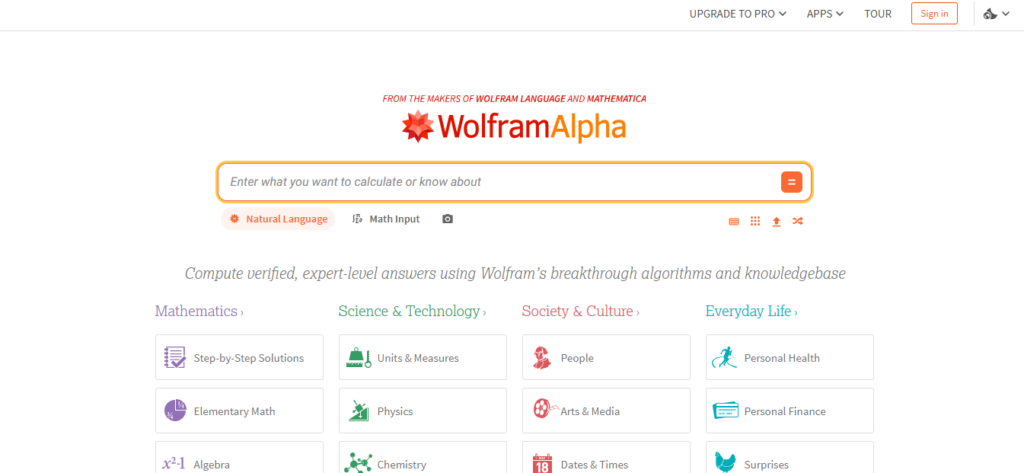
Wolfram Alpha is a computational knowledge engine that is especially useful for mathematics and STEM subjects.
Unlike a normal conversational AI, it is built around computational methods and structured knowledge.
Key Features
- Mathematical calculations
- Step-by-step solutions on eligible plans
- Graphs
- Scientific calculations
- Statistical analysis
How Students Can Use It
Students can enter algebra, calculus, physics, chemistry, and other STEM problems to check calculations and explore how a solution is obtained.
Free Plan or Pricing
- Basic web access is available.
- Advanced features may require a Pro subscription.
Pros
- Strong mathematical capabilities
- Useful for checking calculations
- Helpful for STEM subjects
Cons
- Some advanced features are paid
- Mathematical input can sometimes require precise formatting
Best For
Students studying mathematics, physics, engineering, chemistry, and other STEM subjects.
12. Photomath
Overview
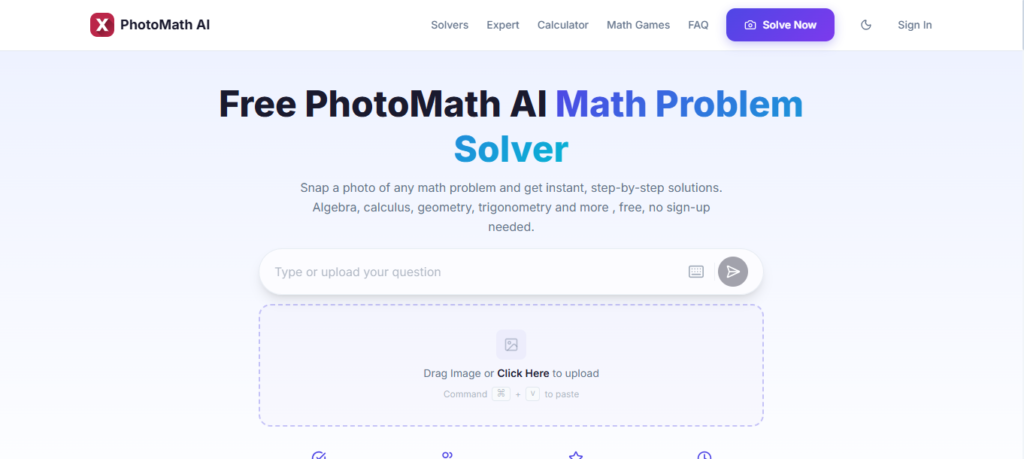
Photomath is designed specifically around mathematics.
Its camera-based input allows students to photograph a mathematical problem and receive an explanation of the solution.
Key Features
- Camera-based problem scanning
- Step-by-step solutions
- Multiple solving approaches
- Visual explanations
How Students Can Use It
If a student gets stuck on an algebra or geometry problem, they can scan the problem and use the explanation to understand the method.
The goal should be learning the process rather than simply copying the answer.
Free Plan or Pricing
- Free version: Core features are available.
- Photomath Plus: Provides additional features through a paid subscription.
Pros
- Easy problem input
- Useful for visual learners
- Helpful for many mathematical topics
Cons
- Primarily designed around mobile use
- Can encourage answer-copying if used incorrectly
Best For
High school and college students who need help understanding mathematical problems.
13. Quizlet AI
Overview
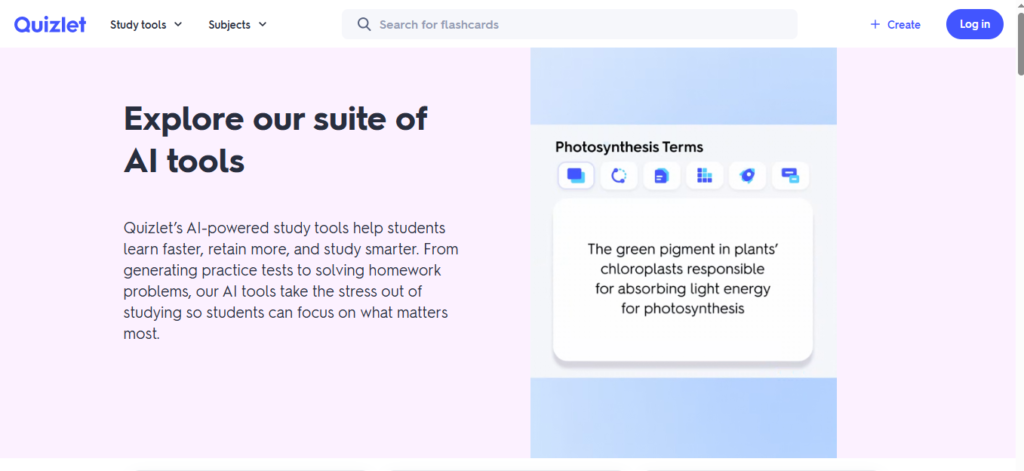
Quizlet is widely used for flashcards and memorization, and its AI features can make study sessions more interactive.
Key Features
- AI tutoring
- Flashcard creation
- Study modes
- Practice questions
- Adaptive learning features
How Students Can Use It
A student can enter biology terms, historical dates, vocabulary, or definitions and use Quizlet’s study features to test their memory.
Free Plan or Pricing
- Free option: Basic study features are available.
- Paid plans provide additional AI and study capabilities.
Pros
- Excellent for memorization
- Easy to use
- Large existing collection of study material
Cons
- Advanced features may require payment
- Public user-created material may contain errors
Best For
Students preparing for vocabulary-heavy exams and subjects that require memorization.
14. RemNote
Overview
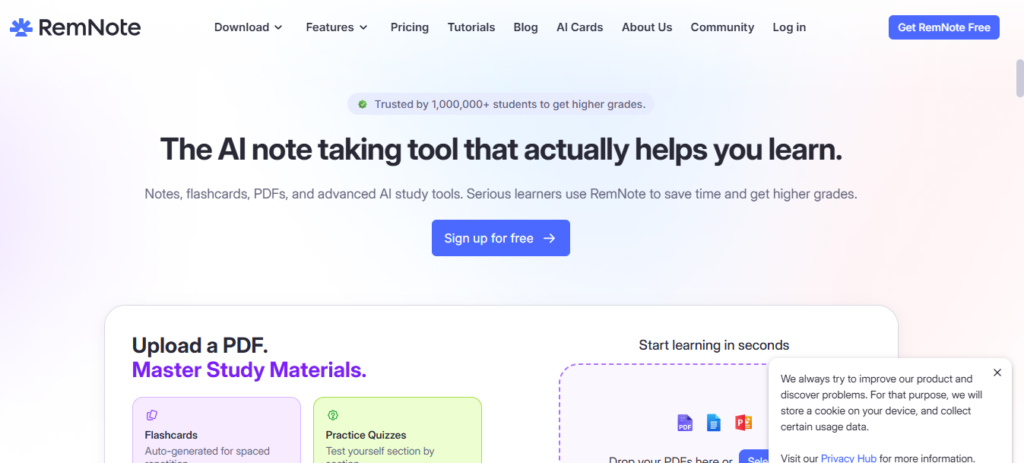
RemNote combines note-taking with spaced repetition.
This makes it particularly useful for students who need to remember large amounts of information over a long period.
Key Features
- Spaced repetition
- Flashcard creation
- Structured notes
- PDF annotation
- Knowledge organization
How Students Can Use It
Students can create notes while studying and turn important information into flashcards.
The spaced-repetition approach then helps them review information at appropriate intervals.
Free Plan or Pricing
- Free Plan: Available with core note-taking and flashcard features.
- Paid plans provide additional functionality.
Pros
- Combines notes and flashcards
- Useful for long-term learning
- Helpful for information-heavy subjects
Cons
- Learning the system can take some time
- May feel complicated for students who only need simple flashcards
Best For
Medical, law, STEM, and other students who need long-term retention.
15. Canva AI
Overview
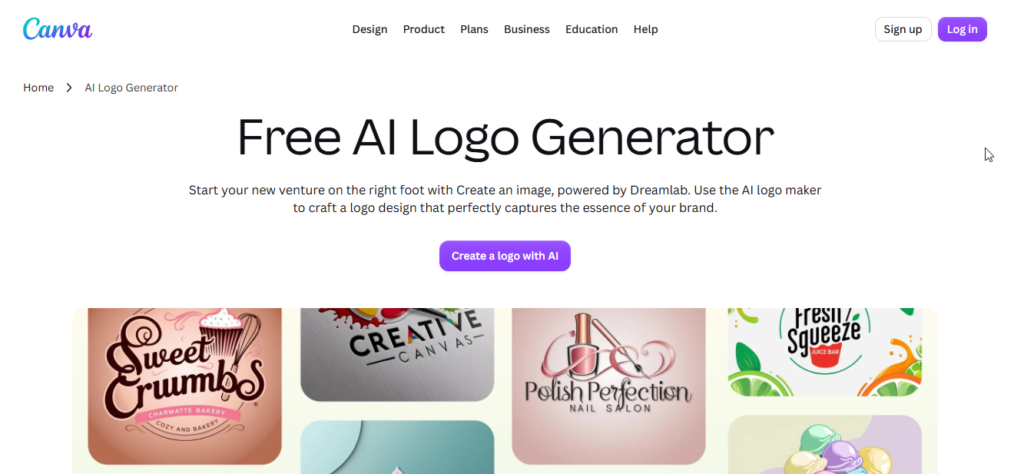
Canva is a popular design platform with AI-powered features that can help students create visual projects.
It is useful for presentations, posters, infographics, diagrams, and other visual assignments.
Key Features
- AI presentation design
- Visual content creation
- Infographic tools
- Poster design
- AI editing features
How Students Can Use It
A student creating a science project or historical timeline can use Canva to develop the visual structure and then customize the information according to their assignment.
Free Plan or Pricing
- Free Plan: Available with many basic design features.
- Education and Pro options may provide additional capabilities depending on eligibility.
Pros
- Beginner-friendly
- Large selection of templates
- Useful for visual assignments
Cons
- Not designed primarily for research or mathematical problem solving
- Some advanced features require paid access
Best For
Students creating presentations, posters, infographics, and other visual projects.
Alos Read: 15 Best AI Logo Makers in 2026: Compared
Best AI Tools for Different Student Needs
Different students have different requirements, so there is no single tool that is perfect for everyone.
Best AI Tool for Research
Winner: Perplexity AI / Elicit / Consensus AI
Perplexity is useful for current web research, while Elicit and Consensus are better suited to academic literature and research papers.
Best AI Tool for Writing
Winner: Claude / Grammarly
Claude can provide detailed feedback on structure and arguments, while Grammarly is useful for grammar, clarity, and proofreading.
Best AI Tool for Note-Taking
Winner: NotebookLM
NotebookLM is particularly useful when students want to work directly with their own course documents and notes.
Best AI Tool for Presentations
Winner: Gamma
Gamma can help students turn an outline into a presentation structure without spending hours on initial slide formatting.
Best AI Tool for Mathematics
Winner: Wolfram Alpha / Photomath
Wolfram Alpha is useful for computational mathematics and STEM, while Photomath provides a convenient camera-based approach to mathematical problems.
Best AI Tool for Productivity
Winner: Notion AI
Notion AI is useful for students who want to keep notes, tasks, schedules, and course information together.
Best Free AI Tool for Students
Winner: NotebookLM
For students working with their own study material, NotebookLM offers a useful combination of document analysis and study features.
Best AI Study Assistant
Winner: ChatGPT
ChatGPT can adapt to many subjects and learning situations, making it a flexible option for explanations, brainstorming, coding, and practice.
Free AI Tools for Students
Students do not necessarily need to pay for several AI subscriptions.
A useful free study setup can include:
- NotebookLM: For working with course notes and documents
- ChatGPT: For explanations, brainstorming, and tutoring
- Perplexity: For web research and source discovery
- Wolfram Alpha: For basic computational questions
- Canva: For presentations and visual projects
- Grammarly: For basic grammar and writing checks
Understanding Free Plan Limitations
Free AI tools can be very useful, but students should understand that free plans may come with restrictions.
1. Usage Limits
Some platforms limit the number of queries, uploads, or advanced requests available to free users.
2. Feature Restrictions
Advanced capabilities may only be available on paid plans.
3. Model Restrictions
Some services may provide different AI models or capabilities depending on the user’s subscription.
For most students, it makes sense to start with free plans and only upgrade when a specific limitation becomes a genuine problem.
How to Use AI for Studying Without Hurting Your Learning
The most effective way to use AI is to make it part of the learning process rather than allowing it to replace that process.
1. Ask for Explanations Instead of Answers
Instead of asking:
“Solve this homework problem for me.”
Try:
“Explain the concept behind this problem and give me a similar example that I can solve myself.”
2. Use AI for Active Recall
Give the AI your study material and ask it to quiz you one question at a time.
Try answering before looking at the explanation.
3. Ask for Step-by-Step Reasoning
When you are stuck on mathematics or physics, ask why each step is being performed instead of simply requesting the final result.
4. Verify Important Information
Always check important facts against your textbook, professor’s material, official documentation, or reliable academic sources.
5. Explain the Topic Yourself
After studying an AI explanation, close the AI tool and explain the concept in your own words.
This is a much better test of understanding than simply reading an AI-generated summary.
6. Follow Academic Rules
If your university or teacher restricts AI use, follow those rules.
7. Think of AI as a Tutor
Use AI as a study partner that asks questions, explains difficult ideas, gives hints, and helps you practice.
Do not let it do all the thinking for you.
Common Mistakes Students Make When Using AI
Even useful AI tools can become counterproductive when they are used incorrectly.
Here are some common mistakes to avoid:
- Copying AI-generated text without understanding it
- Trusting every AI-generated fact
- Using AI to complete every homework problem
- Ignoring your instructor’s AI rules
- Uploading private or confidential information
- Paying for several tools that perform similar tasks
- Using AI summaries instead of reading important original material
- Depending on AI instead of developing your own problem-solving skills
The goal should be to use AI to make learning more effective—not to remove the learning process completely.
Frequently Asked Questions
What is the best AI tool for students in 2026?
There is no universal winner because different tools solve different problems.
NotebookLM is particularly useful for studying personal course materials, ChatGPT is a flexible general study assistant, and Perplexity is useful for web-based research.
What is the best free AI tool for students?
NotebookLM is a strong option for students who want to work with their own notes, PDFs, and course documents.
Other useful free options include ChatGPT, Perplexity, Canva, Grammarly, and Wolfram Alpha.
Can students use ChatGPT for studying?
Yes. Students can use ChatGPT to understand difficult concepts, brainstorm ideas, practice questions, learn programming, and get explanations.
However, students should avoid using it to produce work that they are expected to complete themselves, especially when their institution prohibits such use.
Which AI tool is best for research?
For general web research, Perplexity is useful.
For academic literature, Elicit and Consensus are more specialized options.
Which AI tool is best for writing assignments?
Claude can be useful for feedback on structure, arguments, and clarity, while Grammarly is useful for proofreading and grammar.
Students should use these tools to improve their own writing rather than submitting AI-generated assignments as their own.
Which AI tool is best for making presentations?
Gamma is useful for generating an initial presentation structure, while Canva AI is better suited to visual design, graphics, posters, and presentation customization.
Can AI help with mathematics?
Yes.
Wolfram Alpha is useful for computational mathematics and STEM subjects, while Photomath allows students to scan mathematical problems and review solution steps.
The best approach is to understand the method instead of copying the final answer.
Are AI tools allowed for student assignments?
It depends on the school, university, instructor, and specific assignment.
Some instructors allow AI for brainstorming or editing, while others may restrict it completely.
Always check the relevant academic policy before using AI.
Can AI replace a teacher?
No.
AI can provide explanations, practice questions, feedback, and study assistance, but teachers and professors provide human guidance, context, mentorship, and educational judgment that AI cannot fully replace.
Are paid AI study tools worth it?
For many students, free plans are enough for everyday studying.
A paid subscription may be worthwhile when a student regularly needs advanced research, higher usage limits, specialized mathematical features, or other capabilities that are unavailable on the free plan.
Conclusion
In 2026 the world of education offers students digital study tools than ever before. I have found that the best AI tools for students are not always the ones with the features. Instead the best AI tools for students fit easily into a students routine. These AI tools for students help students learn better. These AI tools for students keep things organized. These AI tools for students help students finish tasks faster.
When students review class notes and course materials I recommend NotebookLM because it works directly with the files students upload. For help with studying explaining concepts brainstorming ideas and coding support I suggest ChatGPT. Students working on research projects can use Perplexity Elicit and Consensus. Claude and Grammarly also help students with writing and correcting mistakes.
When students need to create presentations or visual projects I find Gamma and Canva AI save students a lot of time. Students taking math or science classes might find Wolfram Alpha and Photomath very helpful for understanding concepts and checking how to solve problems.
I believe AI should be seen as a helper not a substitute for learning. Students must check information follow school rules, about AI protect their details and keep working on their writing thinking and problem‑solving skills.
I suggest starting by choosing tools that match what students need and adding paid features when those features truly help. When students use AI in this way AI can make studying more organized and easier while still keeping learning in the hands of the student.
Related Articles
Best AI Video Generators 2026
Compare the best AI video generators for marketing, YouTube, social media, presentations.
Best AI Image Generators 2026: 12 Best AI Art Tools Compared
Explore the leading AI image generators for creating stunning artwork, logos, and realistic visuals.
Best AI Chatbots 2026: 10 Best AI Assistants Compared
Find the best AI chatbots for productivity, research, coding, and everyday tasks.
Best AI Productivity Tools 2026: Features, Pricing, Pros & Cons
Find the top free & paid AI productivity apps
15 Best AI Resume Builder Tools in 2026: Tested & Compared
AI resume builder tools. Compare features, pricing, ATS optimization.
15 Best AI Presentation Makers in 2026: Tested & Compared
Discover the best AI presentation makers.
15 Best AI Voice Generators in 2026: Compared
Discover the best AI voice generators
15 Best AI Marketing Tools in 2026: Compared
Explore the best AI marketing tools for SEO

Pingback: 25 Best Free AI Tools in 2026: Top Picks Compared - AI Crest Lab