Introduction (Best AI Presentation)
Creating a presentation can take many hours. You must organize your ideas write slide content choose a design adjust layouts add visuals and ensure everything looks consistent.
AI presentation makers are changing that process. AI presentation makers are changing how we create presentations.
Of starting with a blank PowerPoint or Google Slides file you can give an AI tool a topic, outline, document or simple prompt and let it create an initial presentation, for you. Many platforms can generate slide structures write or summarize content suggest visuals and automatically organize the design.
Also Read: 25 Best Free AI Tools (Tested & Reviewed)
These tools can be useful for:
- Business presentations
- Investor pitch decks
- Marketing presentations
- School and university projects
- Training materials
- Sales proposals
- Research presentations
- Company reports
However, every AI presentation maker has different strengths. Some are better for visual design, some work directly inside PowerPoint or Google Slides, while others focus on online presentations and collaboration.
In this guide, we’ll look at 15 popular AI presentation makers in 2026, comparing their features, pricing, presentation quality, customization, export options, and ideal use cases.
Table of Contents
Quick Comparison: 15 Best AI Presentation Makers
| Tool | Best For | Free Option | Starting Price* | Export | Rating |
|---|---|---|---|---|---|
| Gamma | Web presentations | Yes | ~$10/month | PPTX, PDF, Web | 4.8/5 |
| Canva | Design & templates | Yes | ~$15/month | PPTX, PDF, MP4 | 4.7/5 |
| Beautiful.ai | Business presentations | Trial | ~$12/month annually | PPTX, PDF | 4.6/5 |
| Tome | Interactive presentations | Yes | ~$10–$16/month | PDF, PPTX, Web | 4.3/5 |
| Plus AI | PowerPoint & Google Slides | Trial | ~$10/month | PPTX, Google Slides | 4.5/5 |
| SlidesAI | Text-to-slides | Yes | ~$8.33/month annually | PPTX, Google Slides | 4.1/5 |
| Microsoft Copilot | Microsoft 365 users | Paid ecosystem | ~$18–$30/user/month | PPTX | 4.4/5 |
| Google Gemini | Google Workspace | Plan dependent | Plan dependent | PPTX, PDF | 4.2/5 |
| Pitch | Team collaboration | Yes | ~$20/user/month annually | PPTX, PDF, Web | 4.6/5 |
| Prezi AI | Dynamic presentations | Yes | ~$7/month annually | PDF, Web | 4.2/5 |
| Visme | Data visualization | Yes | ~$12.25/month annually | PPTX, PDF, HTML5 | 4.4/5 |
| Simplified | Marketing content | Yes | ~$10–$18/month | PPTX, PDF, Video | 4.0/5 |
| Decktopus | Sales & education | Yes | ~$14.99/month annually | PPTX, PDF | 4.2/5 |
| Slidesgo AI | Students & teachers | Yes | ~$3–$5/month | PPTX, PDF | 4.1/5 |
| Presentations.AI | Corporate decks | Yes | ~$16.50/month annually | PPTX, PDF, Web | 4.3/5 |
Note: Prices and limits can change. Check the provider’s official website before purchasing. The table is a rewritten version of the source comparison.
1. Gamma
Overview
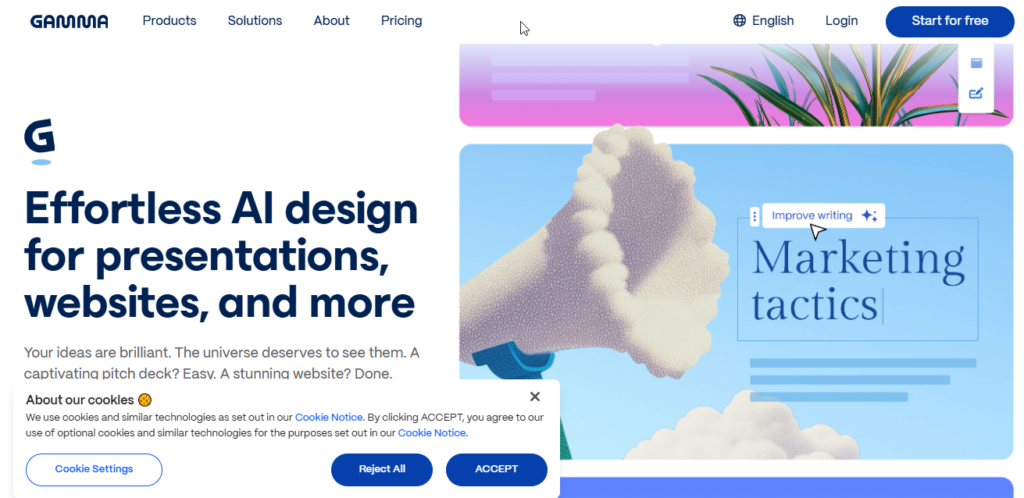
Gamma is one of the choices when you need to make a presentation fast and don’t want to spend hours arranging slides.
Unlike the way of building slide by slide Gamma works with flexible content cards. These cards can hold text, pictures, charts, videos and more.
You can begin with a basic idea or an outline and Gamma will turn it into a well-organized presentation without much effort.
Key Features
Prompt-to-presentation: Enter a topic or paste an outline and Gamma can generate a complete deck.
Flexible card-based design: Content blocks automatically adjust according to the amount of text and media.
AI rewriting: You can ask the AI to shorten, expand, summarize, or rewrite slide content.
Interactive content: Web presentations can include videos, charts, and other embedded content.
AI image generation: The platform can also create visual assets for presentations.
Design Quality
Gamma is particularly good at producing modern-looking presentations without requiring extensive design knowledge.
Its layouts generally maintain good spacing, typography, and visual hierarchy. The main trade-off is that it doesn’t offer the same pixel-level freedom as traditional PowerPoint.
Export Options
Gamma supports web sharing and exports such as PDF and PowerPoint. However, some interactive web elements may become static when converted into PPTX.
Free Plan & Pricing
The original draft lists a free option with limited AI credits and paid plans beginning around $10/month. Because plans and limits can change, check Gamma’s current pricing before publishing exact figures.
Pros
- Very fast presentation generation
- Modern visual design
- Easy to use
- Excellent for web-based presentations
- Useful AI editing features
Cons
- Less control than PowerPoint
- Some interactive elements don’t remain interactive after export
- Free usage is limited
Best For
Best for: Founders, marketers, consultants, and anyone who needs attractive presentations quickly.
Our Rating: 4.8/5
2. Canva
Overview
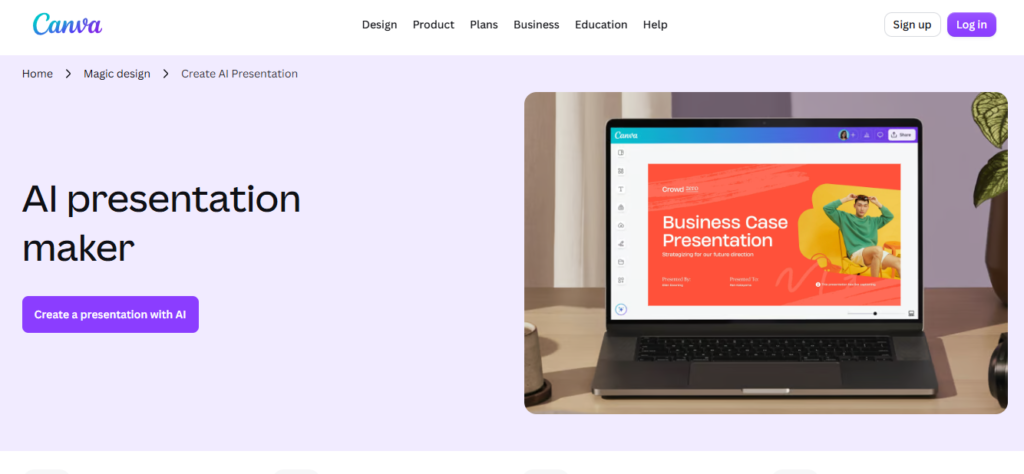
Canva is already one of the most popular online design platforms, and its AI presentation features make it an excellent option for people who want both automation and creative control.
Unlike some AI presentation generators that focus mainly on automatically building a deck, Canva gives you access to a huge ecosystem of templates, images, icons, graphics, videos, and design elements.
Key Features
Magic Design: Generate presentation concepts from a simple description.
Magic Write: Create, rewrite, summarize, or improve slide text.
AI image generation: Create custom visuals without leaving the editor.
Magic Switch: Repurpose presentation content into other formats.
Design Quality
Canva’s biggest advantage is visual flexibility.
You can start with an AI-generated presentation and then manually adjust virtually every part of the design.
This makes Canva particularly useful when branding and visual presentation matter.
Export Options
Depending on the design and plan, Canva supports formats such as:
- PowerPoint
- PNG/JPEG
- MP4
- Shareable web presentations
The source article highlights Canva’s broad export and design ecosystem.
Free Plan & Pricing
Canva has a functional free plan, while Canva Pro provides additional premium templates, assets, and AI capabilities.
Exact AI limits and pricing can change, so check the current Canva plan before publishing exact numbers.
Pros
- Huge template library
- Excellent design flexibility
- Large stock media library
- Multiple export formats
- Beginner-friendly
Cons
- AI-generated text may require editing
- More complex designs can require manual adjustment
- Some useful assets are premium
Best For
Best for: Students, designers, marketers, content creators, and anyone who wants AI assistance with complete design control.
Our Rating: 4.7/5
3. Beautiful.ai
Overview
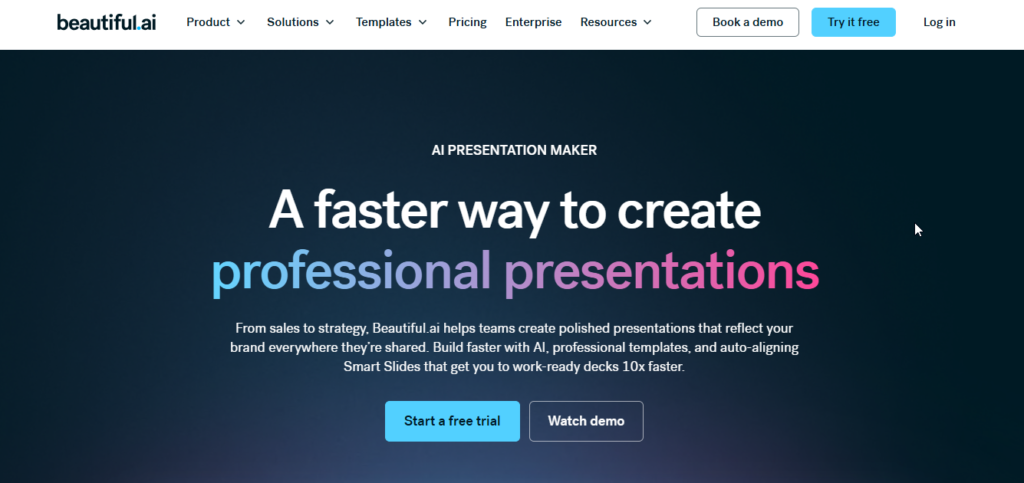
Beautiful.ai takes a different approach from Canva.
Than letting users move everything on the slide however they want it follows automatic design rules to keep things neat and tidy.
The Smart Slides feature, in Beautiful ai changes the spacing, the size and the position automatically when you add or take away content.
Key Features
Smart Slides: Automatically maintain alignment and spacing.
AI presentation generation: Create initial slides from prompts.
AI writing assistance: Rewrite and shorten presentation text.
Automatic data formatting: Charts and visual elements can adjust as information changes.
Design Quality
Beautiful.ai is particularly strong for business presentations.
The platform is designed to prevent common problems such as:
- Misaligned elements
- Inconsistent spacing
- Overcrowded slides
- Poor visual hierarchy
This makes it useful for people who want professional-looking presentations without becoming a design expert.
Templates
The platform focuses heavily on business-oriented templates for:
- Sales presentations
- Business proposals
- Pitch decks
- Reports
- Company presentations
Export
The source article lists PowerPoint, PDF, and Google Slides-related export options.
Pros
- Excellent automatic formatting
- Professional business designs
- Good PowerPoint support
- Easy to maintain consistency
Cons
- Less creative freedom
- Trial-based access may be limiting
- Not ideal for highly artistic presentations
Best For
Best for: Corporate teams, consultants, sales professionals, and executives.
Our Rating: 4.6/5
4. Tome
Overview
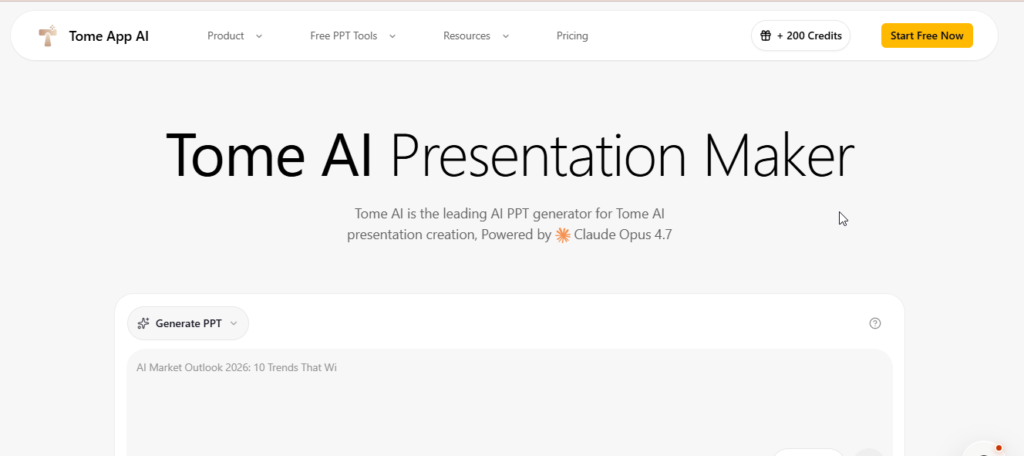
Tome is designed for people who want presentations to feel more like interactive digital stories rather than traditional PowerPoint slides.
It combines presentation-style layouts with web-based content and interactive elements.
Key Features
- Prompt-based presentation generation
- Document-to-presentation creation
- Interactive web embeds
- AI-generated visuals
- Viewer analytics
You can use interactive content such as videos, prototypes, and web elements to make presentations more engaging.
Presentation Quality
Tome’s layouts are modern and particularly suitable for online presentations.
It works well for product demonstrations, startup pitches, and research presentations where interactive content is useful.
Pros
- Modern presentation style
- Interactive web content
- Useful analytics
- Good for online presentations
Cons
- Less suitable for traditional printed presentations
- Interactive features may not transfer perfectly to PPTX
Best For
Best for: Startup founders, product managers, and teams creating interactive online presentations.
Our Rating: 4.3/5
5. Plus AI
Overview
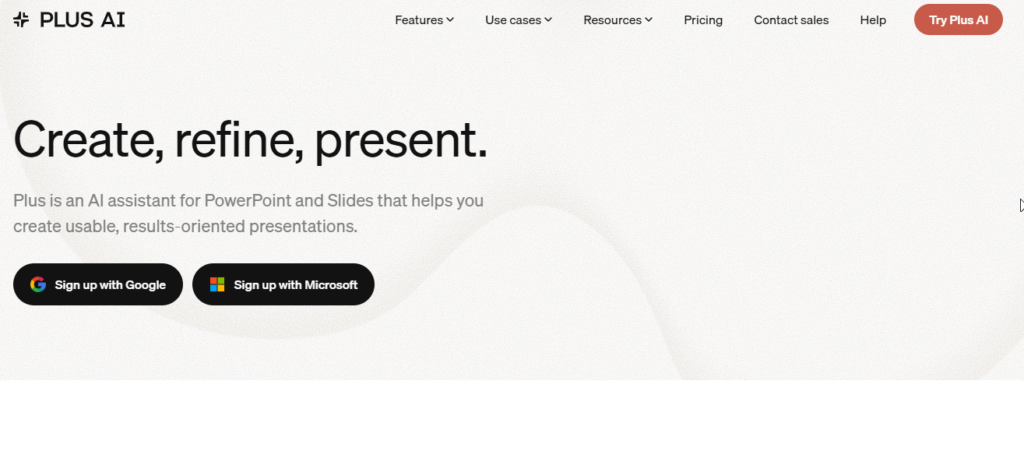
Plus AI is particularly interesting for people who don’t want to leave PowerPoint or Google Slides.
Instead of creating a presentation in a separate web editor and exporting it later, Plus AI works within your existing presentation workflow.
Key Features
- AI-generated slides
- Document-to-slide conversion
- Existing presentation improvement
- Slide restructuring
- Business-focused layouts
You can use it to create new slides or improve existing content.
Why It Stands Out
The biggest advantage is native workflow compatibility.
If your company already uses PowerPoint or Google Slides, you don’t necessarily need to learn another presentation platform.
Pros
- Works inside existing presentation software
- Editable slides
- Good business layouts
- Useful for corporate workflows
Cons
- Requires compatible presentation software
- Less focused on highly creative design
Best For
Best for: Business analysts, consultants, corporate employees, and PowerPoint-heavy users.
Our Rating: 4.5/5
6. SlidesAI
Overview
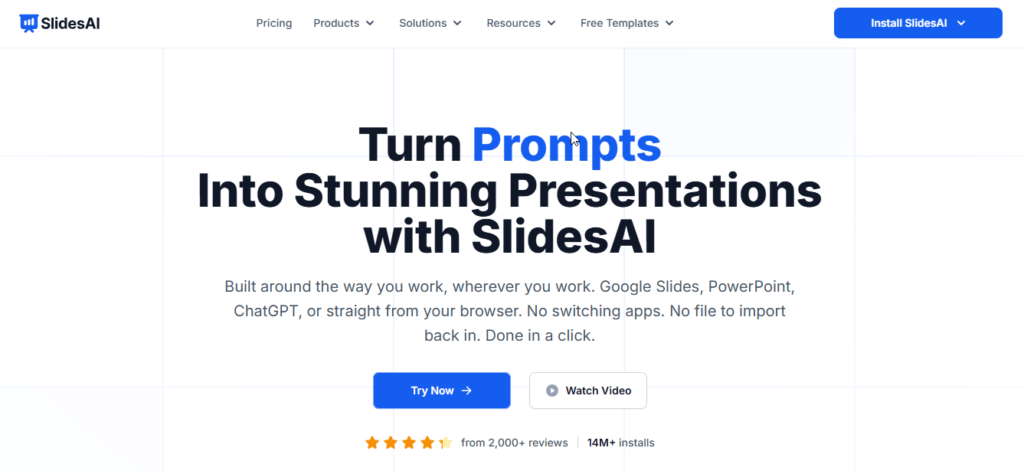
SlidesAI focuses on a straightforward idea: take your existing text and turn it into presentation slides.
This makes it especially useful for students, teachers, researchers, and bloggers who already have written content but don’t want to manually convert it into slides.
Key Features
- Text-to-slide conversion
- Automatic content summarization
- Slide structure generation
- Icon suggestions
- Multiple language support
- Google Slides integration
Presentation Quality
SlidesAI prioritizes simplicity rather than advanced visual effects.
The generated presentations may not look as visually impressive as Gamma or Canva, but the structure is generally practical and easy to edit.
Best Use Case
For example, if you already have a 2,000-word research document, SlidesAI can help turn the main ideas into a presentation structure instead of requiring you to copy and organize everything manually.
Pros
- Easy to use
- Good for converting text into slides
- Works with Google Slides
- Affordable compared with some alternatives
Cons
- Less advanced visual design
- Input limits may apply
- Some customization still requires manual work
Best For
Best for: Students, teachers, researchers, and users who already have written content.
Our Rating: 4.1/5
7. Microsoft Copilot for PowerPoint
Overview
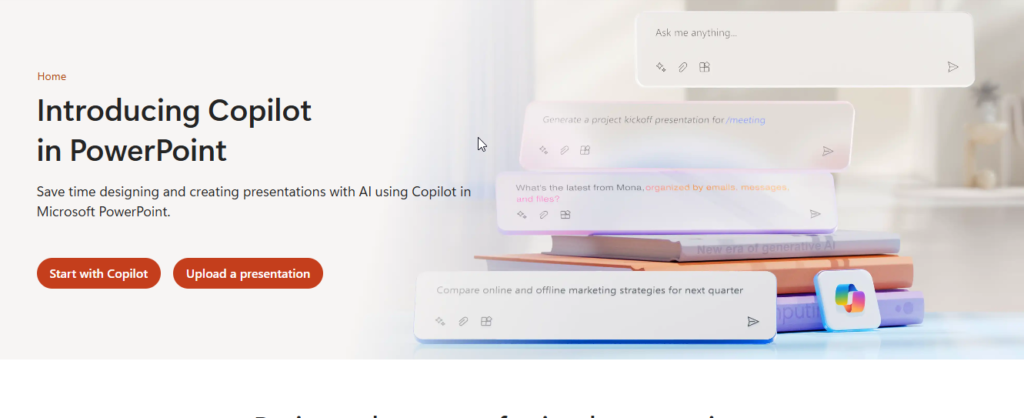
Microsoft Copilot brings AI assistance directly into the Microsoft 365 environment.
For organizations that already use Word, PowerPoint, Excel, and OneDrive, this can be a major advantage.
Instead of copying information from one tool to another, Copilot can use existing Microsoft 365 content as part of the presentation workflow.
Key Features
- Word document to PowerPoint
- AI-generated slides
- Slide summaries
- Speaker notes
- Corporate branding support
Presentation Quality
Copilot is particularly suitable for professional and corporate presentations.
The final appearance depends heavily on the PowerPoint template and branding system being used.
Why Businesses May Prefer It
Businesses often already have established:
- Brand colors
- Fonts
- PowerPoint templates
- Company logos
- Document libraries
Copilot can work within that existing environment instead of requiring the organization to move to another platform.
Pros
- Excellent Microsoft 365 integration
- Native PowerPoint workflow
- Strong corporate use case
- Full PowerPoint editing remains available
Cons
- Can be expensive for individual users
- Requires Microsoft 365 ecosystem
- Less useful if you don’t use PowerPoint regularly
Best For
Best for: Businesses, executives, enterprise users, and organizations already using Microsoft 365.
Our Rating: 4.4/5
8. Google Gemini for Presentations
Overview
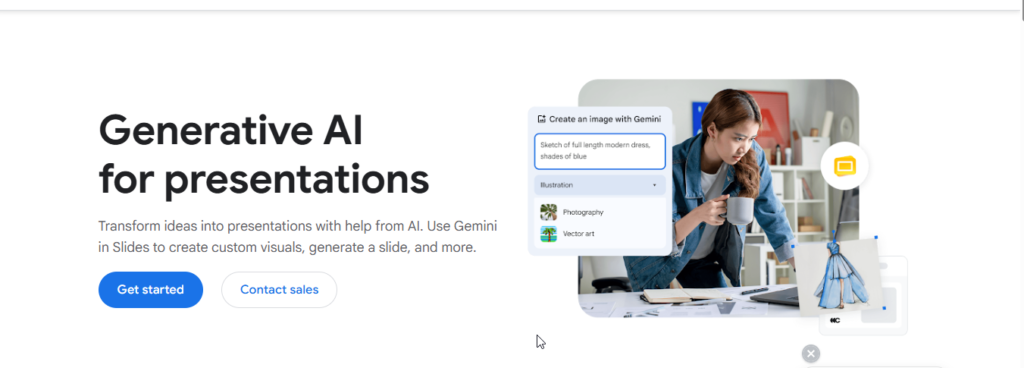
Google Gemini brings AI capabilities into the Google Workspace environment.
For users who already rely on Google Docs, Drive, and Slides, Gemini can provide a convenient way to generate and improve presentation content without constantly switching platforms.
Also Read: Best AI Meeting Assistants in 2026
Key Features
- AI-generated slide content
- Text rewriting and summarization
- Google Docs integration
- Image generation
- Google Slides editing
Presentation Quality
Gemini generally focuses on clean and straightforward presentation designs.
It may not provide the same design variety as Canva, but users get the advantage of working inside the Google ecosystem.
Pros
- Google Workspace integration
- Easy collaboration
- Useful writing assistance
- Convenient for Google Slides users
Cons
- Designs may require manual improvement
- Advanced features depend on plan availability
- Less design-focused than Canva
Best For
Best for: Students, professionals, and teams already using Google Workspace.
Our Rating: 4.2/5
9. Pitch
Overview
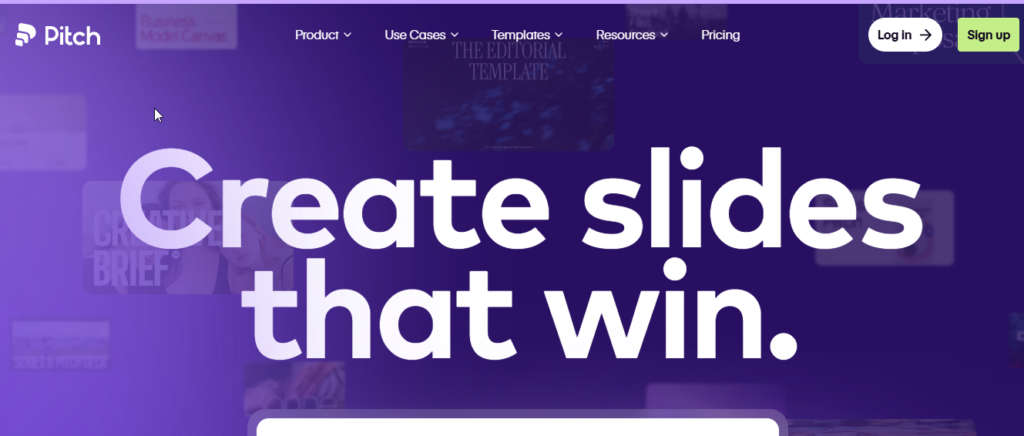
Pitch is designed around collaboration.
It combines AI-assisted presentation creation with team editing, brand controls, and presentation sharing.
This makes it especially useful for startups, marketing teams, agencies, and companies where several people work on the same deck.
Key Features
- AI presentation generation
- AI writing assistance
- Brand controls
- Team collaboration
- Presentation analytics
- Web publishing
Design Quality
Pitch has a modern visual style that works particularly well for startup and marketing presentations.
Teams can maintain consistent colors, typography, and branding across their decks.
Pros
- Excellent collaboration
- Modern templates
- Strong branding features
- Useful presentation analytics
Cons
- Paid plans can become expensive for larger teams
- AI usage may have limits
Best For
Best for: Startups, marketing agencies, product teams, and collaborative workplaces.
Our Rating: 4.6/5
10. Prezi AI
Overview
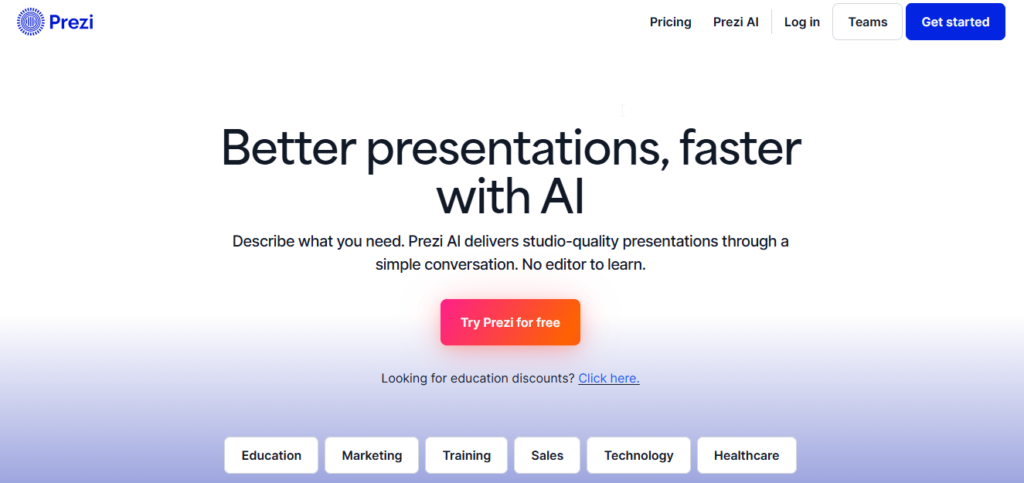
Prezi AI is different from traditional presentation software because Prezi is built around a dynamic, zoomable canvas.
Instead of moving from Slide 1 to Slide 2 to Slide 3, presentations can move between topics and zoom into specific areas.
Key Features
- AI presentation generation
- Zoom-based visual storytelling
- Topic and subtopic mapping
- Prezi Video integration
- Interactive presentation structure
Presentation Quality
Prezi can make presentations more engaging when the subject benefits from showing relationships between different ideas.
For example, a teacher explaining a complex topic can start with the big picture and then zoom into individual concepts.
Pros
- Unique visual presentation style
- Good for educational presentations
- Strong storytelling potential
- Useful for virtual presentations
Cons
- Too much movement can become distracting
- Not ideal for traditional PowerPoint workflows
- Requires adjustment for users accustomed to normal slides
Best For
Best for: Teachers, trainers, speakers, and presenters who want a more dynamic visual experience.
Our Rating: 4.2/5
11. Visme
Overview
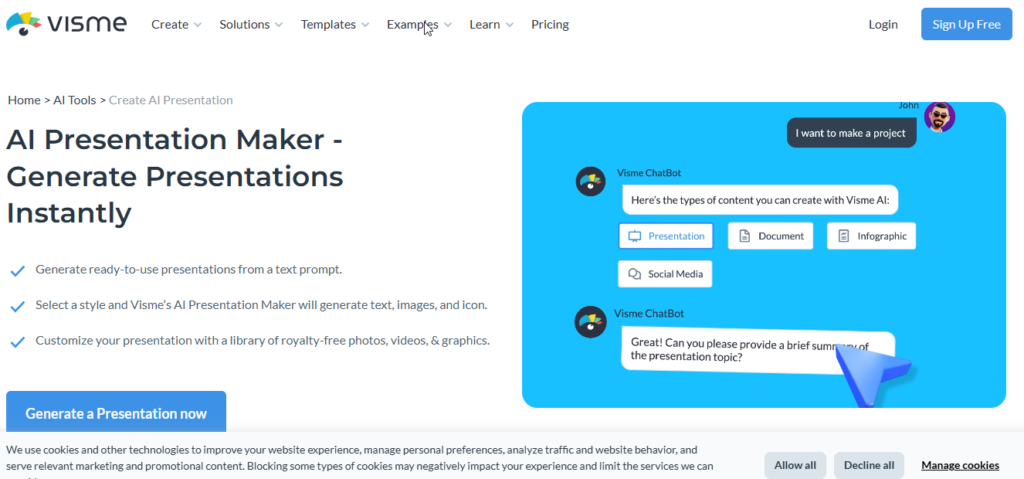
Visme is more than a presentation generator.
It is a visual content platform that combines presentations with infographics, charts, diagrams, and other visual communication tools.
This makes it especially useful when your presentation contains a lot of data.
Key Features
- AI presentation generation
- Charts and graphs
- Infographics
- Data visualization
- Brand controls
- Stock images and graphics
Presentation Quality
Visme is particularly strong when you need to explain numbers visually.
Instead of filling a slide with a large table of figures, you can turn the information into charts, diagrams, or visual callouts.
Customization
Users have extensive control over presentation elements, including charts, shapes, graphics, animations, and branding.
Pros
- Excellent data visualization
- Strong graphic design capabilities
- Multiple export formats
- Good for research and business reports
Cons
- More features mean a slightly steeper learning curve
- Some advanced exports require paid plans
Best For
Best for: Researchers, marketers, analysts, educators, and anyone creating data-heavy presentations.
Our Rating: 4.4/5
12. Simplified
Overview
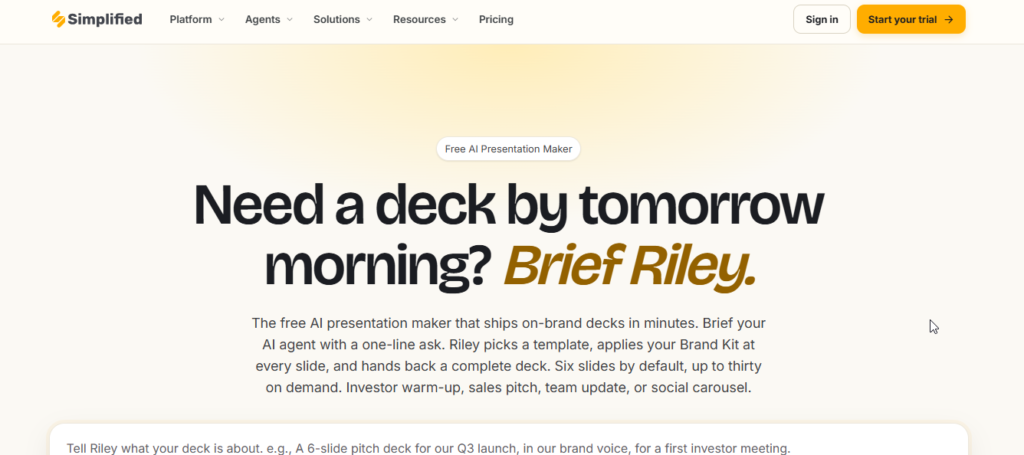
Simplified combines AI writing, graphic design, social media tools, and presentation creation in one platform.
For marketers and small businesses, this can be useful because presentation creation is only one part of the content workflow.
Key Features
- AI slide generation
- AI copywriting
- Marketing content creation
- Brand kits
- Multi-format resizing
- Social media design tools
Presentation Quality
Simplified is best suited to marketing-focused presentations, promotional decks, internal presentations, and social content.
It may not be the strongest option for highly technical corporate reports, but it can save time for marketers who need multiple types of content.
Pros
- Multiple marketing tools in one platform
- Easy content repurposing
- Useful for small businesses
- Budget-friendly options
Cons
- Less specialized for complex data
- Generated layouts may need manual editing
Best For
Best for: Social media managers, marketers, freelancers, and small business owners.
Our Rating: 4.0/5
13. Decktopus
Overview
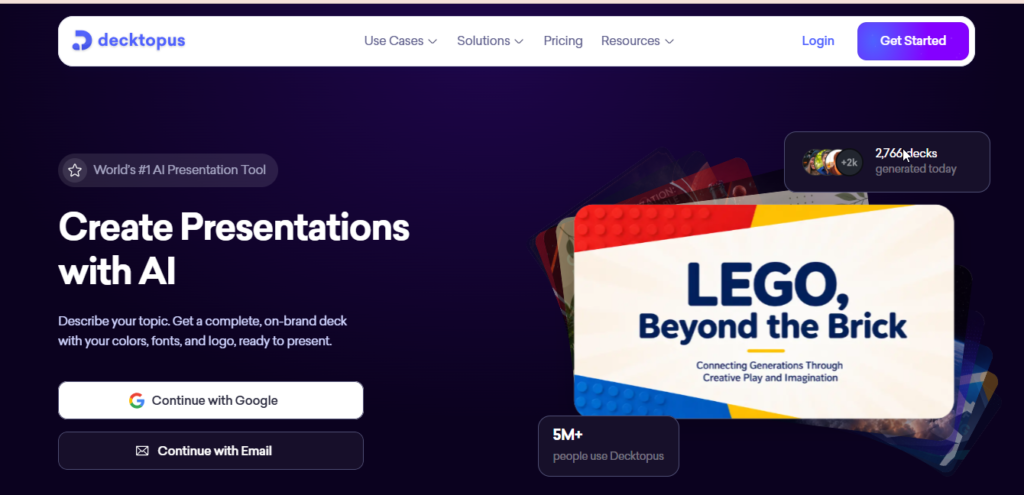
Decktopus takes a guided approach to presentation creation.
Instead of simply asking you for a topic, it can ask about your audience, presentation objective, and desired style before generating the deck.
This approach can help create more focused presentations.
Key Features
- Audience-focused presentation generation
- Speaker notes
- Presentation scripts
- Interactive forms
- Lead capture
- Voiceover capabilities
Presentation Quality
Decktopus focuses more on clarity and structure than extreme visual creativity.
This makes it useful when the information being presented is more important than having highly decorative slides.
Pros
- Good guided creation process
- Speaker notes and scripts
- Useful for sales presentations
- Interactive features
Cons
- Free credits are limited
- Less design freedom than Canva
Best For
Best for: Sales professionals, teachers, webinar hosts, and presenters who need structured presentations.
Our Rating: 4.2/5
14. Slidesgo AI Presentation Maker
Overview
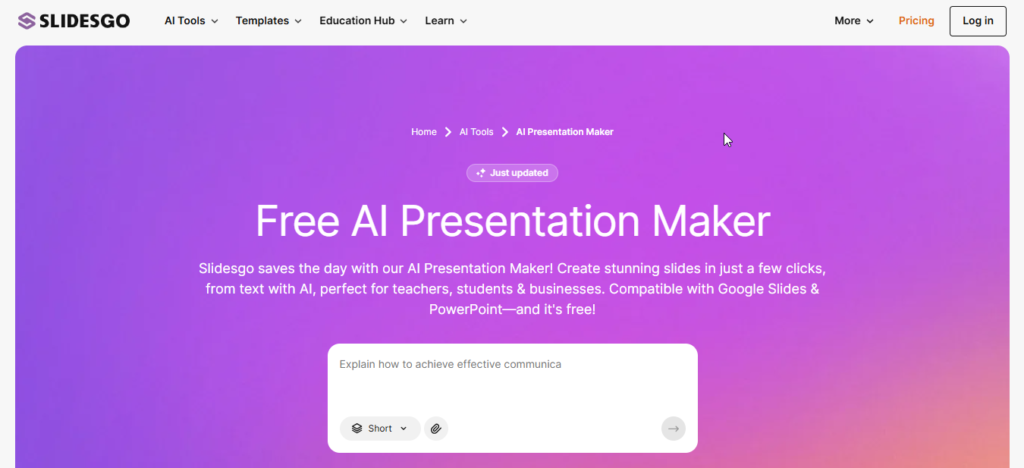
Slidesgo is particularly popular among students and educators because of its large collection of presentation templates.
Its AI presentation maker allows users to generate decks around a topic and then customize the design in the editor.
Key Features
- Topic-based AI generation
- Multiple visual styles
- Large template collection
- Freepik visual assets
- Google Slides support
- PowerPoint export
Presentation Quality
Slidesgo tends to favor colorful and visually engaging designs.
That can work very well for classroom presentations, educational projects, and creative assignments.
For highly formal corporate presentations, you may want to choose a more minimalist template.
Pros
- Excellent educational templates
- Affordable
- Easy customization
- Good visual variety
- Useful for students
Cons
- Free AI generation is limited
- Some designs are more decorative than corporate
Best For
Best for: Students, teachers, educators, and academic presentations.
Our Rating: 4.1/5
15. Presentations.AI
Overview
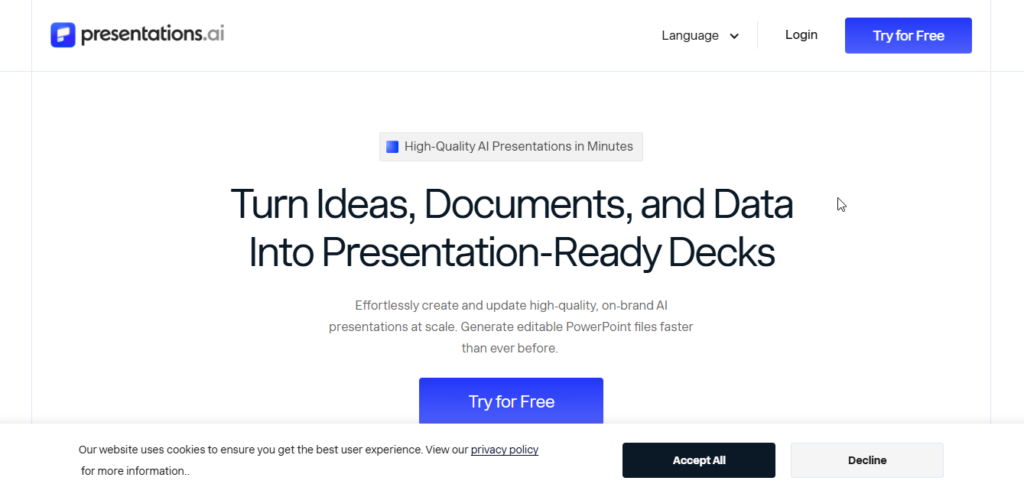
Presentations.AI focuses specifically on turning ideas and written briefs into professional presentations.
Its responsive layout system is designed to maintain a consistent appearance as users edit content.
Key Features
- Prompt-to-presentation generation
- Responsive layouts
- Brand style controls
- Team collaboration
- PowerPoint export
- Web sharing
Presentation Quality
The platform focuses on clean, professional layouts.
It is particularly suitable for business presentations where consistency is more important than decorative design.
Pros
- Fast presentation generation
- Clean corporate designs
- Responsive layouts
- PowerPoint export
- Collaboration features
Cons
- Limited decorative design compared with Canva
- Free credits are limited
- Some advanced features require paid plans
Best For
Best for: Business teams, consultants, managers, and professionals who need polished presentations quickly.
Our Rating: 4.3/5
How We Evaluated These AI Presentation Makers
Choosing an AI presentation tool should involve more than looking at screenshots or marketing claims.
For this comparison, the original draft evaluated tools around realistic presentation scenarios, including business pitches, educational presentations, and marketing reports. The evaluation focused on generation quality, design, editing, exports, collaboration, and value.
We considered the following factors:
1. AI Generation
How well does the platform understand a prompt and turn it into a logical presentation?
2. Design Quality
Does the generated deck have good spacing, typography, visual hierarchy, and overall consistency?
3. Editing Flexibility
Can users easily change text, images, layouts, colors, and branding?
4. Export Options
Can the presentation be exported to formats such as PPTX and PDF without major layout problems?
5. Collaboration
Are there useful features for teams, comments, shared editing, analytics, and brand management?
6. Pricing and Value
Does the free plan provide enough value? And does the paid subscription justify its price for regular users?
Best AI Presentation Makers by Use Case
There isn’t one presentation tool that is perfect for everyone. The best choice depends on what you’re trying to create.
🏆 Best Overall: Gamma
Gamma is our overall pick for users who want fast AI generation combined with modern presentation design and web-based sharing.
🎨 Best for Design: Canva
Choose Canva if visual customization, templates, graphics, and creative control are your priorities.
💼 Best for Business: Beautiful.ai
Beautiful.ai is a strong choice for corporate presentations because its automated layouts help maintain professional formatting.
🎓 Best for Students: Slidesgo AI
Students can benefit from Slidesgo’s educational templates and straightforward presentation creation.
👨🏫 Best for Teachers: Decktopus
Decktopus is useful when you need speaker notes, scripts, structured presentations, and interactive elements.
📊 Best for Data Visualization: Visme
Visme is particularly useful for presentations that depend heavily on charts, diagrams, and visual data.
🖥️ Best for PowerPoint Users: Plus AI
Plus AI is a good option if you want AI assistance without abandoning your existing PowerPoint or Google Slides workflow.
👥 Best for Team Collaboration: Pitch
Pitch stands out when several people need to work together on presentations and maintain consistent branding.
These recommendations follow the use-case breakdown in the source article.
Free vs Paid AI Presentation Makers
One of the biggest questions before choosing an AI presentation tool is whether you actually need a paid subscription.
The answer depends on how frequently you create presentations.
What Free Plans Usually Offer
Free plans commonly provide some combination of:
- Limited AI generations
- Basic presentation templates
- Standard editing tools
- Online sharing
- Limited exports
- Basic design assets
For students or people creating only a few presentations, this may be enough.
Common Free Plan Limitations
Free plans can include restrictions such as:
- AI generation limits
- Export watermarks
- Limited templates
- Restricted premium assets
- Reduced storage
- Limited collaboration features
The exact restrictions vary from one platform to another.
When Is a Paid Plan Worth It?
A paid plan can make sense if you regularly create presentations for:
- Clients
- Business meetings
- Sales pitches
- Investor presentations
- Training sessions
- Marketing campaigns
- Professional reports
If you’re creating presentations every week, removing repetitive formatting work can save considerable time.
However, if you create only one presentation every few months, a free tool may be perfectly adequate.
AI Presentation Makers vs Traditional PowerPoint
AI presentation tools and traditional PowerPoint serve slightly different purposes.
| Feature | AI Presentation Makers | Traditional PowerPoint |
|---|---|---|
| Initial creation | Very fast | Usually manual |
| Layout | Automated | Manual or template-based |
| Writing assistance | Built in on many platforms | Requires additional tools |
| Templates | Often dynamic | Mostly predefined |
| Editing control | Varies by platform | Extremely high |
| Collaboration | Usually web-based | Strong Microsoft ecosystem |
| Learning curve | Usually easier | More features to learn |
| Best use | Fast drafts & modern decks | Maximum customization |
The biggest advantage of AI tools is speed. PowerPoint’s biggest advantage remains control.
For many users, the best approach isn’t choosing one over the other. You can use AI to create the first version and PowerPoint to make the final presentation exactly how you want it.
The original comparison similarly emphasizes AI’s speed and automation while noting that human editing remains important.
How to Choose the Best AI Presentation Maker
Before signing up for an AI presentation tool, ask yourself a few simple questions.
1. What Type of Presentation Are You Creating?
A startup pitch, school project, sales proposal, and corporate report may require completely different designs.
For web storytelling, tools such as Gamma can be a strong choice.
For traditional corporate PowerPoint files, Plus AI or Microsoft Copilot may make more sense.
2. How Much Design Control Do You Need?
If you want complete creative freedom, Canva and Visme are strong options.
If you’d rather have the software automatically maintain spacing and alignment, Beautiful.ai may be better.
3. Do You Need PowerPoint Export?
This is an important question.
Some AI tools are primarily web-based. Others work directly inside PowerPoint or Google Slides.
If your client or company requires an editable .pptx file, make sure the tool provides a suitable export before paying.
4. Are You Working With a Team?
For team presentations, look for:
- Real-time editing
- Comments
- Brand controls
- Shared workspaces
- Version management
- Presentation analytics
Pitch and other collaborative platforms can be useful here.
5. Does the Tool Match Your Brand?
Businesses should check whether they can control:
- Brand colors
- Fonts
- Logos
- Templates
- Visual styles
This becomes especially important when multiple employees create presentations.
6. Check Privacy Before Uploading Sensitive Information
Don’t upload confidential financial information, customer data, private company documents, or other sensitive material without first understanding how the platform handles your data.
This is especially important for businesses.
Are AI Presentation Makers Worth It?
For many users, yes.
The biggest advantage isn’t simply that AI can create attractive slides. The real benefit is the amount of repetitive work it can remove.
Instead of spending your first hour deciding:
“What should Slide 1 look like?”
you can start with an AI-generated structure and spend your time improving the actual message.
AI tools are particularly valuable for:
- First drafts
- Presentation outlines
- Slide summaries
- Content organization
- Design suggestions
- Rewriting
- Visual ideas
But AI shouldn’t be treated as a replacement for your own judgment.
Always check:
- Statistics
- Facts
- Names
- Dates
- Financial information
- Research claims
- Images
- Charts
The original source also emphasizes reviewing AI-generated facts and personalizing the final presentation.
Common Mistakes to Avoid
1. Trusting AI-Generated Facts Without Checking
AI can sometimes produce incorrect numbers, dates, or references.
Always verify important claims.
2. Putting Too Much Text on One Slide
A presentation is not a Word document.
Keep slides concise and use speaker notes when additional explanation is required.
3. Forgetting to Check the Exported File
A presentation may look perfect in the web editor but change slightly after PowerPoint or PDF export.
Always open the final exported file before presenting.
4. Using Too Many Stock Graphics
A presentation filled with generic AI images can look less authentic.
Whenever possible, use:
- Real product screenshots
- Original charts
- Company photos
- Authentic data
- Relevant diagrams
5. Presenting the AI Draft Without Editing
AI should create your starting point, not necessarily your final presentation.
Add your own examples, opinions, data, branding, and storytelling.
These common pitfalls are also highlighted in the original article’s recommendations.
Frequently Asked Questions
What is the best AI presentation maker in 2026?
The best AI presentation maker depends on your needs. Some tools focus on fast AI-generated slides, while others offer better design customization, templates, collaboration, or PowerPoint compatibility.
What is the best free AI presentation maker?
Several AI presentation tools offer free plans or limited free generations. The best option depends on how many presentations you need to create and which export features you require.
Can AI create a complete presentation?
Yes. Many AI presentation makers can generate a presentation from a short prompt, including slide structure, text, layouts, and visual elements. Users should still review the final presentation for accuracy and quality.
Can AI presentation makers create PowerPoint files?
Some AI presentation platforms support PowerPoint or PPTX export, while others primarily use their own online presentation format or offer PDF export. Check the specific tool’s current export options before choosing one.
Are AI-generated presentations professional?
They can be. AI can create a strong starting structure and visual design, but reviewing the content, correcting factual information, and adjusting the presentation to your audience can make the final result more professional.
Are AI presentation makers worth using?
For students, marketers, business professionals, teachers, and content creators, AI presentation makers can save significant time by automating the initial slide structure and design process.ty of the exported file can vary.
Before choosing a tool, check whether the exported PPTX contains editable text and objects or whether some elements are converted into static images.
Also Read: Best AI Image Generators 2026: 12 Best AI Art Tools Compared (Free & Paid)
Conclusion
AI presentation makers have made it much easier to create slides that look professional without having to start every presentation from scratch. Of spending a lot of time designing layouts and organizing content by hand people can now give a simple idea or a short prompt and let AI create a first version of the presentation.
The best AI presentation maker in 2026 depends on what you need. Some services are better for business presentations while others are more focused on education, marketing telling stories or making slides quickly.
If you make presentations often it is an idea to try a tools before deciding on one. Look closely at the quality of the AI-generated content the number of templates how much you can change things the types of files you can download features that let than one person work on the same presentation and the cost.
The important thing is to not share an AI-generated presentation without checking it. AI can help save time. People still need to edit things to make sure they are right easy to understand and match the people who will see the presentation.
Our suggestion: Begin with a plan try the presentation quality with a project and only move to a paid plan if the extra features are really useful, for the way you work.
Related Articles
Best AI Video Generators 2026
Compare the best AI video generators for marketing, YouTube, social media, presentations.
Best AI Writing Tools 2026: 15 Best AI Writers Compared
Compare the top AI writing assistants for blogging, copywriting, SEO, and content creation.
Best AI Image Generators 2026: 12 Best AI Art Tools Compared
Explore the leading AI image generators for creating stunning artwork, logos, and realistic visuals.
15 Best AI Resume Builder Tools in 2026: Tested & Compared
AI resume builder tools. Compare features, pricing, ATS optimization.
15 Best AI Logo Makers in 2026: Tested & Compared
Compare the best AI logo makers
Pingback: What Is Artificial Superintelligence (ASI)? Definition, Benefits & Risks - AI Crest Lab