Introduction (Best AI Voice Generators)
AI has changed how people create and publish content. Voice generation has improved quickly. Modern AI voice generators can turn written scripts into speech that sounds natural making professional voiceovers easier to produce.
YouTubers, podcasters, educators, marketers, businesses and developers can use these AI voice tools to make narration without hiring a voice actor or setting up recording equipment.
If you need a text‑to‑speech AI tool for videos an AI voice cloning platform for a custom voice or a multilingual solution the right choice, for content depends on your budget, workflow, voice quality requirements and licensing needs.
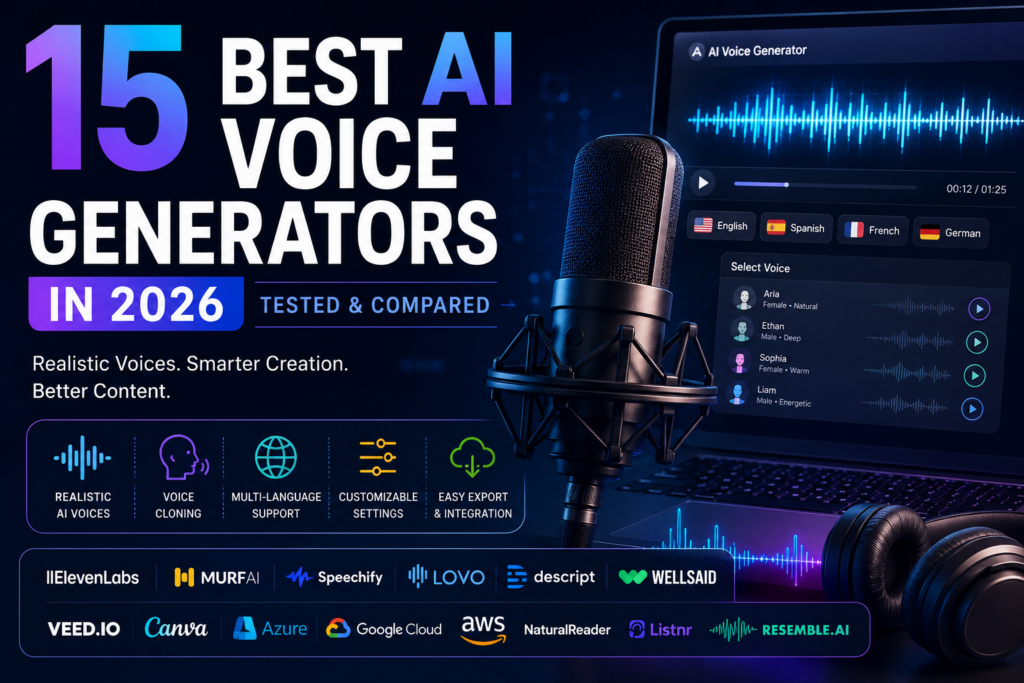
In this guide we compare fifteen AI voice generators in 2026 looking at their features voice quality, pricing, free options, voice cloning capabilities and ideal use cases.
Table of Contents
Quick Comparison: 15 Best AI Voice Generators in 2026
| AI Voice Generator | Best For | Main Strength | Voice Quality | Free Option | Starting Price | Voice Cloning | Rating |
|---|---|---|---|---|---|---|---|
| ElevenLabs | Realistic narration | Natural and expressive voices | Excellent | Yes | Around $5/mo | Yes | 4.9/5 |
| Murf AI | Videos & e-learning | Voiceover studio | Very Good | Trial | Around $19/mo | Yes | 4.7/5 |
| Speechify | Reading & productivity | Document-to-speech | Very Good | Yes | Around $11.58/mo annually | Limited | 4.6/5 |
| PlayHT | Historical reference | Previously large voice library | — | — | Discontinued | — | N/A |
| Cartesia | Real-time AI voice & developers | Ultra-low latency voice generation | Outstanding | Yes / Limited | Varies by plan | Yes | 4.6 / 5 |
| WellSaid Labs | Business & training | Professional voices | Very Good | Trial | Around $44/mo | Enterprise | 4.4/5 |
| Descript | Podcasts & videos | Text-based editing | Very Good | Yes | Around $16/mo | Yes | 4.7/5 |
| VEED AI Voice | Social videos | Video editor integration | Good | Yes | Around $12/mo | Limited | 4.3/5 |
| Canva AI Voice | Presentations & designs | Easy Canva integration | Good | Yes | Canva plans | No | 4.2/5 |
| Microsoft Azure Speech | Developers & businesses | Scalable speech APIs | Excellent | Free tier | Pay-as-you-go | Yes | 4.8/5 |
| Google Cloud TTS | Developers | Multilingual APIs | Excellent | Free tier | Pay-as-you-go | Yes | 4.7/5 |
| Amazon Polly | AWS applications | Cloud integration | Very Good | Free tier | Pay-as-you-go | Custom | 4.5/5 |
| NaturalReader | Education & reading | Document reading | Very Good | Yes | Around $9.99/mo | Limited | 4.3/5 |
| Listnr | Blog-to-audio | Podcast publishing | Good | Yes | Around $19/mo | Yes | 4.2/5 |
| Resemble AI | Voice cloning & AI agents | Real-time voice technology | Excellent | Pay-as-you-go | Usage based | Yes | 4.6/5 |
Note: AI voice tools frequently change their pricing, features, usage limits, and available models. Always check the official website of each platform before purchasing a subscription.
Detailed Review of the Best AI Voice Generators
Now that we’ve taken a look at the top AI voice generators let’s go into more detail, about each one. We’ll examine their features, how good the voices sound, what they cost, their strengths and weaknesses and who they work best for. This closer look will help you see what sets each tool apart. It will also make it easier to pick the AI voice generator that fits your needs.
1. ElevenLabs
Overview
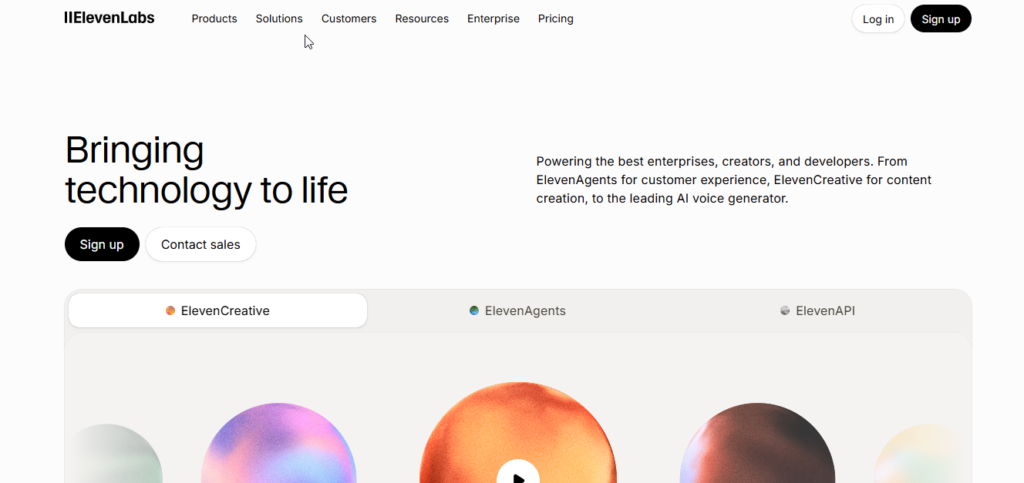
ElevenLabs is one of the choices for creators who care about realistic and expressive AI-generated speech.
The service is especially helpful for YouTube narration, audiobooks, podcasts, games, storytelling and other projects where natural speaking sounds are important.
The voices available can show amounts of emotion different speeds and different focus giving creators more power than a simple text-, to-speech system.
Main Features
- Advanced text-to-speech generation
- Instant voice cloning
- Professional voice cloning
- Speech-to-speech conversion
- Voice dubbing and translation
- Large voice library
- Multilingual speech generation
- API access for developers
One useful feature is speech-to-speech generation, which can preserve elements of a user’s original delivery while changing the generated voice.
Voice Quality
ElevenLabs is particularly strong when natural expression and emotional delivery are important.
It can be useful for:
- YouTube documentaries
- Audiobooks
- Storytelling
- Podcasts
- Games
- Character voices
- Educational videos
Pricing
ElevenLabs provides a free option for users who want to test the platform, while paid subscriptions increase character allowances and unlock additional capabilities.
Pricing and usage limits can change, so users should check the official pricing page before subscribing.
Pros
- Highly realistic voices
- Strong emotional delivery
- Voice cloning support
- Multilingual capabilities
- Easy interface
- API available
Cons
- Usage credits can be consumed quickly
- Advanced controls may require some learning
- Premium features require higher plans
Best For
Content creators, YouTubers, audiobook creators, podcasters, and developers who need realistic AI voices.
Our Rating
4.9/5
2. Murf AI
Overview
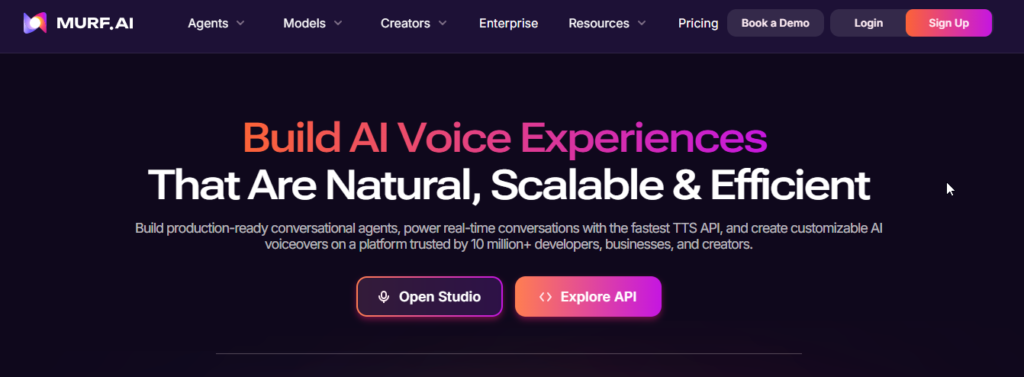
Murf AI is designed primarily for people who want to create professional voiceovers without working with complicated audio software.
The platform combines AI voice generation with an online editing environment, making it useful for videos, presentations, advertisements, training materials, and educational content.
Main Features
- AI text-to-speech
- Large voice library
- Multiple languages and accents
- Voice speed controls
- Pitch and emphasis adjustments
- Timeline-based editing
- Video synchronization
- Voice changer functionality
The timeline editor is one of Murf’s most useful features because users can synchronize narration with video and presentation content.
Voice Quality
Murf focuses heavily on clear and professional speech.
It is especially suitable for:
- Corporate presentations
- Training videos
- Explainer videos
- Online courses
- Marketing videos
- Presentations
Pricing
Murf offers a free trial for testing its voices and studio environment. Paid plans provide additional generation time and export options.
Because plans can change, check the official pricing page before purchasing.
Pros
- Easy-to-use interface
- Professional-sounding voices
- Useful timeline editor
- Good for business content
- Voice customization options
Cons
- Free access has restrictions
- Some advanced features require paid plans
- Less suitable for highly dramatic character narration
Best For
Video creators, educators, marketers, and corporate training teams.
Our Rating
4.7/5
3. Speechify
Overview
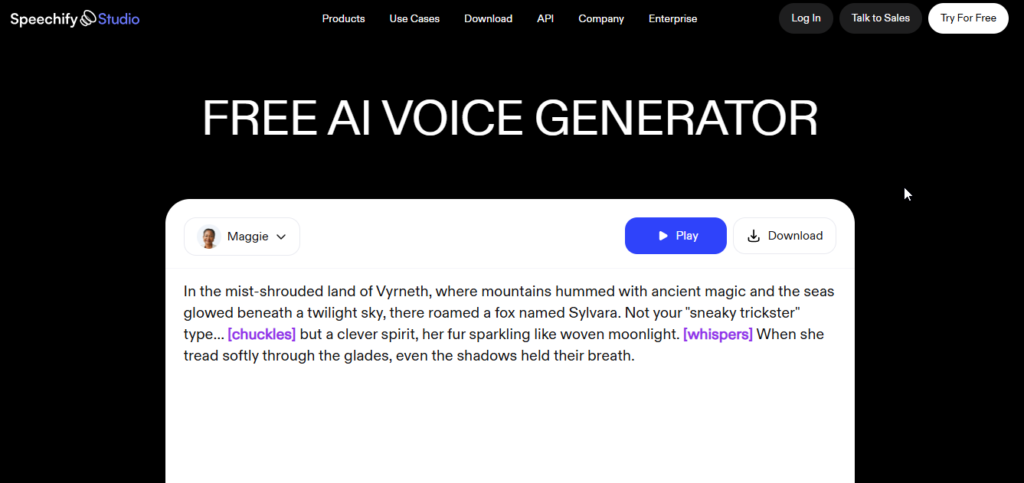
Speechify is primarily focused on converting written material into spoken audio.
Instead of being designed only for video creators, Speechify is particularly useful for people who want to listen to documents, webpages, books, and study material.
Read: Also: Best AI Productivity Tools: 15 Best AI Productivity Apps Compared (Free & Paid)
Main Features
- Text-to-speech reading
- PDF support
- Document conversion
- OCR for scanned text
- Mobile applications
- Browser support
- Adjustable playback speed
- Natural AI voices
Users can import written material and listen to it instead of reading everything manually.
Who Can Benefit?
Speechify can be useful for:
- Students
- Researchers
- Professionals
- People who prefer audio learning
- Busy readers
- Accessibility-focused users
Pricing
Speechify provides a free option with basic functionality, while its premium plans unlock additional voices and features.
Pricing can differ depending on the billing option and platform.
Pros
- Excellent for document reading
- Easy to use
- Supports multiple devices
- Useful OCR capabilities
- Good listening experience
Cons
- More focused on reading than professional voiceover production
- Premium subscription can be expensive for occasional users
Best For
Students, professionals, researchers, and users who want to listen to written content.
Our Rating
4.6/5
4. PlayHT
Overview
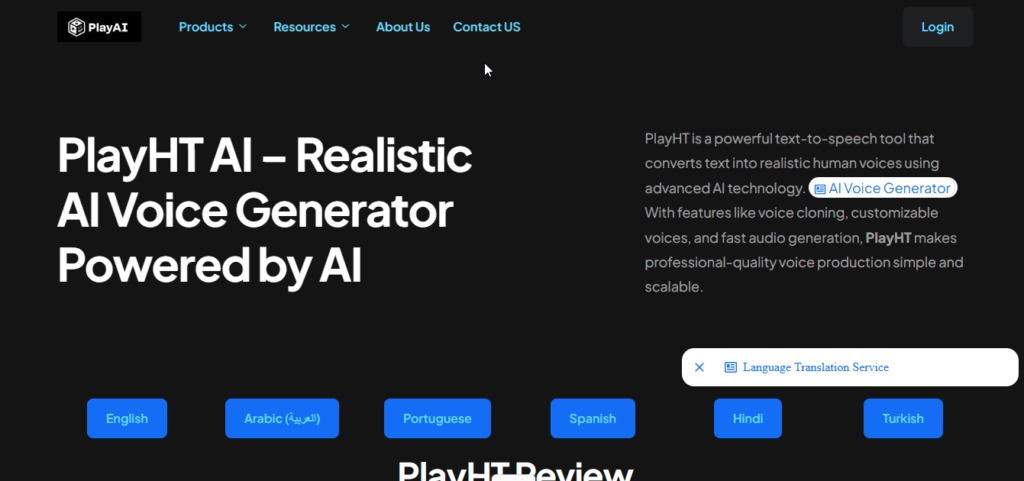
PlayHT was previously a well-known AI text-to-speech platform with a large voice collection and API-based speech generation.
However, according to the source material for this comparison, the platform discontinued its operations in 2026.
Because the service is no longer active, it should not be considered a current recommendation for new users.
Historical Features
PlayHT was previously known for:
- Large AI voice library
- Multiple languages
- Voice cloning
- API access
- Audio generation
- Website audio widgets
Current Status
Discontinued
For users looking for an active alternative, platforms such as ElevenLabs, Murf AI, and Resemble AI are more relevant choices.
Best For
Historical comparison only.
Our Rating
N/A — Discontinued
5. Cartesia
Overview
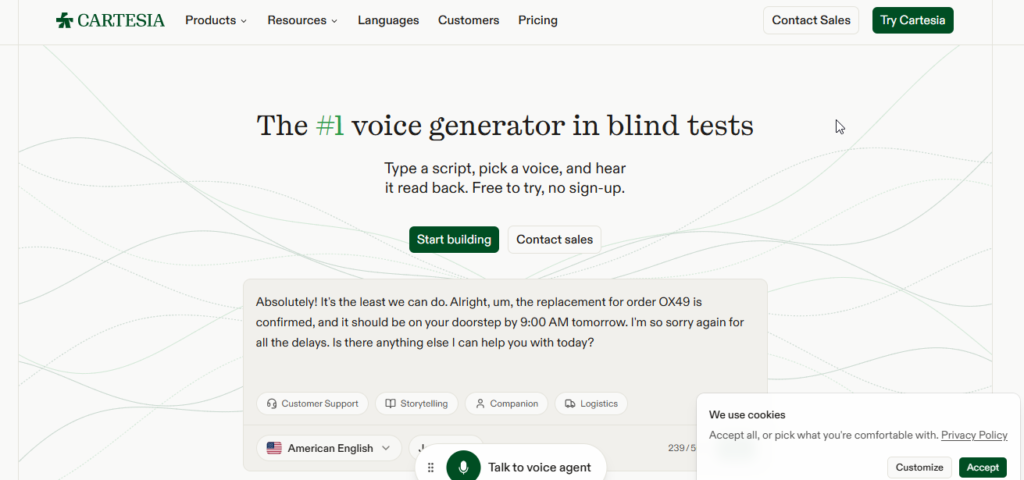
Cartesia is an AI voice platform focused on fast, natural-sounding speech generation, particularly for real-time applications. It is designed for developers and businesses building conversational AI agents, voice assistants, customer-service systems, and other applications where low response latency is important.
Unlike some AI voice platforms that primarily target video creators, Cartesia places a strong emphasis on real-time voice generation and developer APIs. This makes it an interesting option for businesses that need AI voices to respond quickly during live conversations.
Main AI Voice Features
Cartesia offers several features that make it useful for modern voice applications:
- Real-Time Voice Generation: Designed for applications where AI needs to respond quickly during conversations.
- Low-Latency Speech: Fast voice generation can make AI assistants feel more responsive and natural.
- Natural AI Voices: Produces realistic speech suitable for conversational applications.
- Voice Customization: Developers can work with different voice characteristics and styles depending on the available models.
- Developer API: Allows businesses to integrate AI-generated speech into websites, applications, and voice agents.
- Conversational AI Support: Particularly useful for customer-service agents, virtual assistants, and other interactive voice applications.
- Multilingual Support: Supports multiple languages and voices for international applications.
Voice Quality and Real-World Use
Cartesia is particularly interesting for real-time AI voice applications.
For example, developers can use it to build:
- AI customer-service agents
- Voice assistants
- AI phone agents
- Interactive applications
- Conversational chatbots
- Real-time voice experiences
- Gaming and interactive characters
Its biggest advantage is not simply generating a voiceover from a script. Instead, the platform is designed for situations where the AI needs to listen, process information, and respond with speech quickly.
This makes Cartesia different from tools such as Canva or Murf, which are more focused on content creation and traditional voiceover workflows.
Free Plan & Pricing
Cartesia’s pricing and available features can vary depending on the selected plan, usage requirements, and API needs.
Before subscribing, users should check the current pricing and usage limits on the official Cartesia website.
For developers, the most important factors to consider are:
- Voice generation usage
- API limits
- Real-time generation requirements
- Commercial usage rights
- Available voice models
- Enterprise requirements
Pricing and feature availability can change over time, so verify the current details before purchasing.
Pros & Cons
Pros
- Excellent choice for real-time AI voice applications.
- Very low latency is useful for conversational AI.
- Developer-friendly API.
- Suitable for AI agents and interactive applications.
- Natural-sounding synthetic voices.
- Good option for businesses building voice-based products.
Cons
- More developer-focused than beginner-friendly voiceover platforms.
- Not primarily designed as a complete video editing studio.
- May be unnecessary for users who only need simple YouTube voiceovers.
- Pricing can depend heavily on usage and application requirements.
Best For
Cartesia is best for developers, startups, SaaS companies, AI agent builders, and businesses that need fast, real-time AI voice generation.
If your main goal is creating YouTube narration or simple voiceovers, ElevenLabs or Murf AI may be easier choices. But if you’re building a real-time voice assistant or AI phone agent, Cartesia becomes much more interesting.
Our Rating
4.6 / 5
6. WellSaid Labs
Overview
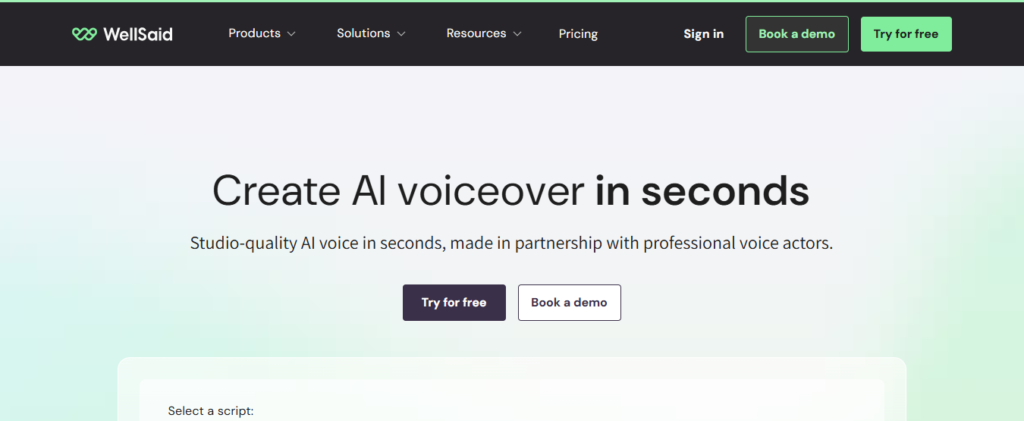
WellSaid Labs focuses primarily on professional and enterprise voice generation.
Instead of targeting every possible voice style, the platform emphasizes clear, consistent, professional voices that work well for business communication and training.
Main Features
- Professional AI voices
- Voice avatars
- Pronunciation controls
- Team collaboration
- Enterprise workflows
- Brand voice management
Voice Quality
WellSaid is especially suitable for professional English narration.
It can be used for:
- Employee training
- E-learning
- Corporate presentations
- Internal communications
- Educational content
Pros
- Clear professional voices
- Strong pronunciation controls
- Good consistency
- Enterprise-oriented features
Cons
- More expensive than some consumer tools
- Primarily focused on professional English content
Best For
Businesses, e-learning teams, training departments, and enterprise users.
Our Rating
4.4/5
7. Descript
Overview
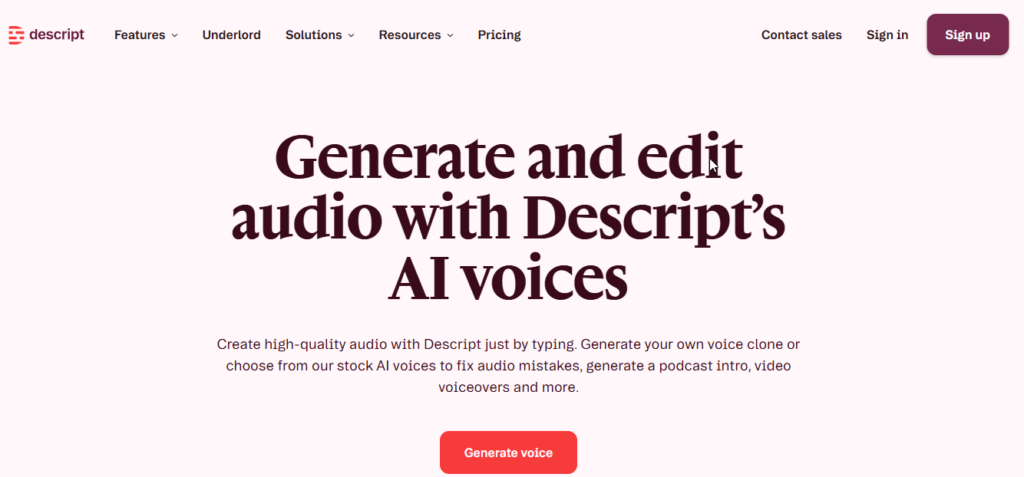
Descript takes a different approach to AI voice generation.
Instead of being only a text-to-speech platform, Descript combines voice generation with text-based audio and video editing.
The platform automatically transcribes media, allowing users to edit recordings by editing the transcript.
Main Features
- AI voice cloning
- Overdub
- Text-based audio editing
- Automatic transcription
- Filler-word removal
- Background noise reduction
- Video editing
- Podcast editing
Why Descript Is Useful
Imagine recording a video and later discovering that one sentence is wrong.
Instead of recording the entire section again, Descript can allow you to modify the transcript and generate the corrected speech.
Pros
- Excellent text-based editing
- Useful voice cloning
- Great for podcasts
- Audio and video editing in one platform
- Strong productivity features
Cons
- Advanced features require paid plans
- Desktop workflow may require more system resources
- Best results require good original voice recordings
Best For
Podcasters, YouTubers, video editors, and course creators.
Our Rating
4.7/5
8. VEED AI Voice Generator
Overview
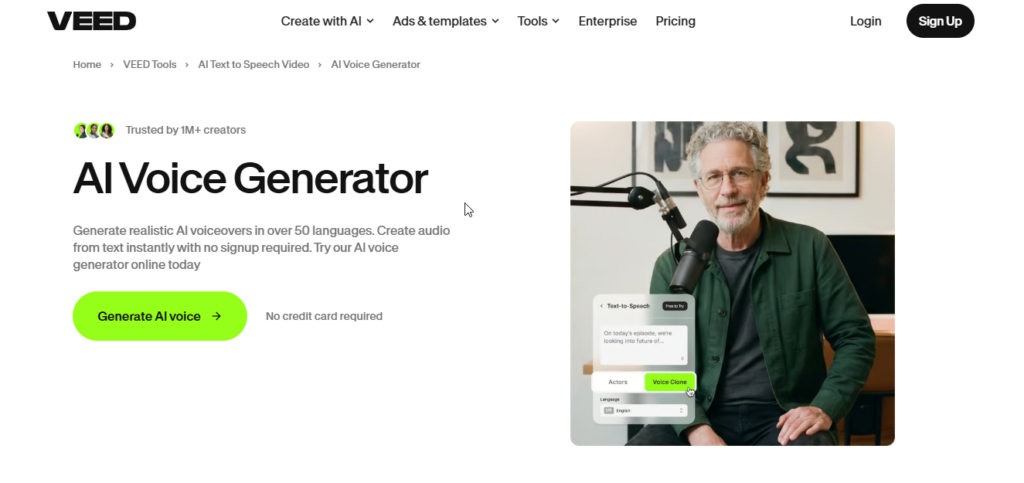
VEED combines AI voice generation with an online video editor.
This makes it convenient for creators who want to generate narration and immediately add it to a video.
Main Features
- AI text-to-speech
- Video editing
- Automatic subtitles
- AI avatars
- Translation
- Voiceover generation
- Cloud-based workflow
Voice Quality
VEED is more focused on fast content production than detailed voice engineering.
It can work particularly well for:
- YouTube Shorts
- TikTok videos
- Instagram Reels
- Marketing videos
- Product videos
Pros
- Voice and video editing together
- Easy subtitle integration
- Fast workflow
- Browser-based
- Good for social media content
Cons
- Less detailed voice control than specialized platforms
- Free exports may contain restrictions or watermarks
Best For
Social media creators and marketers who want quick AI voiceovers.
Our Rating
4.3/5
9. Canva AI Voice Generator
Overview
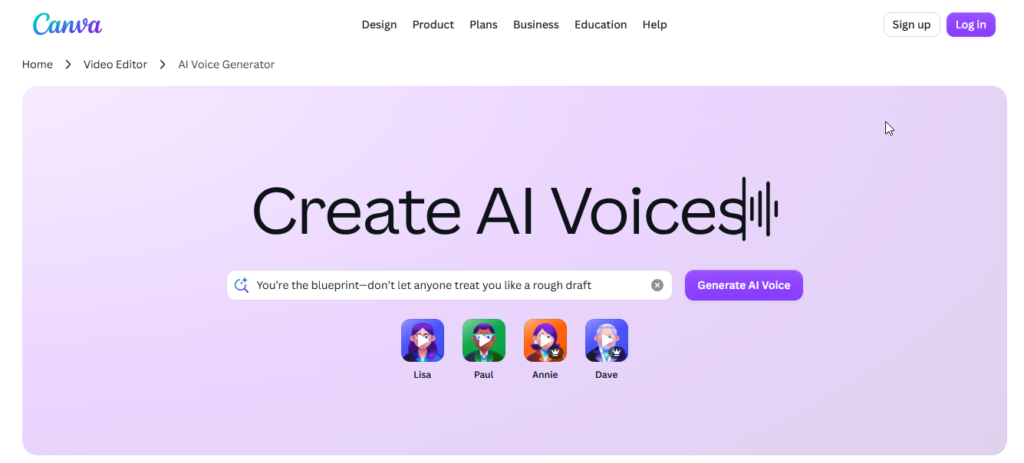
Canva has added AI-powered voice capabilities to its broader visual content platform.
This is particularly convenient for Canva users because they can create graphics, presentations, videos, and narration without moving between different applications.
Main Features
- AI text-to-speech
- Voice generation inside designs
- Multiple languages
- Presentation narration
- Video integration
- Easy timeline editing
Voice Quality
Canva’s voice tools are best suited to straightforward narration rather than highly expressive audiobook or character performances.
They work well for:
- Presentations
- Educational slides
- Social media videos
- Business content
- Simple promotional videos
Pros
- Very easy to use
- Integrated with Canva’s design tools
- Good for beginners
- Convenient for presentations and videos
Cons
- Fewer advanced voice controls
- Not designed specifically for professional audiobook production
Best For
Canva users, educators, presenters, small businesses, and social media creators.
Our Rating
4.2/5
10. Microsoft Azure AI Speech
Overview
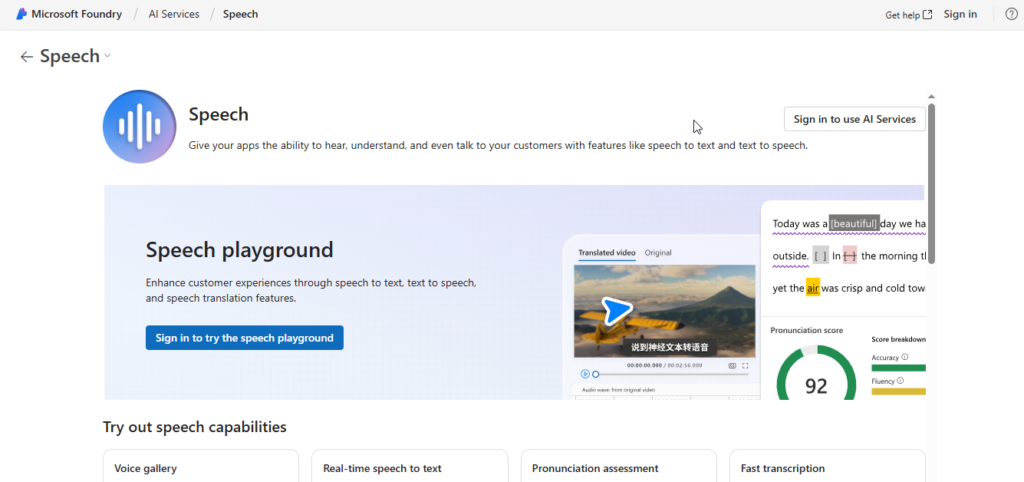
Microsoft Azure AI Speech is designed more for developers and businesses than casual content creators.
It provides cloud-based speech technology that can be integrated into websites, applications, customer-service systems, and other software.
Main Features
- Neural text-to-speech
- Large language and accent selection
- SSML support
- Custom Neural Voice
- Speech APIs
- Enterprise scalability
- Developer tools
Voice Quality
Azure Speech can produce high-quality synthetic speech while giving developers extensive control over the generated output.
It can be used in:
- Mobile apps
- Voice assistants
- Customer-service systems
- Accessibility applications
- Games
- Enterprise software
Pros
- Strong infrastructure
- Large language selection
- Powerful API
- Advanced customization
- Suitable for high-volume applications
Cons
- More technical than consumer AI voice tools
- Requires development knowledge for advanced use
- Not designed primarily as a video editor
Best For
Developers, SaaS companies, enterprises, and application builders.
Our Rating
4.8/5
11. Google Cloud Text-to-Speech
Overview
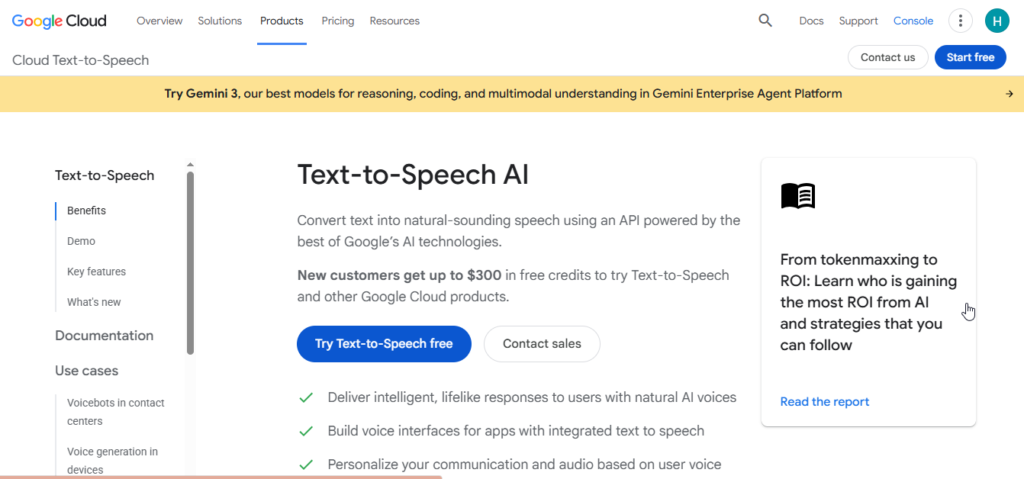
Google Cloud Text-to-Speech is Google’s cloud-based speech synthesis service.
It allows developers to convert written text into audio and integrate generated speech into applications and digital products.
Main Features
- Neural voices
- WaveNet voices
- Multilingual support
- API access
- Custom voice options
- Audio customization
- Cloud infrastructure
Voice Quality
Google Cloud TTS is a strong option when reliability, language support, and developer integration are more important than having a visual voiceover editor.
It can be used for:
- Mobile applications
- Websites
- Accessibility tools
- Automated customer support
- Translation systems
- Content-reading applications
Pros
- Strong language coverage
- Reliable cloud infrastructure
- Developer-friendly APIs
- Scalable for businesses
- Free usage tier available
Cons
- Technical setup
- Not ideal for beginners wanting a simple voiceover editor
- Fewer consumer-focused editing features
Best For
Developers, SaaS companies, businesses, and technical teams.
Our Rating
4.7/5
12. Amazon Polly
Overview
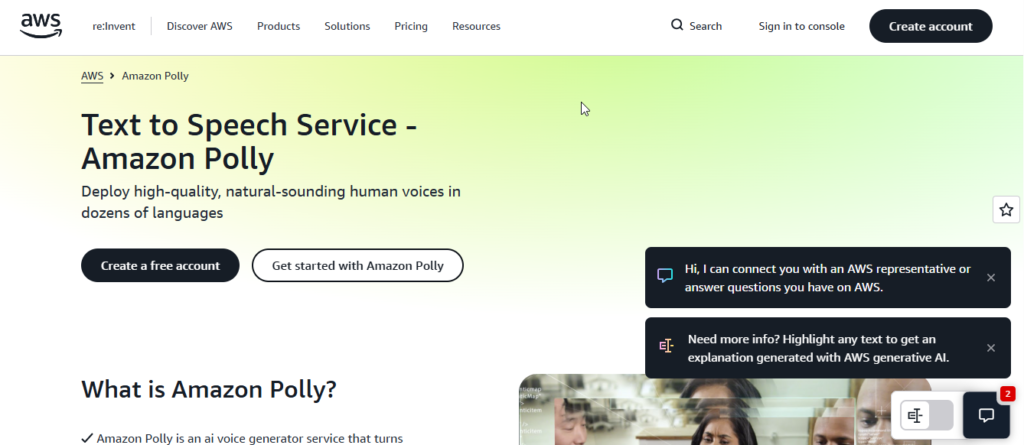
Amazon Polly is Amazon Web Services’ text-to-speech platform.
It allows developers to create applications that convert written text into natural-sounding speech.
Main Features
- Standard voices
- Neural voices
- Generative speech capabilities
- Speech marks
- API access
- AWS integration
- Custom voice options
Real-World Applications
Amazon Polly can be useful for:
- Mobile applications
- News readers
- E-learning systems
- Voice assistants
- Automated phone systems
- Content publishing
Pros
- Strong AWS integration
- Pay-as-you-go model
- Speech marks support
- Suitable for large applications
- Developer-friendly
Cons
- Technical interface
- AWS knowledge may be required
- Some older voice options may sound less natural than newer AI systems
Best For
AWS developers, software companies, and businesses building voice-enabled applications.
Our Rating
4.5/5
13. NaturalReader
Overview
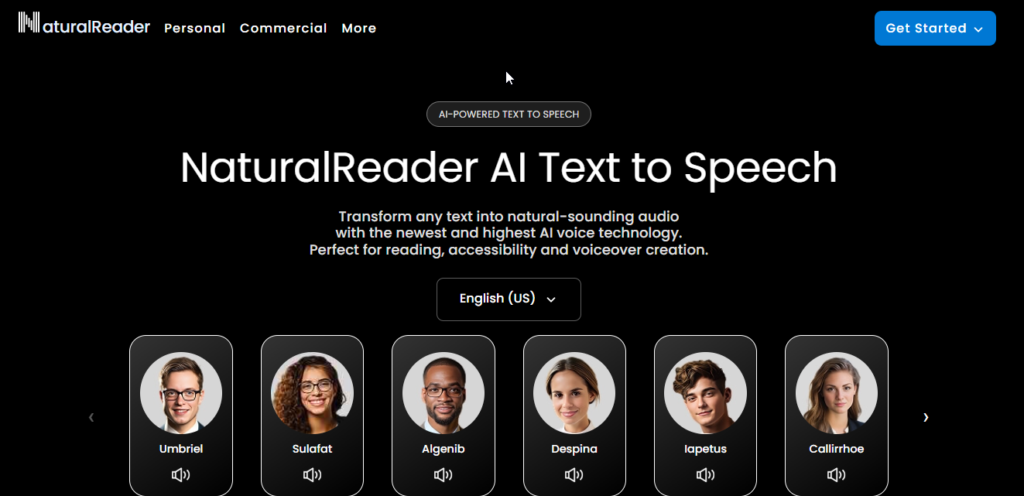
NaturalReader focuses on making written content easier to consume through AI-generated speech.
It supports documents and other written materials, making it useful for students, professionals, educators, and people who prefer listening rather than reading.
Main Features
- PDF reading
- Word document support
- EPUB support
- OCR
- AI voices
- Commercial voiceover options
- Pronunciation controls
Voice Quality
NaturalReader focuses on clear and understandable narration.
It can be useful for:
- Studying
- Proofreading
- Reading documents
- Educational content
- Corporate presentations
- Personal listening
Pros
- Simple interface
- Good document support
- Useful for students
- Multiple reading options
- Commercial solutions available
Cons
- Less advanced emotional control
- Commercial and personal products may have different features
Best For
Students, educators, authors, professionals, and document-heavy users.
Our Rating
4.3/5
14. Listnr
Overview
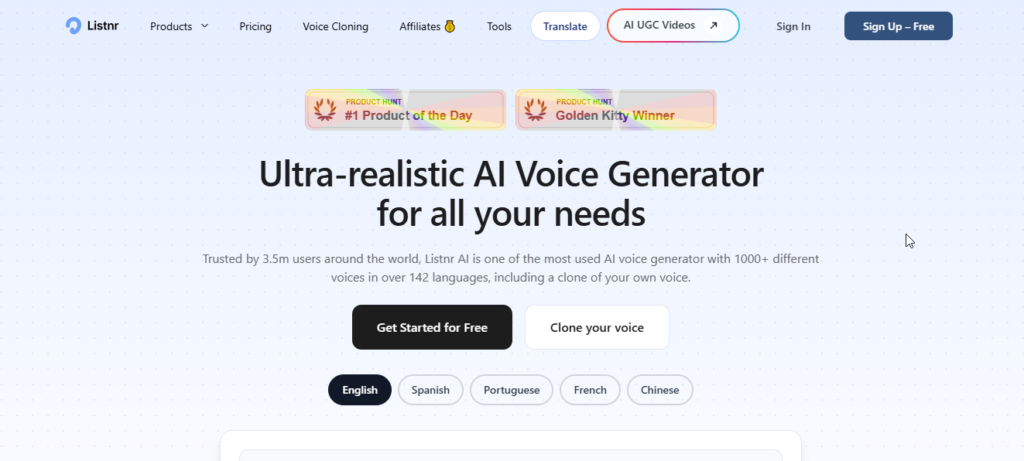
Listnr is designed for creators who want to convert written content into audio.
One of its main advantages is its focus on turning blogs and written articles into audio content and podcasts.
Main Features
- Text-to-speech
- Blog-to-audio conversion
- Podcast publishing
- RSS distribution
- Embeddable audio players
- Multiple voices
- Multiple languages
Who Can Use Listnr?
Listnr can be useful for:
- Bloggers
- Publishers
- Podcasters
- News websites
- Content marketers
- Website owners
For example, a blogger can create an audio version of an article and make it available alongside the written post.
Pros
- Useful blog-to-audio workflow
- Podcast publishing support
- Embeddable audio player
- Large voice selection
- Simple content repurposing
Cons
- Not a full video editing platform
- Advanced features may require higher plans
Best For
Bloggers, publishers, and creators who want to turn written content into audio.
Our Rating
4.2/5
15. Resemble AI
Overview
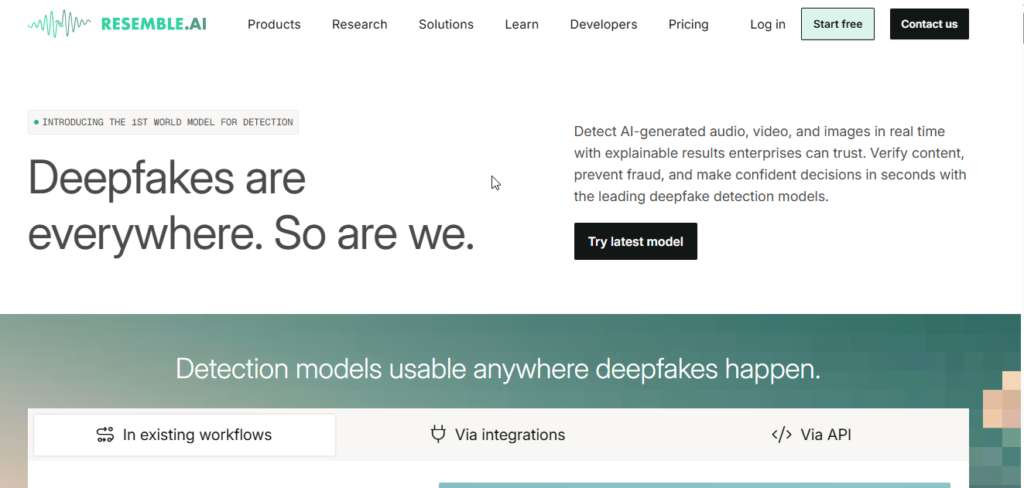
Resemble AI focuses on AI voice generation, voice cloning, and real-time speech applications.
Unlike tools aimed mainly at casual creators, Resemble AI also targets developers and businesses building applications that require dynamic AI-generated speech.
Main Features
- AI voice cloning
- Text-to-speech
- Speech-to-speech
- Real-time voice generation
- Streaming APIs
- Voice security tools
- Deepfake detection
- Enterprise solutions
Voice Quality
Resemble AI is useful when developers need generated speech to work inside interactive applications.
Potential use cases include:
- AI voice assistants
- Games
- Customer service
- Interactive applications
- Media production
- Voice security
Pros
- High-quality voice cloning
- Real-time speech generation
- Developer APIs
- Security and detection tools
- Suitable for enterprise applications
Cons
- More technical than beginner-focused tools
- Costs can increase with heavy usage
- Some features are designed mainly for businesses and developers
Best For
Developers, game studios, AI application builders, businesses, and advanced voice-production teams.
Our Rating
4.6/5
How We Compared These AI Voice Generators
To make this comparison useful, we considered several factors rather than looking at voice quality alone.
Voice Realism
We considered how natural the generated speech sounds, including pronunciation, pacing, pauses, and overall delivery.
Language Support
Multilingual support is important for creators producing content for audiences in different countries.
Voice Customization
We looked at features such as:
- Speed control
- Pitch adjustment
- Emphasis
- Pronunciation
- Speaking style
- SSML support
Voice Cloning
For platforms offering cloning, we considered how easily users can create and manage custom voices.
Ease of Use
A powerful AI voice generator isn’t very useful to beginners if the interface is unnecessarily complicated.
Pricing
We also considered free plans, subscription costs, usage limits, and whether commercial usage is available.
Developer Features
For cloud-based platforms, API access, scalability, and developer tools were also considered.
Best AI Voice Generators by Use Case
Different users need different features, so the best AI voice generator depends on your specific goal.
Best Overall: ElevenLabs
For highly realistic and expressive narration, ElevenLabs is one of the strongest choices.
Best for Video Creators: Murf AI
Murf is particularly useful for creators who want AI narration together with an editing timeline.
Best for Podcasts: Descript
Descript is a strong choice for podcast creators who want text-based editing and AI voice correction.
Best for Voice Cloning: ElevenLabs and Resemble AI
Both platforms provide advanced voice cloning capabilities for different types of users.
Best for Businesses: WellSaid Labs
Businesses and training teams may prefer WellSaid because of its professional voice style and enterprise-oriented features.
Best for Beginners: Canva
Canva is a convenient choice for people already using Canva to create presentations and videos.
Best for Developers: Azure AI Speech and Google Cloud TTS
Developers who need APIs and scalable cloud speech generation should consider Microsoft’s and Google’s cloud platforms.
AI Voice Generators vs Traditional Voice Recording
AI voice generation and traditional voice actors both have advantages.
| Feature | AI Voice Generators | Human Voice Actors |
|---|---|---|
| Cost | Usually lower | Usually higher |
| Production Speed | Very fast | Slower |
| Script Changes | Easy to regenerate | Usually requires another recording |
| Languages | Many languages available | Usually requires different speakers |
| Emotional Direction | Improving rapidly | Excellent |
| Personal Performance | Limited compared with a human actor | Highly customizable |
| Scalability | Very high | More limited |
For frequent content production, AI voices can save significant time. However, professional voice actors remain valuable for projects where unique human performance and detailed direction are essential.
Are AI Voice Generators Good Enough for YouTube?
Yes, AI voices can be useful for YouTube content, particularly for:
- Educational videos
- Tutorials
- Explainer videos
- Documentaries
- Short-form content
- Faceless channels
However, the quality of the entire video matters.
Simply generating an AI voice and combining it with repetitive or low-effort content may not produce a valuable video.
For better results:
- Write an original script.
- Edit the AI-generated narration.
- Use relevant visuals.
- Add meaningful editing.
- Make sure your content provides real value.
- Check the commercial rights of the voice platform you use.
Are AI Voice Generators Free?
Many AI voice platforms provide free plans or trials, but completely unrestricted free voice generation is uncommon.
Free plans can include limitations such as:
- Monthly character limits
- Limited voices
- No commercial rights
- Watermarked exports
- Restricted downloads
- Limited voice cloning
- Lower usage limits
If you’re creating monetized YouTube videos, advertisements, client projects, or commercial content, always check the licensing terms before publishing.
Is AI Voice Cloning Safe?
AI voice cloning can be useful, but it should be used responsibly.
The most important rule is consent.
You should only clone your own voice or a person’s voice when you have appropriate permission to do so.
Unauthorized voice cloning can create serious privacy, impersonation, and legal concerns.
Before cloning a voice, check:
- Whether you have permission
- The platform’s terms
- Commercial licensing requirements
- How the generated voice can be used
- Whether the platform provides security features
Responsible use is especially important when AI-generated voices are used publicly or commercially.
How to Choose the Best AI Voice Generator
Before subscribing to an AI voice platform, consider these factors:
1. Voice Realism
Listen to samples and check whether the voice sounds natural enough for your content.
2. Pricing
Compare monthly subscriptions with character, word, or audio-minute limits.
3. Language Support
If your audience is international, make sure the platform supports your required languages and accents.
4. Commercial Rights
This is especially important for YouTube channels, advertisements, client projects, and business content.
5. Voice Cloning
If you want a personalized voice, check whether the platform supports voice cloning and what verification it requires.
6. Editing Features
Video creators may prefer platforms with built-in editors, while developers may prefer API-based services.
7. Export Options
Check whether you can download MP3, WAV, or other required formats.
8. Usage Limits
A cheap plan isn’t necessarily better if its monthly allowance is too small for your workflow.
9. API Access
Developers should look for APIs, SDKs, documentation, and scalability.
10. Platform Reliability
Choose a service with an established platform and regularly maintained features.
Frequently Asked Questions
1. What is the best AI voice generator in 2026?
ElevenLabs is one of the choices for realistic and expressive AI voices. However the best tool depends on what you need. Murf AI is very helpful for video creators. Descript is great, for podcast and video editing.
2. What is the best free AI voice generator?
There isn’t one free tool that is best for everyone. Microsoft Azure AI Speech offers a useful free tier for developers, while platforms such as Canva and Speechify can be easier for beginners.
3. Which AI voice generator sounds the most realistic?
ElevenLabs is widely recognized for producing highly natural and expressive AI-generated speech, making it a strong option for narration and storytelling.
4. What is the best AI voice generator for YouTube?
ElevenLabs and Murf AI are both strong options. ElevenLabs is particularly useful for narration, while Murf provides a convenient workflow for video voiceovers.
5. Can AI voice generators clone a real person’s voice?
Yes. Some AI voice platforms can create a digital voice based on audio samples. However, users should only clone voices when they have the necessary permission.
6. Can I use AI-generated voices commercially?
It depends on the platform and subscription plan. Always check the specific commercial licensing terms before using generated audio in monetized videos, advertisements, or client work.
7. Can AI voice generators speak different languages?
Yes. Many modern AI voice platforms support multiple languages and regional accents. The exact selection varies between platforms.
8. Is AI voice cloning legal?
Voice cloning can be used legally when you have the appropriate authorization and follow applicable laws and platform rules. Cloning someone else’s voice without permission can create legal and privacy problems.
9. Can I use an AI voice for monetized YouTube videos?
AI-generated narration can be used in YouTube content, but creators should focus on producing original, useful content and follow YouTube’s current monetization policies. They should also make sure their voice-generation service grants the required commercial rights.
10. Are AI voice generators better than human voice actors?
AI voice generators are faster and often cheaper, especially for large amounts of content. Human voice actors still have an advantage when a project requires unique emotional performance, live direction, or a highly personalized delivery.
Final Verdict
The best AI voice generator depends on what you’re trying to create.
For realistic and expressive narration, ElevenLabs is one of the strongest options available.
For video creators and educators, Murf AI provides a useful combination of AI voices and editing tools.
For podcasters and video editors, Descript stands out because it combines transcription, text-based editing, and AI voice features.
For developers and businesses, Microsoft Azure AI Speech and Google Cloud Text-to-Speech provide scalable API-based solutions.
Meanwhile, Canva is a convenient choice for beginners who already use Canva for presentations and video content.
The important thing is not simply choosing the platform with the highest rating. Consider your budget, required languages, voice quality, commercial rights, monthly usage, and whether you need voice cloning.
Overall Ratings
| Category | Rating |
|---|---|
| Ease of Use | 4.8/5 |
| Voice Quality | 4.8/5 |
| Language Support | 4.7/5 |
| Voice Cloning | 4.7/5 |
| Productivity | 4.8/5 |
| Value for Money | 4.6/5 |
| Overall | 4.7/5 |
Who Should Use AI Voice Generators?
AI voice generators can be useful for:
- YouTubers
- Bloggers
- Podcasters
- Students
- Teachers
- Online course creators
- Digital marketers
- Businesses
- Developers
- App creators
- Social media managers
- Video editors
If you regularly create content that requires narration, an AI voice generator can significantly reduce production time.
Conclusion
AI voice technology has come a way from simple robot-like speech. Now the platforms can create voiceovers work with many languages copy real voices that are allowed and connect straight into videos, podcasts and software projects.
ElevenLabs, Murf AI, Descript, Azure AI Speech, Google Cloud TTS and Resemble AI all help kinds of people while services like Canva, Speechify and NaturalReader are more for basic content and everyday work tasks.
Before picking a service look at how good the voicesre how much it costs what limits there are, which languages it supports, if you can use it for business and what extra things it can do.
For people who want real-sounding voiceovers ElevenLabs is a great place to start. If you are making videos Murf AI might be easier to use. Developers might prefer cloud services, like Azure and Google Cloud.
In the end the best AI voice generator is the one that works with your way of working, your money and what you want to use it for.
Related Articles
Best AI Video Generators 2026
Compare the best AI video generators for marketing, YouTube, social media, presentations.
Best AI Writing Tools 2026: 15 Best AI Writers Compared
Compare the top AI writing assistants for blogging, copywriting, SEO, and content creation.
Best AI Productivity Tools 2026: Features, Pricing, Pros & Cons
Find the top free & paid AI productivity apps
15 Best AI Resume Builder Tools in 2026: Tested & Compared
AI resume builder tools. Compare features, pricing, ATS optimization.
15 Best AI Presentation Makers in 2026: Tested & Compared
Discover the best AI presentation makers.
15 Best AI Logo Makers in 2026: Tested & Compared
Compare the best AI logo makers