
Introduction (Best AI Coding Tools)
Artificial intelligence has become a part of software development. What started as code autocomplete has evolved into coding assistants that can write functions explain complex code fix bugs, generate documentation and even help developers build complete applications faster, than ever before.
Today’s AI coding tools are designed to understand the context of your project and suggest code snippets. Many of them can analyze repositories recommend coding practices refactor existing code, generate unit tests and assist with debugging. Whether you are building websites, mobile apps, APIs or enterprise software these tools can significantly reduce development time while improving code quality.
AI coding assistants are getting more and more popular with developers, freelancers, startups and large software companies. AI coding assistants help people avoid spending hours writing code that is repeated or looking for information. When people trust an AI coding assistant to handle the parts they can focus on solving business problems. This method not makes development faster but also helps people learn new frameworks and programming languages more easily.
Choosing an AI coding assistant is not always simple. Some AI coding assistants focus on finishing code while others act as development partners that can change files check pull requests or manage large codebases. Costs, the programming languages that AI coding assistants support, privacy settings and whether an AI coding assistant works with your IDE can be very different, between tools.
If you are just starting out and looking for a free AI coding tool or if you are a developer searching for an advanced AI programming assistant the choice you make should match your workflow and what your projects require.
We. Compared the most popular AI coding tools available today to help you decide. In this guide you will find the 12 AI coding assistants. You’ll get details, about their features, pricing, pros and cons free plans and the best situations where each one works well. By the end of this article you will know which AI coding tool fits your development needs
Modern developers use an AI Coding Assistant to cut down on tasks and code faster. A good assistant can write code explain logic and help fix errors more quickly.
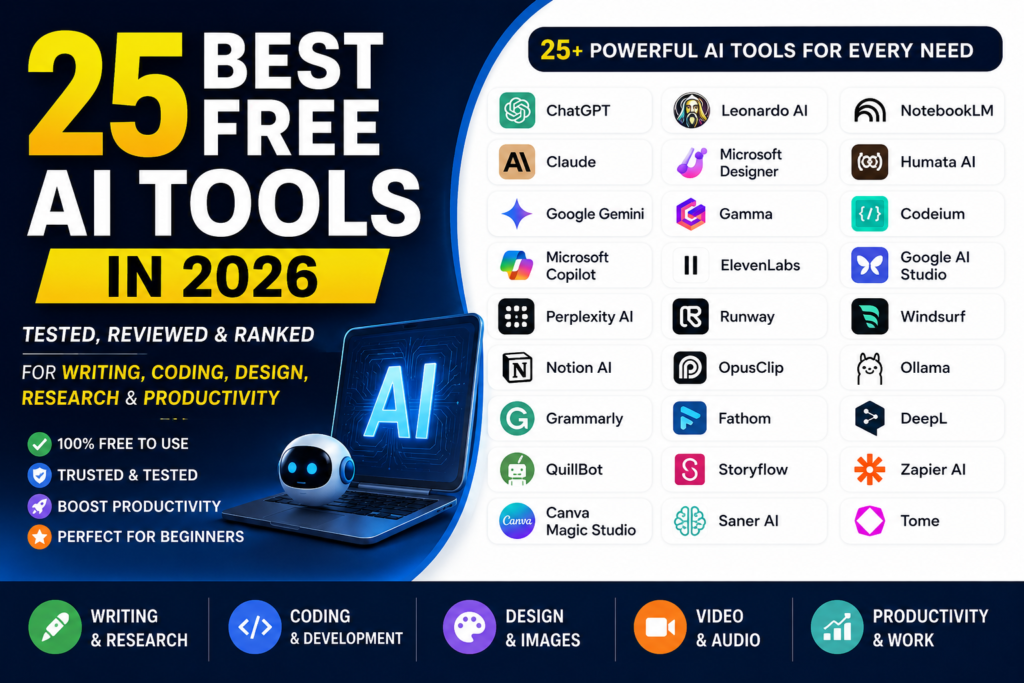
Also Read: 25 Best Free AI Tools in 2026 (Tested & Reviewed)
Table of Contents
Quick Comparison Table
| Tool | Best For | Free Plan | Current Starting Price | Our Rating |
|---|---|---|---|---|
| GitHub Copilot | Overall AI coding assistant | Yes | $10/month | ⭐ 4.8/5 |
| Cursor | AI-powered code editor | Yes | $20/month | ⭐ 4.9/5 |
| Claude Code | Terminal-based AI coding | Limited access | $20/month with Claude Pro* | ⭐ 4.8/5 |
| ChatGPT / Codex | Coding, debugging & problem solving | Yes | $20/month | ⭐ 4.6/5 |
| Google Gemini Code Assist | Google Cloud & Android development | Yes | Free / paid plans vary | ⭐ 4.5/5 |
| Amazon Q Developer | AWS development | Yes | $19/user/month | ⭐ 4.4/5 |
| Kiro | AI coding to agentic engineering | Yes | $20/month | ⭐ 4.8/5 |
| Continue | Open-source & customizable coding | Yes | Free | ⭐ 4.6/5 |
| Replit | Browser-based development | Yes | $25/month | ⭐ 4.3/5 |
| Sourcegraph Cody | Large codebase understanding | Check current plan | Enterprise pricing | ⭐ 4.5/5 |
| Windsurf | Multi-file AI editing | Yes | $15/month | ⭐ 4.8/5 |
| Qodo | AI code review & testing | Yes / trial | Credit-based | ⭐ 4.6/5 |
How We Tested These AI Coding Tools
Choosing the best AI coding assistant requires more than simply comparing feature lists. To provide practical recommendations, we evaluated each platform using real-world development tasks across different programming languages, frameworks, and coding environments.
Our testing focused on the following areas:
Code Accuracy
We examined how accurately each tool generated code for common programming tasks, including API development, algorithms, database operations, and framework-specific implementations.
Code Completion Speed
Fast suggestions help developers stay productive. We measured how quickly each assistant responded with inline code completions while writing code inside popular IDEs.
Debugging & Refactoring
Every tool was tested on its ability to detect bugs, improve existing code, optimize performance, and suggest cleaner coding practices.
Documentation & Test Generation
We evaluated how well each AI assistant generated documentation, explained complex functions, and created unit tests for various programming languages.
Language & Framework Support
Our comparison included support for major languages such as Python, JavaScript, TypeScript, Java, C++, Go, Rust, SQL, and other widely used technologies.
IDE Compatibility
We checked compatibility with leading development environments, including Visual Studio Code, JetBrains IDEs, terminal workflows, browser-based editors, and cloud development platforms.
Pricing & Overall Value
Each tool was compared based on free plan availability, subscription pricing, feature limitations, and overall value for individual developers and teams.
Ease of Use
We considered installation, setup process, interface design, learning curve, and overall user experience to determine how beginner-friendly each platform is.
Security & Privacy
Finally we looked at enterprise security features we looked at privacy policies we looked at how data’s handled and we looked at options such as deployment or zero‑data‑retention for organizations that have rules they must follow.
Using these evaluation criteria helped us spot the parts and the bad parts of each platform. That made it easier to recommend the AI coding tools to kinds of developers—beginners, students, professional software engineers and teams, in large companies.
An AI Code Generator can create functions, scripts and templates from text instructions. An AI Code Generator lets developers focus more on solving problems of writing repetitive code over and over again.
Detailed Reviews of the 12 Best AI Coding Tools
1. GitHub Copilot
Overview
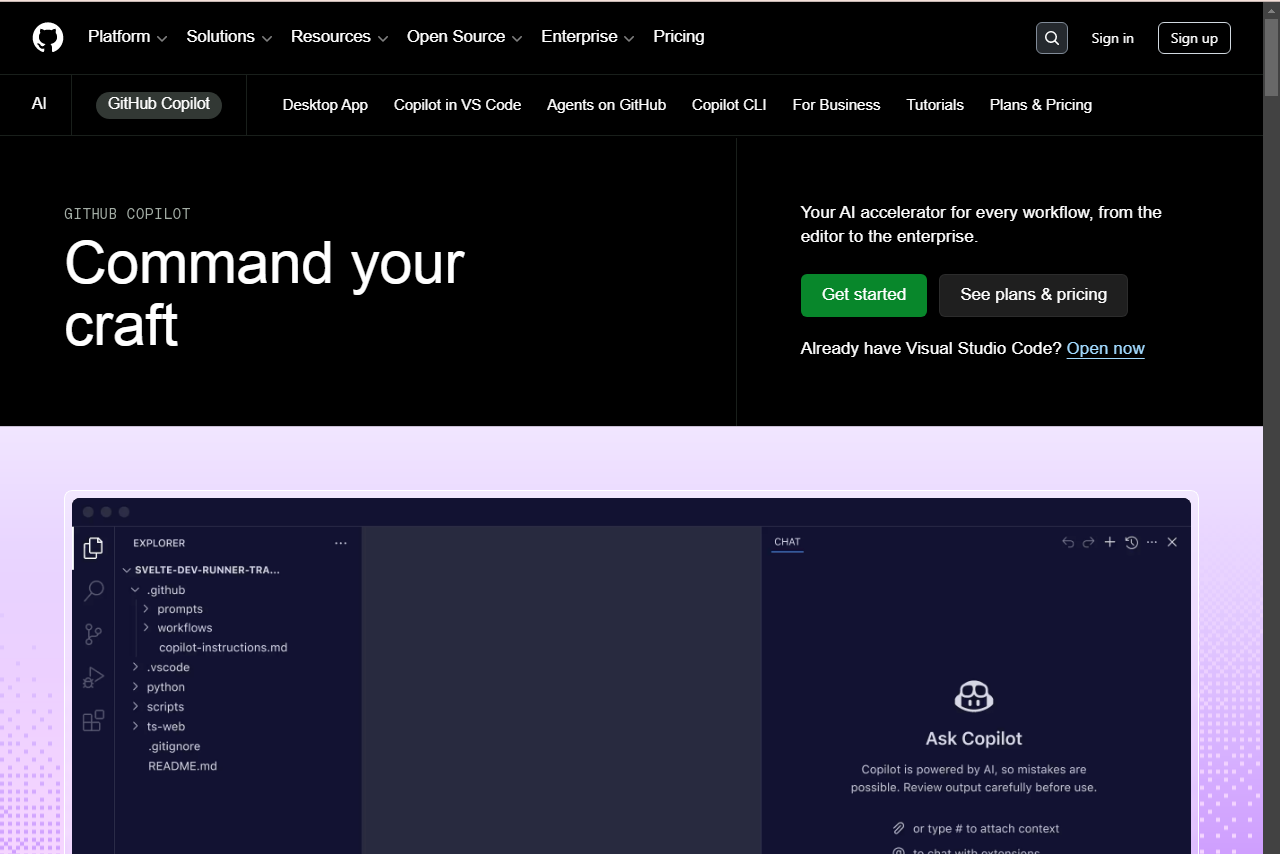
GitHub Copilot is one of the most popular AI coding assistants available today and is widely trusted by developers worldwide. Created by GitHub and powered by advanced AI models, it integrates directly into popular code editors to provide real-time suggestions, explain code, generate functions, and speed up everyday programming tasks.
Rather than acting as a simple autocomplete tool, Copilot understands the context of your project and offers intelligent recommendations based on your existing code. It also integrates seamlessly with GitHub repositories, making it easier to review pull requests, generate commit messages, and improve development workflows.
Whether you’re working on a personal project or collaborating with a large team, GitHub Copilot helps reduce repetitive coding while allowing developers to focus on solving complex problems.
Also Read: ChatGPT Review 2026: Features, Pricing, Pros & Cons
Fast AI Code Completion allows developers to write code with fewer interruptions. Intelligent suggestions can speed up development while reducing typing mistakes.
Key Features
- Smart AI-powered code completion with context awareness
- Generates entire functions, classes, and repetitive code blocks
- AI Chat for debugging, explanations, and coding assistance
- Deep integration with GitHub repositories and pull requests
- Compatible with VS Code, Visual Studio, JetBrains IDEs, and Neovim
Pros
- Excellent code suggestions across multiple programming languages
- Fast and reliable inline code completion
- Easy to install and beginner-friendly
- Strong integration with the GitHub ecosystem
- Supports both individual developers and enterprise teams
Cons
- Premium features require a paid subscription
- Sometimes struggles with understanding very large projects
- AI-generated code should always be reviewed before deployment
Pricing
- Individual: $10/month or $100/year
- Business: $19/user/month
- Enterprise: $39/user/month
Free Plan
Yes. GitHub Copilot offers free access for verified students, teachers, and popular open-source maintainers. A limited trial is also available for new users.
Best For
Professional developers, students, and software teams looking for an accurate AI coding assistant that works directly inside their favorite IDE.
Our Rating
⭐⭐⭐⭐⭐ 4.8 / 5
2. Cursor AI
Overview
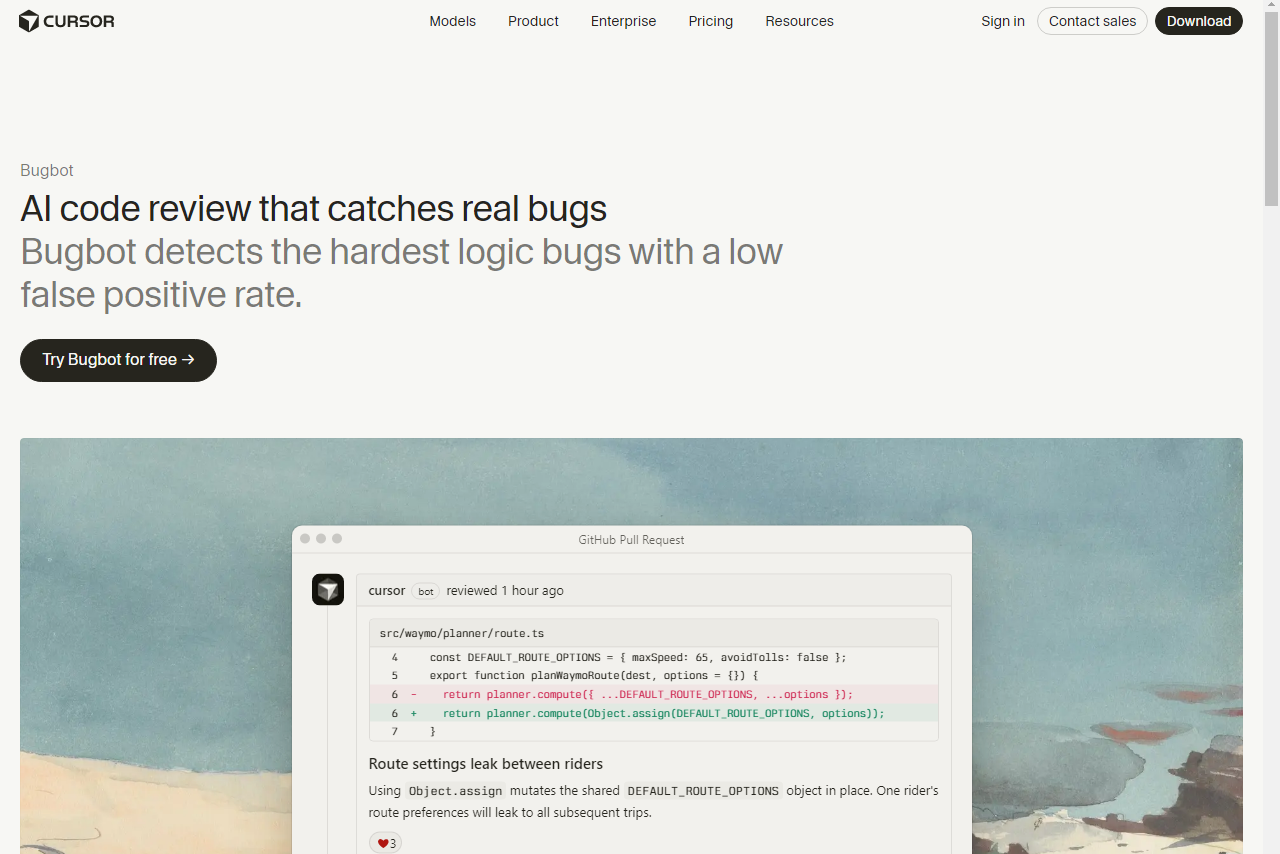
Cursor AI has quickly become one of the most powerful AI-first code editors on the market. Built on Visual Studio Code, it combines the familiar VS Code experience with advanced AI capabilities that allow developers to edit, refactor, and generate code across multiple files using natural language.
Unlike traditional coding assistants that only suggest the next line of code, Cursor AI understands your entire project. It can search through repositories, answer questions about your codebase, generate new features, and automatically update multiple files without requiring constant manual edits.
If Visual Studio Code is your primary editor, choosing an AI Coding Assistant for VS Code can significantly improve your workflow. Most leading tools offer extensions that integrate directly into the editor.
Because it supports leading AI models like Claude and GPT, Cursor provides developers with flexibility while maintaining a fast and responsive coding experience.
Key Features
- AI-powered multi-file editing and code generation
- Complete project indexing for better context awareness
- Built-in AI chat for coding questions and debugging
- Support for multiple AI models
- Full compatibility with VS Code themes and extensions
- AI-assisted terminal command suggestions
Pros
- Excellent understanding of large codebases
- Saves significant time during feature development
- Familiar interface for existing VS Code users
- Fast search and intelligent project-wide editing
- Regular updates with new AI capabilities
Cons
- Advanced features require a paid subscription
- Requires switching from the standard VS Code editor
- Large AI requests may consume credits quickly
Pricing
- Hobby: Free
- Pro: $20/month
- Ultra: $60–$200/month
- Business: $40/user/month
Free Plan
Yes. The free plan includes limited AI requests, basic code generation, and access to core editing features.
Best For
Full-stack developers, software engineers, and advanced programmers who want an AI-powered coding environment instead of a traditional editor.
Our Rating
⭐⭐⭐⭐⭐ 4.9 / 5
3. Claude Code
Overview
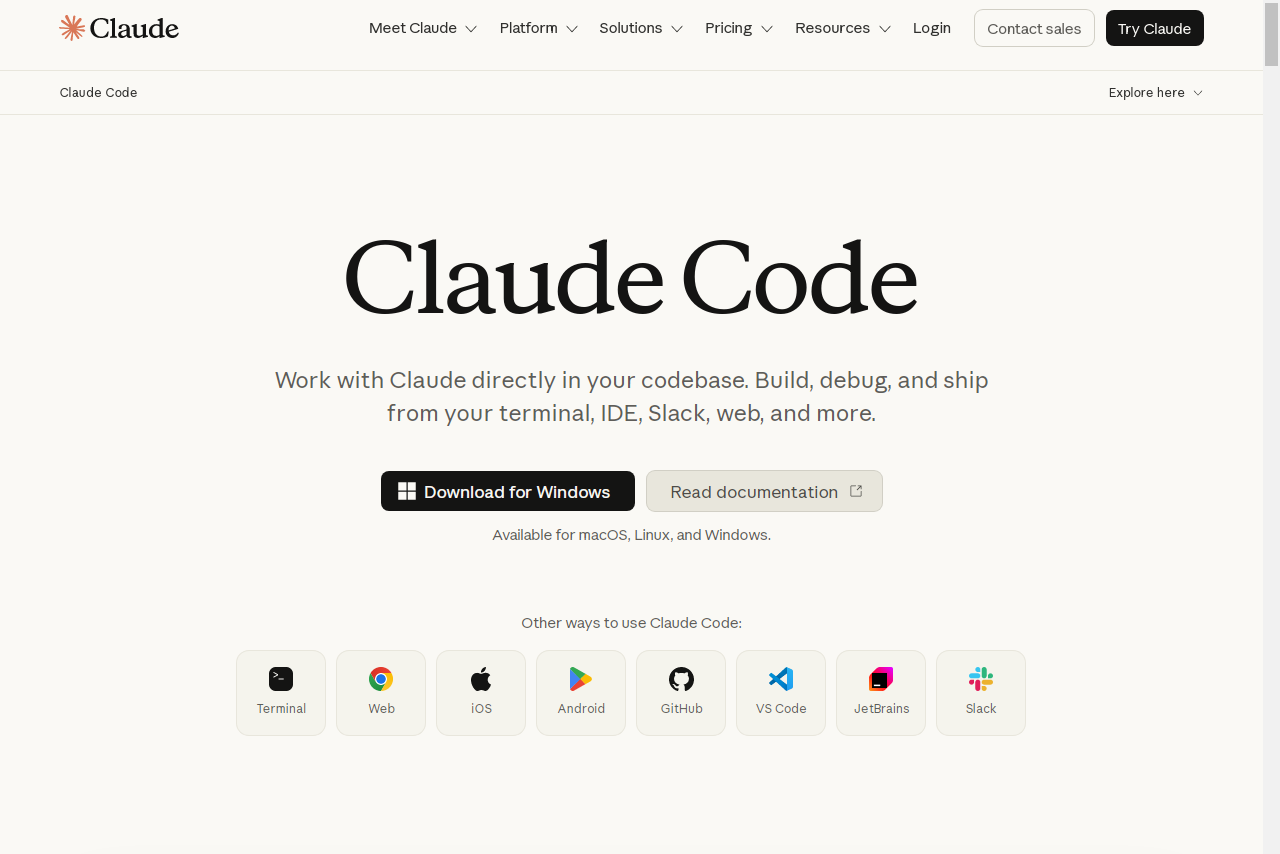
Claude Code is Anthropic’s AI coding assistant designed specifically for developers who prefer working from the terminal. Instead of relying on a graphical interface, it operates directly inside the command line, helping developers write code, edit files, run commands, fix bugs, and automate development tasks using simple natural language instructions.
One of Claude Code’s biggest strengths is its ability to understand large projects thanks to Claude’s long context window. It can analyze multiple files, explain complex code structures, assist with debugging, and even execute multi-step development workflows with minimal user input.
For developers comfortable using the terminal, Claude Code offers a highly efficient way to automate repetitive engineering tasks while maintaining full control over the development environment.
Key Features
- Terminal-based AI coding assistant
- Understands large repositories with long context support
- Executes shell commands and development workflows
- AI-powered debugging and code explanation
- Supports integration with external developer tools
Pros
- Ideal for terminal-focused development workflows
- Excellent reasoning for complex coding tasks
- Strong support for debugging and project analysis
- Handles large repositories effectively
- Flexible API-based usage
Cons
- Not beginner-friendly
- Requires familiarity with terminal commands
- API usage can become expensive for heavy workloads
Pricing
- Available through Anthropic API usage
- Included with Claude Pro ($20/month) and Team plans
Free Plan
There is no dedicated free plan, although developers can test the service using available API credits.
Best For
Experienced developers, DevOps engineers, backend programmers, and terminal users who want an AI assistant capable of handling advanced coding workflows.
Our Rating
⭐⭐⭐⭐⭐ 4.8 / 5
4. ChatGPT
Overview
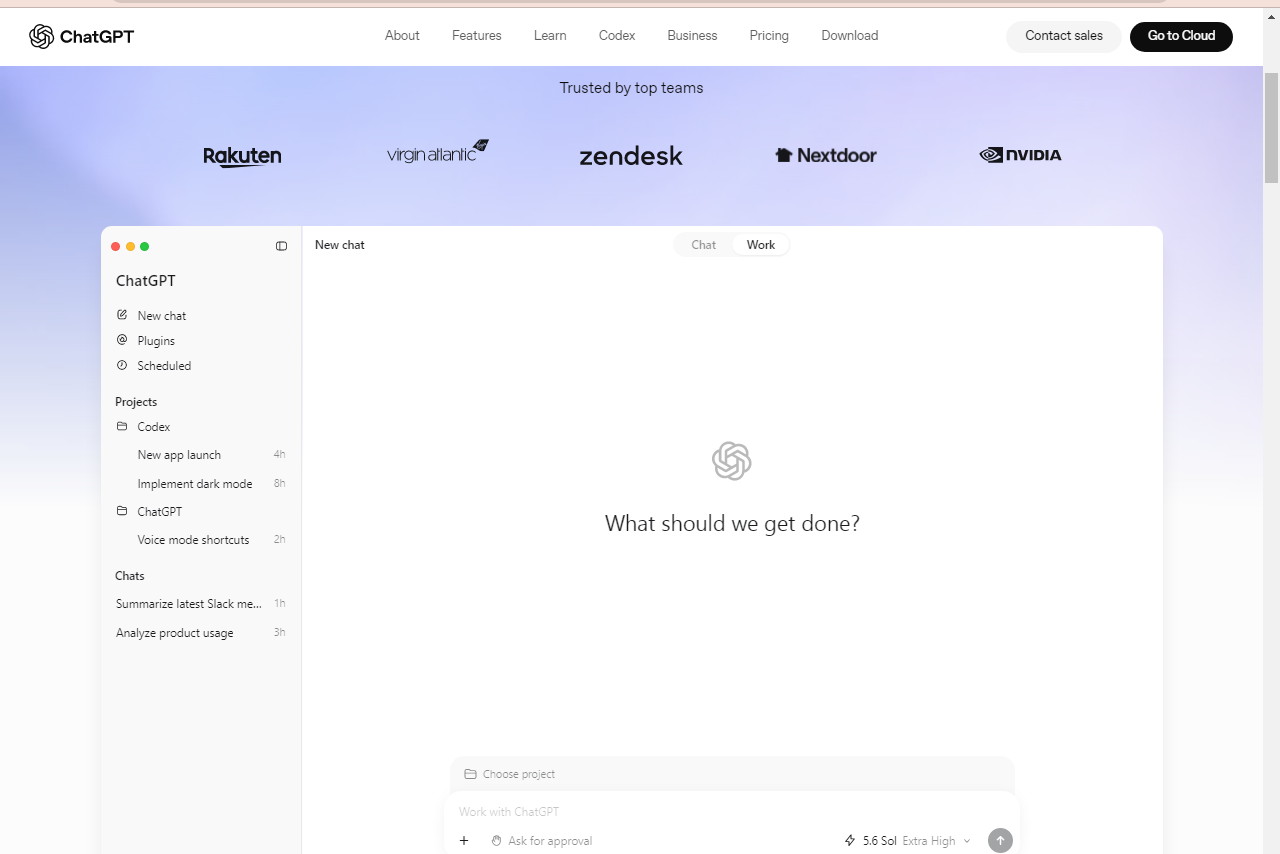
ChatGPT has become one of the most popular AI tools for developers thanks to its powerful coding capabilities and problem-solving skills. Developed by OpenAI, it helps programmers write code, debug errors, explain complex concepts, optimize algorithms, and generate documentation through natural conversations.
Unlike traditional code completion tools, ChatGPT acts as an intelligent programming assistant. Developers can ask technical questions, upload code snippets, troubleshoot bugs, or discuss software architecture in detail. Its ability to understand multiple programming languages makes it useful for beginners as well as experienced software engineers.
Also Read: Google Gemini Review 2026
Whether you’re building a web application, learning a new framework, or solving a difficult coding challenge, ChatGPT can significantly speed up the development process.
Key Features
- AI-powered coding assistance through natural conversations
- Interactive Canvas for editing and reviewing code
- Supports screenshots, diagrams, and file uploads for debugging
- Generates code, documentation, and test cases
- Works across virtually all major programming languages
Pros
- Excellent for debugging and explaining complex code
- Strong reasoning for algorithms and software architecture
- Beginner-friendly interface with no IDE setup required
- Supports multiple programming languages and frameworks
- Great for brainstorming project ideas and learning new technologies
Cons
- Doesn’t directly integrate with every development environment
- Manual copy-and-paste may interrupt coding workflow
- Large projects may require additional context for accurate suggestions
Pricing
- Free: $0/month
- Plus: $20/month
- Team: Starting at $25/user/month
- Enterprise: Custom pricing
Free Plan
Yes. ChatGPT offers a capable free plan that includes AI-powered coding assistance, code explanations, debugging help, and general programming support.
Best For
Developers, students, software engineers, and technical teams looking for an AI assistant to solve coding problems, explain concepts, and accelerate software development.
Our Rating
⭐⭐⭐⭐☆ 4.6 / 5
5. Gemini Code Assist
Overview
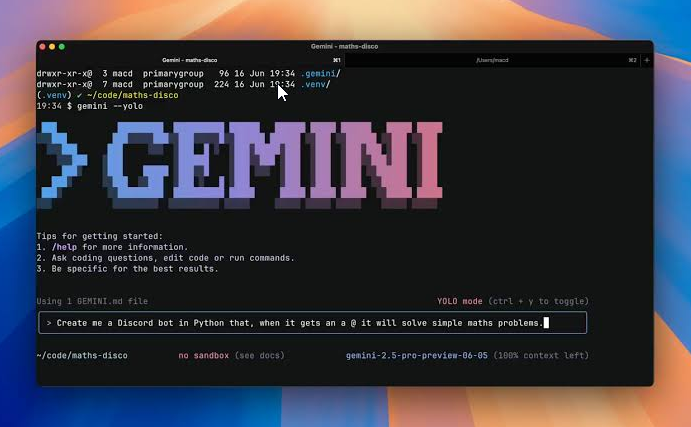
Google Gemini is a powerful AI assistant that has become an excellent choice for developers working within Google’s ecosystem. It provides intelligent coding support, analyzes large codebases, explains complex logic, and integrates smoothly with tools like Android Studio and Google Cloud services.
One of Gemini’s biggest advantages is its ability to process large amounts of information in a single conversation. Developers can share lengthy documentation, project files, or source code without constantly splitting the discussion into smaller prompts. This makes it especially useful for large software projects.
Modern AI Coding Software can analyze large codebases, generate new code, and assist with debugging tasks. These features make development faster and more efficient for individuals and teams.
Gemini also performs well when generating code, fixing errors, creating UI components, and assisting with Android application development.
Key Features
- Large context window for analyzing extensive codebases
- Native integration with Android Studio
- Google Cloud development assistance
- AI-powered code generation and debugging
- Multimodal support for images, diagrams, and documents
Pros
- Excellent choice for Android developers
- Handles large repositories efficiently
- Strong integration with Google Cloud services
- Generous free access for individual users
- Useful for frontend and mobile development
Cons
- Code suggestions can occasionally be slower than some competitors
- IDE support is stronger within Google’s own ecosystem
- Some advanced enterprise features require paid plans
Pricing
Current pricing is not simply “$19/user/month.” Google currently lists Standard and Enterprise pricing through Google Cloud, with hourly/monthly commitment structures.
Free Plan
Yes. Google provides a generous free tier that allows developers to explore coding features without paying for a subscription.
Best For
Android developers, Google Cloud users, mobile app developers, and teams working within the Google ecosystem.
Our Rating
⭐⭐⭐⭐☆ 4.5 / 5
Also Read: Claude AI Review 2026
6. Amazon Q Developer
Overview
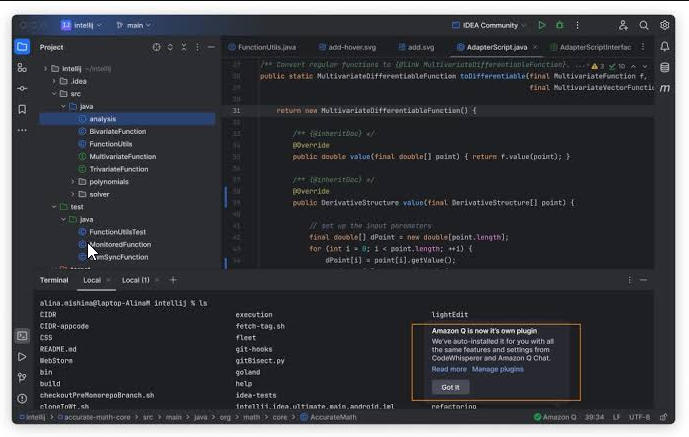
Amazon Q Developer is Amazon’s AI-powered coding assistant designed primarily for cloud development and enterprise software projects. It helps developers write code, automate repetitive tasks, modernize legacy applications, and build cloud infrastructure more efficiently.
The platform is especially valuable for teams using Amazon Web Services (AWS). It can generate cloud resources, recommend security improvements, assist with infrastructure-as-code, and simplify the deployment of cloud applications. It also provides useful code suggestions directly inside supported IDEs.
For organizations already invested in AWS, Amazon Q Developer can significantly improve productivity while helping maintain security best practices.
Key Features
- AI assistance for AWS application development
- Generates cloud infrastructure and deployment code
- Security scanning and vulnerability detection
- Supports Visual Studio Code, JetBrains, and AWS Cloud9
- Helps modernize legacy Java applications
Pros
- Excellent for AWS-based development
- Built-in security recommendations
- Free plan includes useful coding features
- Strong enterprise support
- Helpful for DevOps and cloud engineers
Cons
- Less useful outside the AWS ecosystem
- AI conversations feel less natural than some competitors
- Best experience requires familiarity with AWS services
Pricing
- Individual: Free
- Pro: $19/user/month
Free Plan
Yes. Amazon Q Developer offers a free individual plan with AI coding assistance, security scanning, and cloud development support.
Best For
AWS developers, cloud architects, DevOps engineers, and enterprise software teams.
Our Rating
⭐⭐⭐⭐☆ 4.4 / 5
7. Kiro
Overview
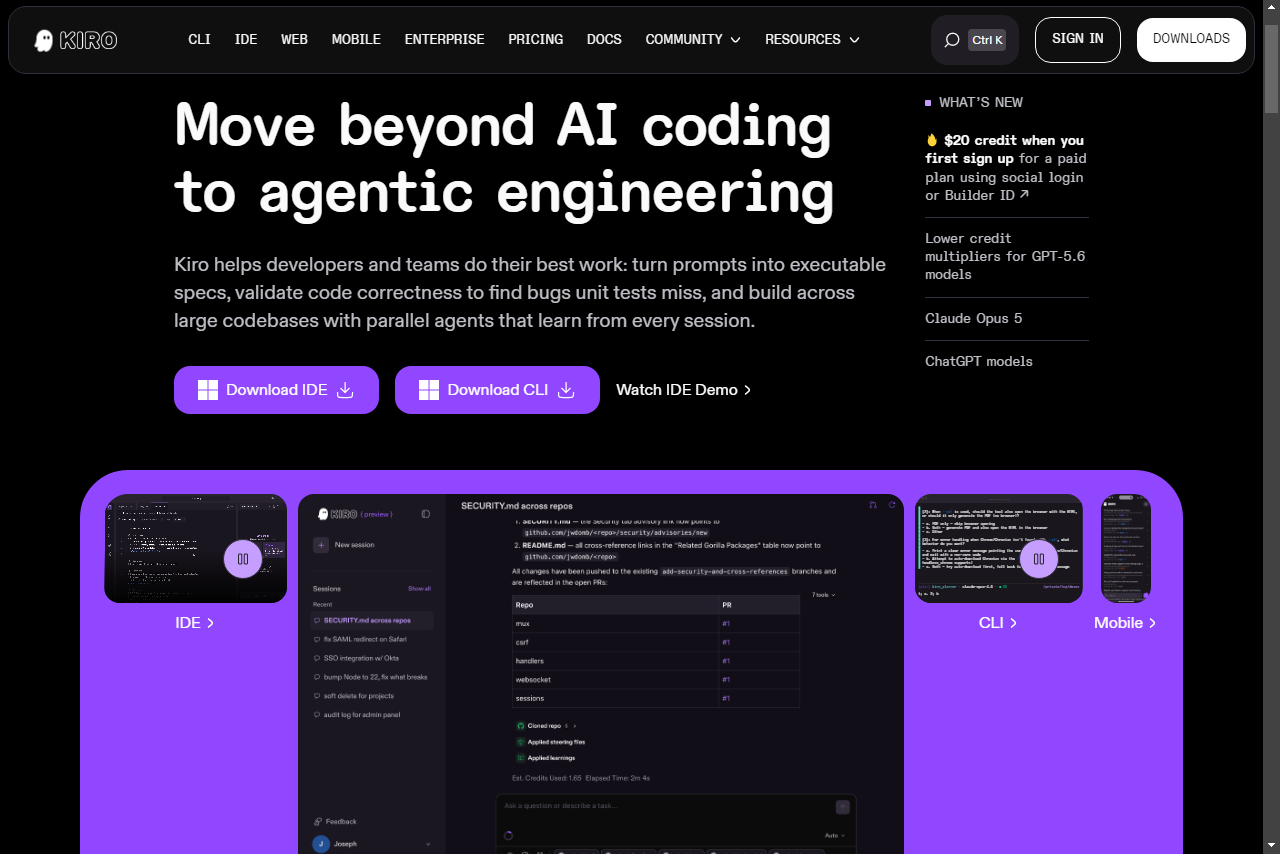
Kiro has become one of the best free AI coding tools available for developers. It provides fast code completion, intelligent suggestions, AI chat, and support for dozens of programming languages without requiring an expensive subscription.
Designed for speed and simplicity, Kiro integrates with many popular IDEs and editors, making it easy for developers to improve productivity without changing their existing workflow. Its lightweight interface and quick response times make it a strong alternative to premium coding assistants.
If you’re looking for Free AI Coding Tools, Kiro is one of the strongest options available. It provides fast code suggestions and supports many popular programming languages without requiring a paid subscription.
For individual developers and open-source contributors, Kiro delivers impressive value through its generous free plan.
Key Features
- Real-time AI code completion
- AI chat and code editing assistance
- Supports over 70 programming languages
- Compatible with VS Code, JetBrains, Neovim, Xcode, Eclipse, and more
- Enterprise self-hosting for organizations
Pros
- Excellent free plan with unlimited code completion
- Fast and responsive suggestions
- Supports a wide range of IDEs
- Easy setup process
- Great value for solo developers
Cons
- Advanced AI workflows require paid upgrades
- Large repository understanding is more limited than premium tools
- Fewer enterprise features than some competitors
Pricing
- Free: $0 — 50 credits
- Pro: $20/month — 1,000 credits
- Pro+: $40/month — 2,000 credits
- Pro Max: $100/month — 5,000 credits
- Power: $200/month — 10,000 credits
Free Plan
Yes. Kiro provides one of the most generous free plans, including unlimited AI code completion for individual developers.
Best For
Students, freelance developers, open-source contributors, and programmers looking for a reliable free AI coding assistant.
Our Rating
⭐⭐⭐⭐⭐ 4.7 / 5
8. Continue.dev
Overview
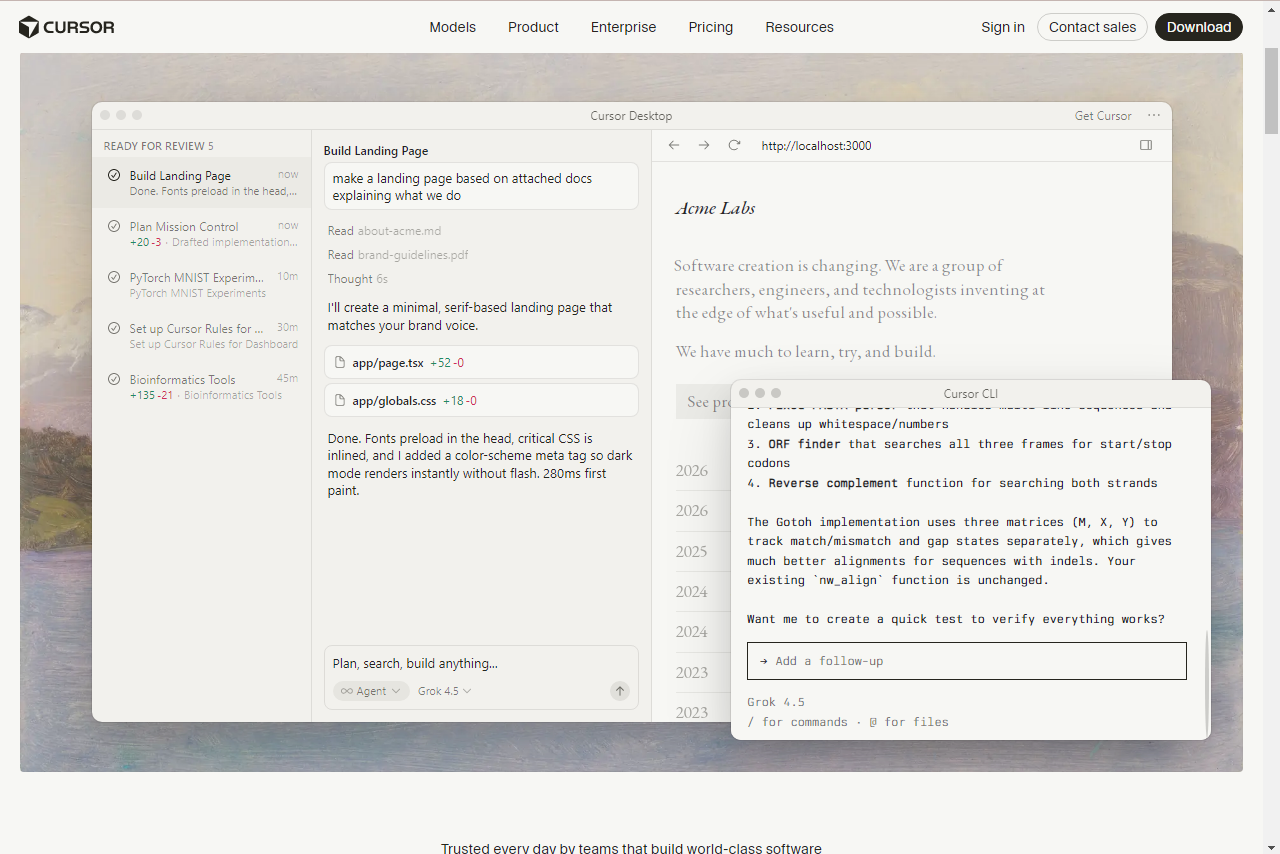
Continue.dev is an open-source AI coding assistant that integrates directly into popular IDEs like Visual Studio Code and JetBrains. Unlike many closed platforms, Continue lets developers connect their preferred AI models—including OpenAI, Claude, Gemini, DeepSeek, and local LLMs through Ollama. This flexibility makes it a strong choice for developers who want full control over their AI coding workflow.
Key Features
- Open-source and highly customizable
- Supports OpenAI, Claude, Gemini, DeepSeek, and Ollama
- Works with VS Code and JetBrains IDEs
- Chat, code generation, editing, and autocomplete
- Local model support for better privacy
Pros
- Completely open-source
- Supports multiple AI providers
- Great choice for privacy-conscious developers
- Highly customizable for advanced users
Cons
- Initial setup takes more time than plug-and-play tools
- Some advanced features depend on the AI model you connect
Pricing
- Continue.dev: Free
- API costs depend on the AI provider you choose
Free Plan
Yes. Continue itself is completely free and open-source.
Best For
Developers who want an open-source AI coding assistant with support for multiple AI models and complete customization.
Our Rating
⭐ 4.6 / 5
9. Replit AI
Overview
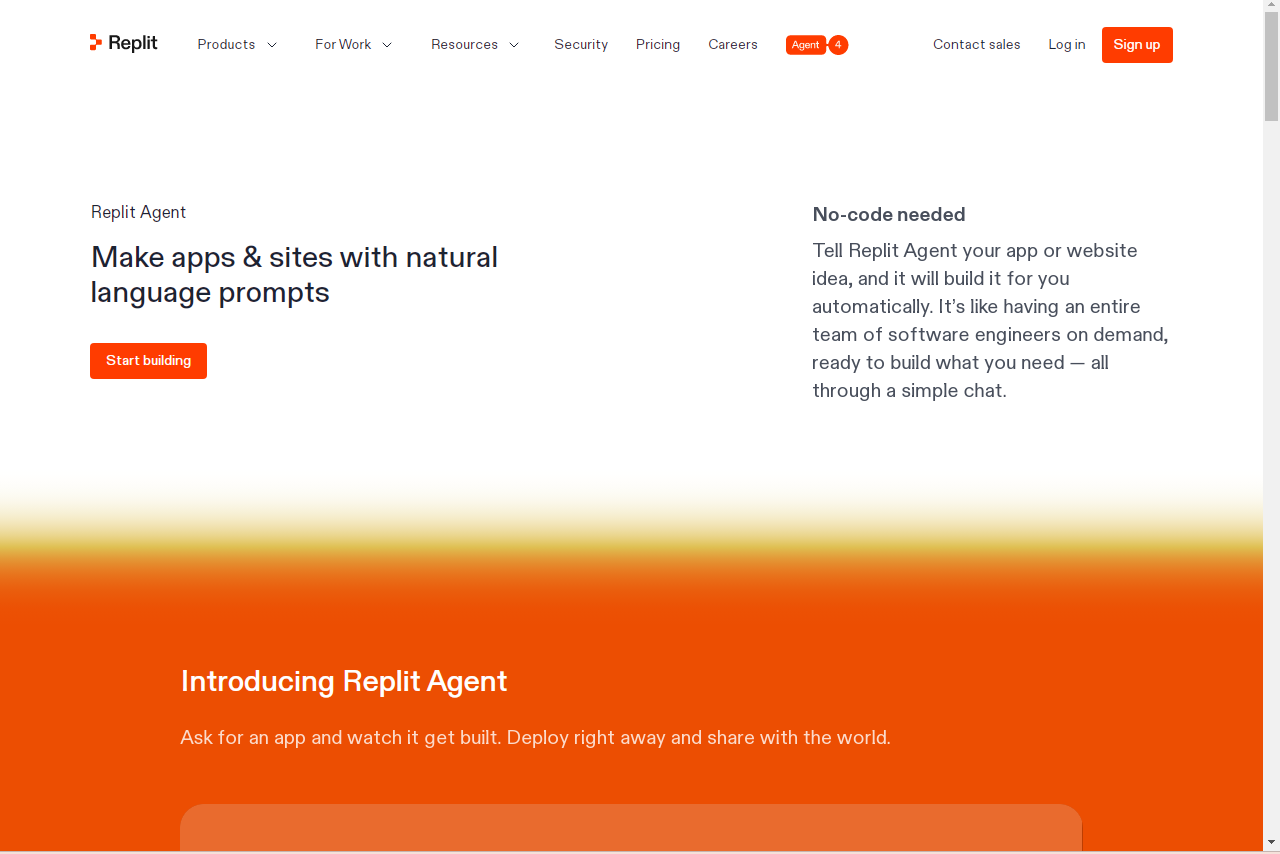
Replit AI is an AI-powered development platform that combines coding, deployment, and collaboration in a single browser-based environment. Instead of installing software locally, developers can write, test, and deploy applications directly from their web browser while receiving AI-powered coding assistance throughout the process.
The platform is especially useful for beginners, students, startups, and rapid prototyping. It can generate code, install dependencies, fix errors, and even help deploy applications with minimal manual setup. Because everything runs in the cloud, users can continue their projects from virtually any device.
For developers who want an all-in-one online coding environment, Replit AI offers an easy and convenient solution.
Key Features
- AI-assisted code generation and debugging
- Browser-based development environment
- One-click application deployment
- Built-in collaboration for teams
- Automatic package installation and project setup
Pros
- No local setup required
- Beginner-friendly interface
- Fast project deployment
- Excellent for learning and rapid prototyping
- Real-time collaboration features
Cons
- Works best within the Replit ecosystem
- Limited flexibility compared to desktop IDEs
- Paid plans may be expensive for casual users
Pricing
- Free: Basic workspace
- Core: $25/month
- Teams: Custom pricing
Free Plan
Free plan available; paid plans start at a monthly subscription, with higher tiers for additional AI and development usage.
Best For
Students, beginner developers, educators, startups, and developers who prefer cloud-based coding.
Our Rating
⭐⭐⭐⭐☆ 4.3 / 5
10. Sourcegraph Cody
Overview
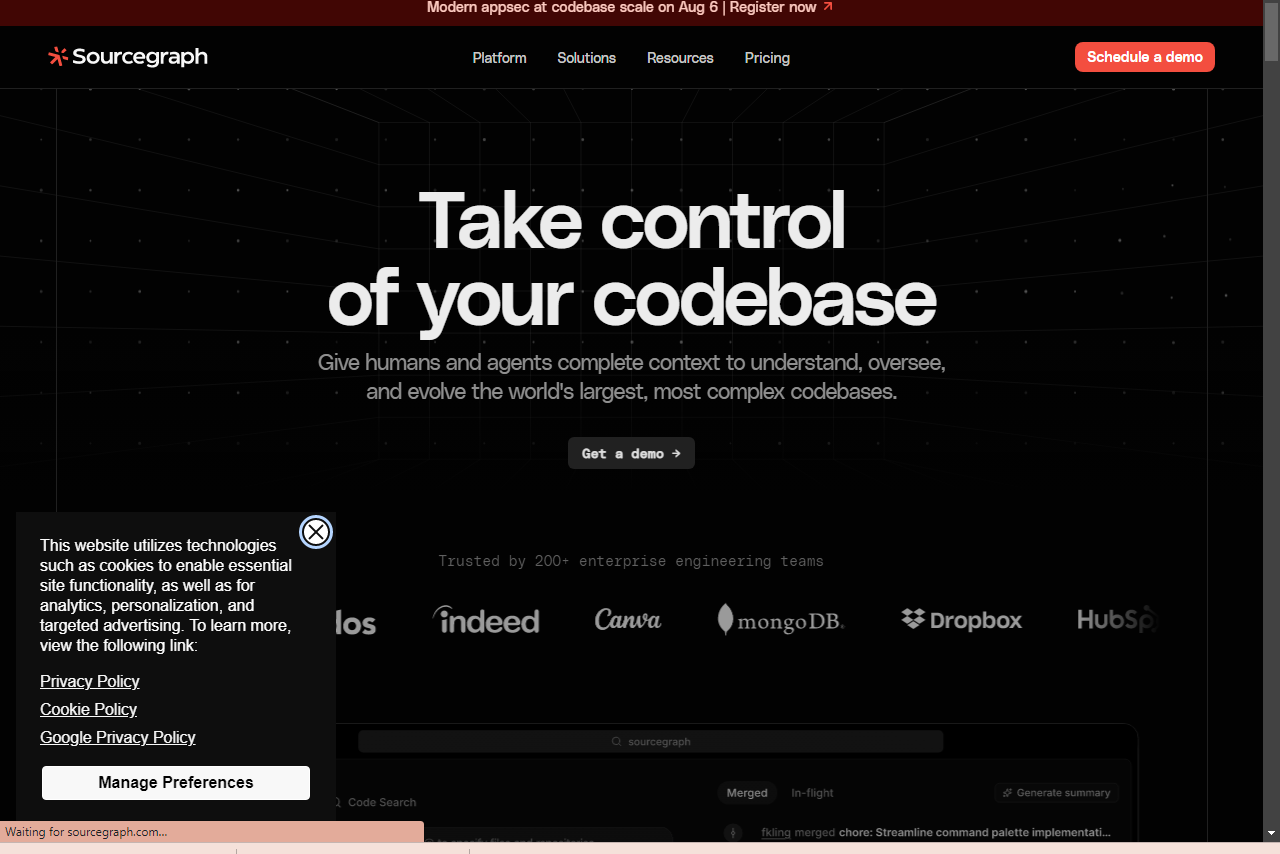
Sourcegraph Cody is an AI coding assistant designed for developers working with large and complex codebases. Unlike many coding tools that only understand the currently opened file, Cody can analyze multiple repositories, project documentation, and existing code simultaneously to provide more accurate answers and recommendations.
Its advanced code search capabilities make it particularly valuable for enterprise software teams managing large applications with thousands of files. Developers can quickly understand unfamiliar code, generate tests, explain functions, and improve productivity across multiple repositories.
For organizations maintaining large software systems, Sourcegraph Cody is one of the strongest AI-powered development tools available.
Key Features
- AI understands multiple repositories simultaneously
- Smart code search and explanation
- Generates documentation and unit tests
- Supports multiple AI language models
- Enterprise-grade access controls
Pros
- Excellent for large enterprise projects
- Powerful code search capabilities
- Supports multiple AI models
- Improves productivity across complex codebases
- Strong enterprise security
Cons
- Initial setup can take time
- Inline suggestions are slightly slower than some competitors
- Best suited for larger teams rather than solo developers
Pricing
Enterprise pricing is available through Sourcegraph; pricing and availability depend on the current Sourcegraph offering.
Free Plan
Yes. Sourcegraph Cody provides a free plan with AI chat, autocomplete, and basic repository indexing.
Best For
Enterprise developers, software engineers, and teams managing large multi-repository applications.
Our Rating
⭐⭐⭐⭐☆ 4.6 / 5
11. Windsurf
Overview
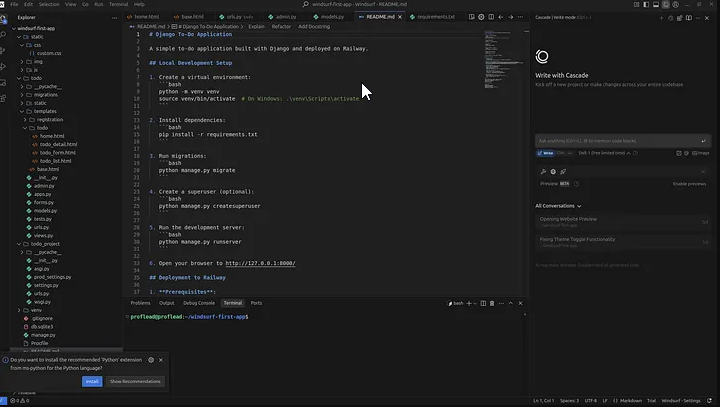
Windsurf is an AI-first code editor developed by the team behind Codeium. It combines traditional code completion with intelligent AI agents capable of editing multiple files, fixing bugs, generating new features, and assisting throughout the entire development process.
One of its standout features is Cascade, an AI workflow system that understands project context and performs complex coding tasks with minimal user input. Windsurf also offers fast inline code suggestions and supports leading AI models, making it an attractive alternative to editors like Cursor AI.
For developers looking for an affordable AI-powered coding environment, Windsurf delivers an impressive mix of speed, automation, and intelligent code generation.
Key Features
- Cascade AI agent for multi-file editing
- AI-powered code generation and debugging
- Fast inline code completion
- Built-in preview and deployment tools
- Support for advanced AI language models
Pros
- Excellent multi-file editing capabilities
- Affordable pricing
- Fast and accurate code suggestions
- Beginner-friendly interface
- Active development with regular updates
Cons
- Heavy AI usage consumes prompt credits
- Requires switching to a dedicated editor
- Advanced AI features depend on paid plans
Pricing
- Free: 25 monthly prompt credits
- Pro: $15/month
- Teams: $30/user/month
- Enterprise: Custom pricing
Free Plan
Yes. Windsurf offers a free plan with limited AI prompts and unlimited code completion.
Best For
Developers looking for a modern AI-powered editor with intelligent automation and multi-file coding support.
Our Rating
⭐⭐⭐⭐⭐ 4.8 / 5
12. Qodo
Overview
Qodo is an AI development platform that focuses on improving software quality of simply generating code. The platform, which used to be called CodiumAI helps developers write tests review pull requests find bugs and keep high coding standards throughout the entire software development cycle.
Than just speeding up coding Qodo helps engineering teams by automatically creating unit tests spotting potential problems before the software goes live and making the code more reliable. When Qodo works with GitHub, GitLab and popular IDEs Qodo becomes a tool, in professional development workflows.
For teams that prioritize software quality, testing, and maintainable code, Qodo is one of the strongest AI tools available.
Key Features
- Automatic unit test generation
- AI-powered pull request reviews
- Smart code quality analysis
- Repository-wide coding standards
- Integration with GitHub, GitLab, Bitbucket, VS Code, and JetBrains
Pros
- Excellent automated test generation
- Helps improve code quality
- Reduces manual code review effort
- Strong enterprise security features
- Great integration with popular developer platforms
Cons
- Less focused on rapid code generation
- Higher pricing for teams
- Best suited for professional development workflows
Pricing
Pricing: Free trial available; Pro Team starts at $30/user/month. Enterprise options are available for larger organizations.
Free Plan
Yes. Qodo offers a free Developer plan that includes AI-powered testing, code review assistance, and basic repository analysis.
Best For
Software engineering teams, QA engineers, enterprise developers, and organizations focused on testing, code quality, and automated reviews.
Our Rating
⭐⭐⭐⭐☆ 4.6 / 5
How to Choose the Right AI Coding Tool
Every developer has different goals, so the best AI coding assistant depends on how you work.
Best for Beginners
If you’re learning programming or creating your first projects, ChatGPT and Replit AI are excellent starting points. ChatGPT explains concepts, fixes errors, and teaches coding step by step, while Replit AI lets you build and run applications directly in your browser without complex setup.
Best for Professional Developers
Developers working on production applications should consider Cursor AI or Windsurf. Both provide advanced multi-file editing, intelligent code generation, and powerful AI workflows that can significantly improve productivity.
Best Free AI Coding Tool
For developers who don’t want to pay for an AI assistant, Codeium is one of the strongest free options. It offers fast autocomplete, broad IDE support, and unlimited code suggestions for individual users.
Best for Enterprise Teams
Organizations handling sensitive projects should look at GitHub Copilot Enterprise or Tabnine. These tools provide stronger security, administrative controls, and privacy features suitable for business environments.
Best for Testing and Code Quality
If your priority is writing reliable software with fewer bugs, Qodo stands out. It helps generate unit tests, reviews pull requests, and improves overall code quality.
Best for Terminal-Based Development
Developers who spend most of their time in the command line may prefer Claude Code, which can automate coding tasks, run tests, and manage projects directly from the terminal.
Best AI for Programming
There is no single Best AI for Programming because every developer has different needs. Some tools focus on speed, while others provide better reasoning, debugging, or team collaboration features.
Frequently Asked Questions
What is the best AI coding tool in 2026?
There isn’t a single tool that’s perfect for everyone. Cursor AI is an excellent AI-first editor, GitHub Copilot offers the best traditional IDE integration, and ChatGPT is ideal for learning and solving complex programming problems.
Is GitHub Copilot worth paying for?
For many developers, yes. It speeds up coding, reduces repetitive work, and integrates smoothly with popular development environments.
Which AI coding assistant is completely free?
Codeium offers one of the best free plans with unlimited code completion. ChatGPT, Google Gemini, and Amazon Q Developer also provide useful free tiers.
Can AI replace software developers?
No. AI can automate repetitive coding tasks and assist with debugging, but developers are still responsible for architecture, problem-solving, decision-making, and delivering production-ready software.
Which AI coding tool is best for Python?
Python developers often choose GitHub Copilot, Cursor AI, or Claude Code, as all three provide strong support for Python programming, testing, and code generation.
Are AI coding assistants safe for private projects?
Most major providers offer business plans with stronger privacy protections. Some tools, including Tabnine, also support private or on-premise deployments for organizations with strict security requirements.
What’s the difference between autocomplete and AI agents?
Traditional autocomplete tools suggest the next few lines of code while you’re typing. AI agents can understand larger tasks, edit multiple files, fix bugs, and perform more advanced coding workflows with minimal manual input.
Conclusion
AI coding assistants are tools for developers at every skill level. Whether a person is learning to code, building web applications, managing enterprise software or maintaining codebases the correct AI coding assistant can save time and boost productivity.
For the overall AI powered editor Cursor AI and Windsurf are great options. Developers who like IDEs will enjoy GitHub Copilot. ChatGPT remains one of the choices for learning, debugging and understanding complex programming concepts. For those who want a solution Codeium offers great value without a monthly fee.
An AI programming assistant is more than a convenience; it has become a productivity tool, for developers. The correct AI programming assistant can save time improve code quality and simplify programming tasks.
The best AI coding tool depends on workflow, programming language, budget and development environment. Try free plans compare features and choose the AI coding tool that fits daily coding needs.
Modern AI developer tools help developers write code, automate routine tasks and boost overall productivity. Modern AI developer tools are becoming a part of software development workflows.
Related Articles
Best AI Writing Tools 2026: 15 Best AI Writers Compared
Compare the top AI writing assistants for blogging, copywriting, SEO, and content creation.
Best AI Image Generators 2026: 12 Best AI Art Tools Compared
Explore the leading AI image generators for creating stunning artwork, logos, and realistic visuals.
Best AI Chatbots 2026: 10 Best AI Assistants Compared
Find the best AI chatbots for productivity, research, coding, and everyday tasks
Best AI Productivity Tools 2026: Features, Pricing, Pros & Cons
Find the top free & paid AI productivity apps
Pingback: What Is an AI Agent? Definition, Examples, Types & Risks - AI Crest Lab