
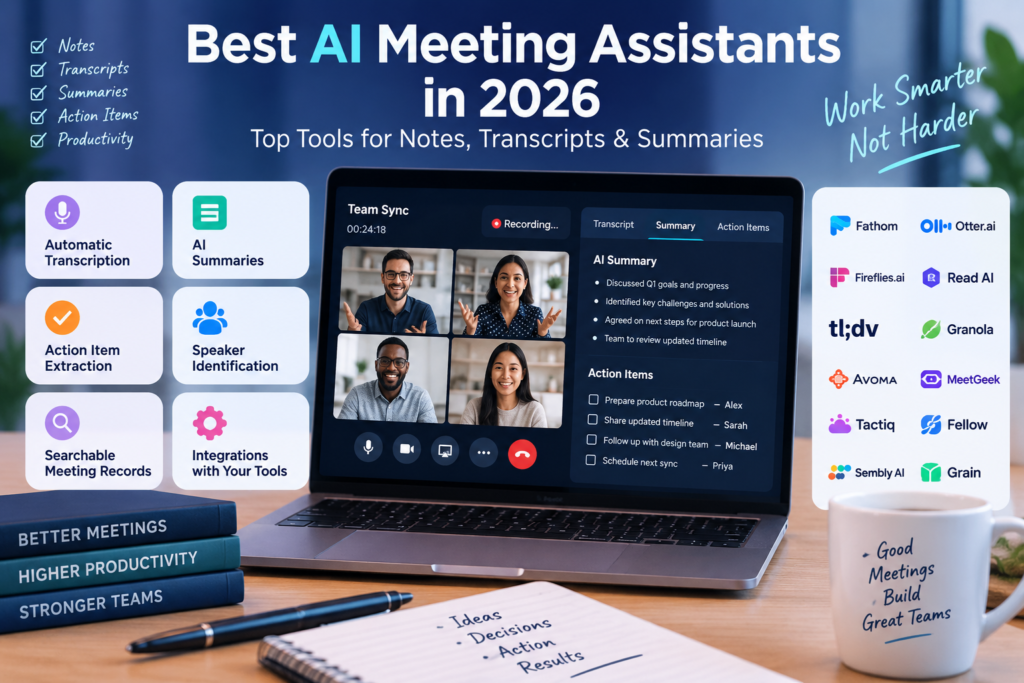
Modern workplaces rely a lot on meetings, calls and conversations. Keeping up with all that gets said in those meetings can be time-consuming. Professionals end up listening writing down notes remembering decisions assigning tasks and later creating meeting recaps. It’s a lot to manage.
In 2026 AI meeting assistants are changing how people handle this. These tools can record meetings turn speech into text figure out who is speaking, spot points create summaries and pull out action items automatically.
Now people don’t have to try to follow the conversation and take notes at the same time. They can just focus on the discussion. The AI takes care of the documentation.
This is especially important, for hybrid teams. A strong AI meeting assistant keeps context boosts accountability cuts down on repetitive admin work and makes it easier to find past conversations later.
This guide looks at some of the AI meeting assistants in 2026. It compares them based on transcription accuracy how well their AI summaries work how well they connect with tools, how easy they are to use how they protect privacy and their overall value.
Also Read: 15 Best AI Marketing Tools in 2026: Tested & Compared
What Is an AI Meeting Assistant?
An AI meeting assistant is an artificial intelligence-powered application that captures, transcribes, analyzes, and organizes information from meetings and conversations.
These platforms generally use speech recognition, natural language processing, and large language models to transform spoken conversations into useful notes and structured information.
How It Works
- Capture & Audio Processing: The assistant connects to a virtual meeting such as Zoom, Google Meet, or Microsoft Teams. Depending on the platform, it may join as a visible meeting participant or capture audio locally from a computer.
- Speech-to-Text Transcription: Speech recognition technology converts conversations into written text while identifying different speakers and, in many cases, adding timestamps.
- AI Synthesis & Analysis: The AI analyzes the transcript to identify important topics, decisions, highlights, action items, and other relevant information.
- Integration & Workflow Distribution: Meeting transcripts, summaries, and action items can then be connected with applications such as Slack, Notion, Jira, Google Docs, Salesforce, and HubSpot.
During a meeting, the assistant effectively works as a digital note taker. Once the meeting ends, the recorded conversation becomes a searchable source of information that teams can refer back to whenever needed.
How AI Meeting Assistants Can Help
Adding an AI meeting note taker to your workflow can reduce manual work and make meetings more productive.
- Automatic Meeting Transcription: Creates written transcripts of conversations while identifying different speakers, reducing the need for manual note-taking.
- AI-Generated Summaries: Turns lengthy meetings into short summaries covering major topics, decisions, and important takeaways.
- Action Item Extraction: Detects tasks and commitments mentioned during conversations and turns them into organized action items.
- Speaker Identification: Helps distinguish between participants in group meetings.
- Key-Point Detection: Identifies important discussions, customer concerns, budget decisions, and project blockers.
- Searchable Meeting Records: Stores conversations in an indexed format so users can search previous meetings using keywords or natural-language questions.
- Follow-Up Notes: Can create post-meeting recap messages and emails that users can review before sending.
- Task and Workflow Management: Some platforms connect extracted tasks with applications such as Asana, Trello, ClickUp, or Jira.
- Meeting Productivity: Reliable documentation allows participants to focus more on the actual discussion instead of constantly writing notes.
- Remote Team Collaboration: People who miss a meeting can use summaries, transcripts, or short video highlights to quickly understand what happened.
What to Look for in the Best AI Meeting Assistant
When comparing AI meeting summary tools, several factors should be considered before choosing one for personal or team use.
- Transcription Accuracy: Look for a system that can handle different accents, technical terms, industry-specific vocabulary, and background noise.
- Summary Quality: The generated summary should be organized and meaningful rather than simply producing vague or disconnected sentences.
- Speaker Recognition: The platform should accurately distinguish participants during group conversations.
- Supported Meeting Platforms: Check compatibility with the services your team uses, including Zoom, Google Meet, Microsoft Teams, and Webex.
- Real-Time Transcription: Determine whether you need live transcription during meetings or only post-meeting transcripts.
- AI Search Capabilities: Cross-meeting search and natural-language questions can make large collections of meeting records much easier to use.
- Action Items & Task Automation: Automatic identification and assignment of tasks can reduce administrative work after meetings.
- Integrations: Make sure the tool works with your existing CRM, communication, calendar, and project-management applications.
- Recording Capabilities: Check whether the platform records audio, video, screen sharing, or only the transcript.
- Privacy and Security: Consider encryption, compliance standards, data retention policies, and how the provider handles meeting data.
- Free Plan Options: A free tier or trial can make it easier to test transcription and summary quality before purchasing.
- Pricing and Value: Compare subscription costs with recording limits, AI features, storage, and other restrictions.
- Ease of Use: A simple interface and minimal setup can make adoption easier across a team.
- Team Collaboration: Shared workspaces, comments, folders, permissions, and centralized meeting records can be valuable for organizations.
Also Read: Best AI SEO Tools in 2026: 15 Tools for Better Rankings
Quick Comparison: Best AI Meeting Assistants in 2026
| Tool | Best For | Free Option | Transcription | AI Summaries | Integrations | Ease of Use | Best Use Case |
|---|---|---|---|---|---|---|---|
| Fathom | Personal productivity & fast notes | Free plan available | Highly accurate | Instant 30-sec summaries | Slack, Salesforce, HubSpot, Notion | Excellent | Zoom/Teams users wanting fast free summaries |
| Otter.ai | Real-time live captions & teamwork | Free plan available | Live real-time | Automated recaps & outline | Zoom, Meet, Teams, Slack, Drive | Very High | Cross-functional team collaboration |
| Fireflies.ai | CRM sync & deep integrations | Free tier available | High accuracy (60+ languages) | Customizable bullet summaries | 50+ tools | High | Sales, marketing, and revenue operations |
| Read AI | Cross-channel intelligence | Free plan available | Multi-language live | Recaps & sentiment metrics | Slack, Jira, HubSpot, Salesforce | High | Project managers & distributed teams |
| tl;dv | Async remote work & video clips | Free plan available | 30+ languages | Timestamped highlights | Zoom, Meet, Teams, Notion, CRMs | Very High | Remote teams sharing video highlights |
| Granola | Bot-free desktop capture | Free plan available | High quality | Combined user & AI notes | Slack, Notion, Google Docs | Excellent | Solo workers, founders, and consultants |
| Avoma | Revenue intelligence & sales coaching | Free trial available | Multi-language live | Categorized AI notes | CRMs, calendars, web conference tools | Moderate | Sales reps & revenue managers |
| MeetGeek | Custom meeting recap templates | Free plan available | Multi-language | Template-driven summaries | Notion, Slack, HubSpot, Trello | High | HR, recruiters, and workflow automation |
| Tactiq | Browser extension note-taking | Free plan available | In-browser live | Custom AI prompts | Google Docs, Notion, Slack | Very High | Google Meet and browser-based meeting users |
| Fellow | Agenda management & 1-on-1s | Free plan available | Automated recap | Structured meeting summaries | Asana, Jira, Slack, MS Teams | High | Managers running structured team syncs |
| Sembly AI | Virtual proxy attendance | Free plan available | Multi-language | Automated action lists | Slack, Teams, Google Workspace | High | Busy executives handling double-bookings |
| Grain | Video research & customer snippets | Free plan available | High accuracy | Key takeaway extraction | Salesforce, HubSpot and others | High | UX research and customer insight workflows |
Detailed Reviews of the Best AI Meeting Assistants
1. Fathom
Overview
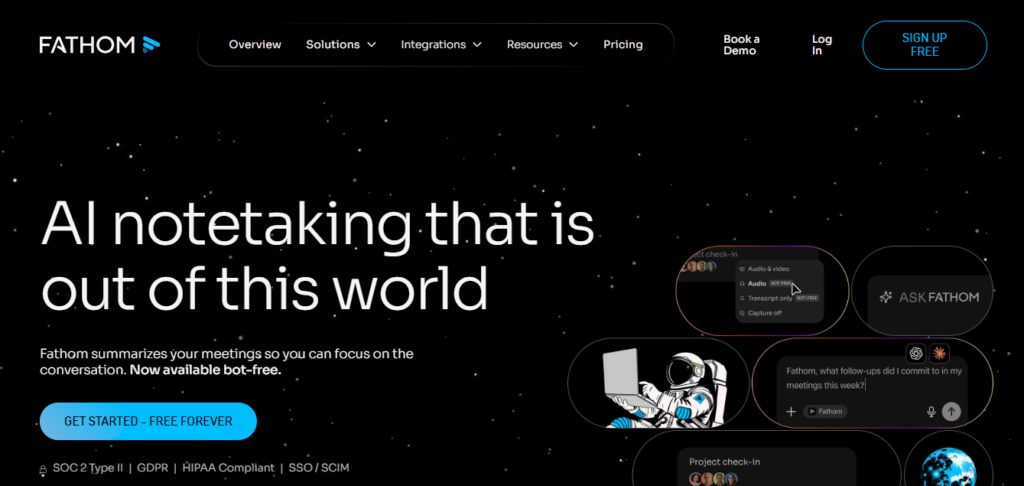
Fathom is an easy-to-use AI meeting assistant aimed at professionals who want quick and accurate meeting documentation without dealing with complicated setup. It records conversations, produces transcripts, and generates summaries shortly after the meeting finishes.
Key Features
- AI summaries generated shortly after meetings.
- One-click highlighting during calls for important moments.
- CRM integrations including Salesforce and HubSpot.
- Connections with Slack, Notion, and Google Docs.
- Custom AI summary templates for different meeting types.
How to Use It
Start your Zoom or Microsoft Teams meeting with Fathom connected. During the discussion, use the highlight option when an important decision or moment occurs. After the meeting ends, Fathom generates the summary, which can then be reviewed and copied into an email, CRM, or other workflow.
Free Plan or Pricing
Fathom offers an individual tier that lets you record an unlimited number of sessions and receive AI summaries for your own use. The paid Premium and Team plans add administrative controls enable teams to share a common repository and improve synchronization with CRM systems. Always double check the details, on the official website.
Pros
- Very generous free option for individual users.
- Fast processing after meetings.
- Simple and distraction-free interface.
Cons
- Advanced administrative features require paid plans.
- Features are particularly optimized for major meeting platforms such as Zoom and Teams.
- Overlapping speakers can sometimes require transcript cleanup.
Best For
Freelancers, consultants, and individual professionals who want a fast and reliable meeting summarizer with a generous free option.
2. Otter.ai
Overview
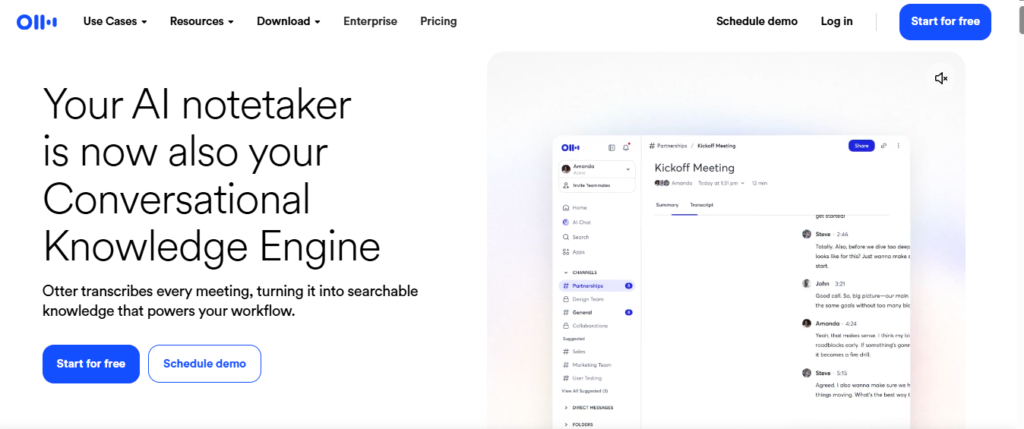
Otter.ai is a well-known AI transcription platform that focuses heavily on real-time transcription and collaborative meeting documentation. Its shared workspace features allow teams to edit, organize, comment on, and review transcripts together.
Key Features
- Real-time transcription and speaker identification.
- OtterPilot for automatically joining scheduled calendar meetings.
- Otter AI Chat for asking questions about meeting transcripts.
- Automatic slide capture during supported virtual presentations.
- Shared workspaces and channels for organizing team conversations.
How to Use It
Connect your Google or Outlook calendar with Otter. When a scheduled meeting begins, OtterPilot can join the call and transcribe the conversation. It can also capture presentation slides and generate a meeting recap after the discussion.
Free Plan or Pricing
Otter provides a free basic plan with monthly transcription limits of around 300 minutes. Paid Pro and Business plans increase usage limits and add additional collaboration and administrative features. Verify current rates on the official website.
Pros
- Strong real-time transcription.
- Useful cross-meeting search and AI chat.
- Excellent collaboration and workspace organization.
Cons
- Free usage limits can restrict frequent users.
- The meeting bot appears as a participant.
- Advanced CRM functionality is limited to higher tiers.
Best For
Teams, educators, and cross-functional groups that need real-time captions and collaborative transcript management.
3. Fireflies.ai
Overview
Fireflies.ai is a feature-rich AI meeting recorder designed for organizations that want to connect meeting conversations with CRMs, project-management systems, and other business workflows.
Key Features
- Fred AI bot for joining meetings across major conferencing platforms.
- Transcription support for more than 60 languages.
- Smart Search for finding topics, sentiment, and action items.
- Integrations with 50+ applications, including Salesforce, HubSpot, Asana, and Slack.
- Conversation intelligence features such as talk-to-listen analysis.
How to Use It
Invite fred@fireflies.ai to a calendar meeting or configure automatic joining. Once the meeting finishes, Fireflies processes the recording, creates a topic-based summary, and can send notes and action items to connected business applications.
Free Plan or Pricing
Fireflies provides a plan that includes transcription and limited storage space. The Pro plan and the Business plan offer advanced AI summaries, conversation intelligence, CRM integration and more storage options. Visit the website to see the latest pricing details.
Pros
- Extensive integrations with business applications.
- Strong multilingual support.
- Powerful search and filtering capabilities.
Cons
- Some advanced AI summary features require paid plans.
- The wide range of features can create a learning curve.
- Bot settings need to be configured carefully.
Best For
Sales, marketing, revenue, and operations teams that need CRM integration and automated meeting workflows.
4. Read AI
Overview
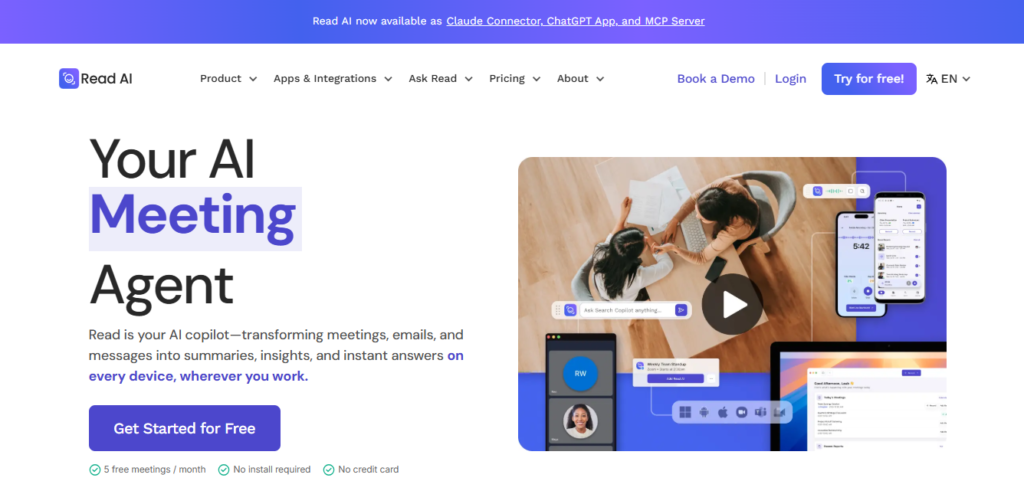
Read AI goes beyond basic meeting transcription by connecting meeting information with other communication channels. It can combine information from meetings, email, Slack, and project-management platforms to provide broader context.
Key Features
- Cross-channel search across meetings, emails, and communication tools.
- Speaker Coach for analyzing communication patterns.
- Monday Briefing for summarizing project activity.
- Engagement and sentiment metrics.
- Action items connected with Jira and CRM records.
How to Use It
Connect Read AI to your meetings and communication services. During meetings, it can analyze participation and engagement. Afterward, it creates a recap and can connect relevant information with previous communications and project updates.
Free Plan or Pricing
Read AI offers a free plan with basic monthly meeting allowances of approximately five meetings per month. Pro and Enterprise plans provide more advanced search, insights, and administrative capabilities. Confirm current pricing on the official website.
Pros
- Connects meeting information with other communication channels.
- Useful communication and speaker metrics.
- Unified search can reduce time spent looking through different platforms.
Cons
- Some users may find engagement and sentiment measurements unnecessary.
- The free plan has meeting limits.
- Advanced cross-channel capabilities require higher-tier plans.
Best For
Project managers and distributed teams that need a broader view of information across meetings, email, and project-management systems.
5. tl;dv
Overview
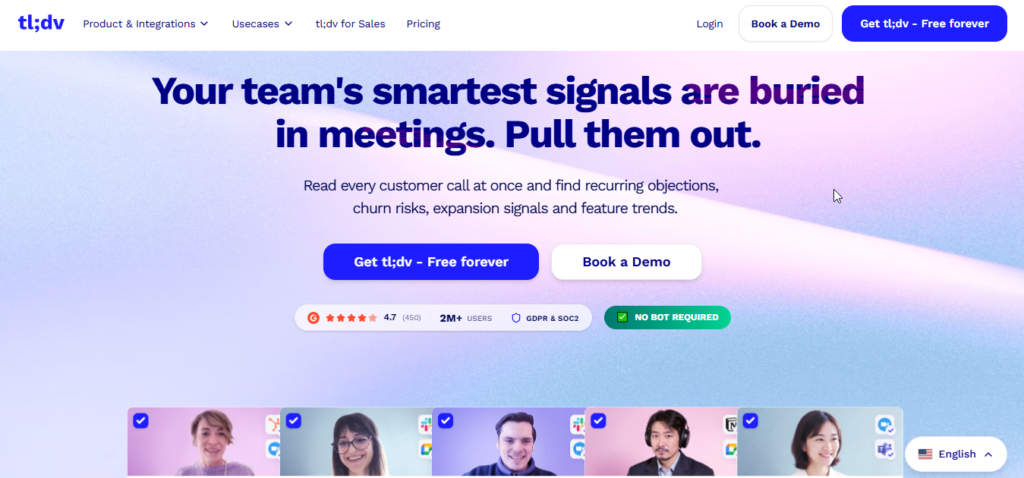
tl;dv, short for “Too Long; Didn’t View,” focuses on asynchronous collaboration and video meeting highlights. It allows teams to turn lengthy meetings into short, timestamped clips that can be shared with people who were not present.
Key Features
- Timestamped recordings and highlight clips.
- Transcription support for more than 30 languages.
- AI search across multiple meetings.
- Integrations with Notion, Slack, HubSpot, and Salesforce.
- Custom meeting recap templates.
How to Use It
Record a Google Meet, Zoom, or Teams meeting with tl;dv. Important moments can be tagged during or after the meeting. The platform then allows users to create short clips linked to exact timestamps.
Free Plan or Pricing
tl;dv offers a free tier with recording and transcription features, along with retention or automatic deletion limitations. Pro and Business plans provide additional storage, CRM features, and advanced AI templates. Verify current plan details on the official website.
Pros
- Excellent for video highlights and asynchronous communication.
- Generous free recording features.
- Strong multilingual support.
Cons
- Free recordings may have limited retention.
- Video-focused features may be unnecessary for users who only want text notes.
- Advanced CRM automation requires paid features.
Best For
Remote and distributed teams that regularly share meeting highlights across different time zones.
6. Granola
Overview
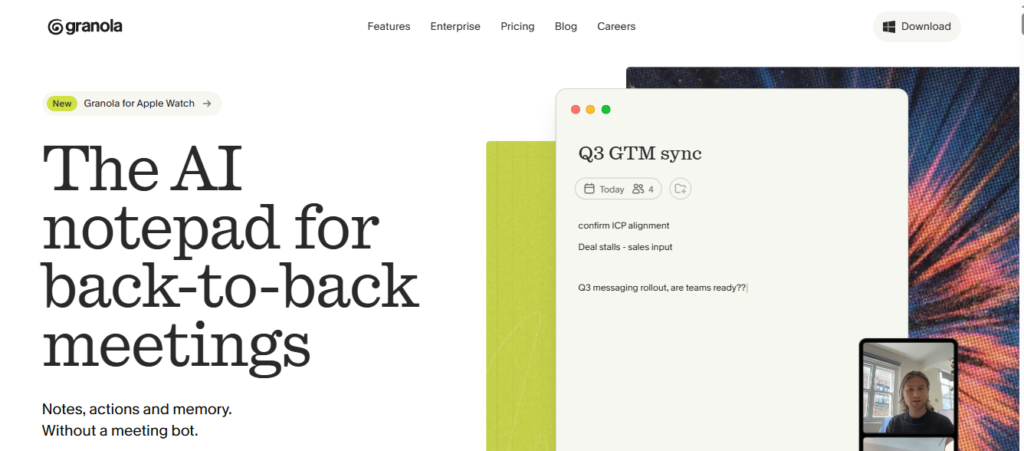
Granola is a bot-free AI notepad designed for people who prefer not to add an automated participant to their meetings. Instead of joining the meeting as a bot, it captures desktop audio and combines it with the user’s own notes.
Key Features
- Desktop system-audio capture without a visible meeting bot.
- Combines user-written notes with AI-generated transcripts.
- Custom meeting summary templates.
- Privacy-focused approach with local processing options.
- Minimal desktop interface.
How to Use It
Open Granola when your meeting begins and write down short keywords or notes while you participate. The application captures system audio and combines it with your notes to create a structured summary afterward.
Free Plan or Pricing
Granola provides a free tier with limited access to historical meetings. Paid subscriptions provide additional meeting history, custom templates, and export functionality. Verify current pricing on the official website.
Pros
- No visible bot participant.
- Combines human notes with AI transcription.
- Simple and fast desktop experience.
Cons
- Primarily designed around desktop usage.
- Does not provide live public captions for other participants.
- Team repository features are simpler than some bot-based platforms.
Best For
Founders, consultants, and solo professionals who prefer private, bot-free meeting notes.
7. Avoma
Overview
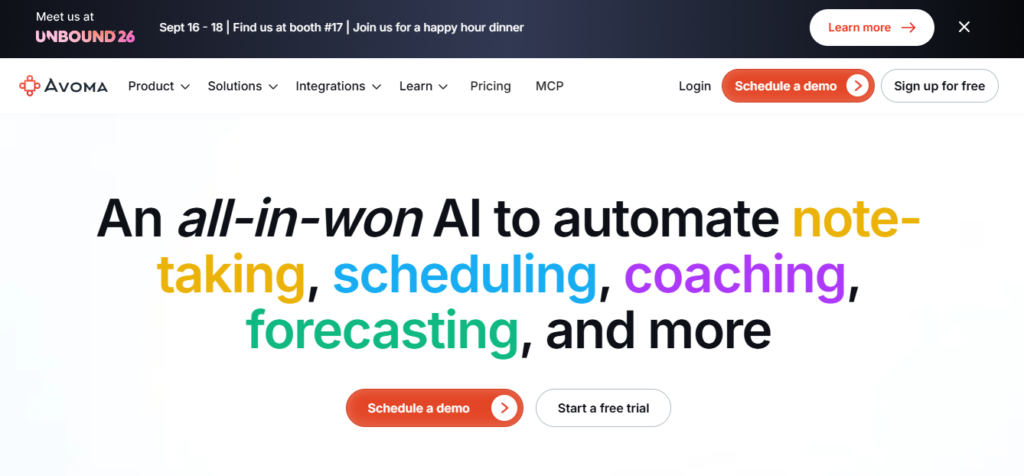
Avoma is a meeting management and revenue intelligence platform designed particularly for sales, customer success, and management teams.
Key Features
- Pre-meeting agenda and planning tools.
- AI-generated notes organized by important call stages.
- Sales coaching and conversation analytics.
- CRM synchronization.
- Conversation intelligence scorecards.
How to Use It
Create an Avoma agenda for your customer or sales meeting. During the call, Avoma transcribes the conversation and categorizes information into areas such as pricing, competitors, objections, and next steps. Afterward, relevant information can be synchronized with the sales workflow.
Free Plan or Pricing
Avoma provides a free trial and paid subscription levels designed around different sales and intelligence requirements. Verify current pricing on the official website.
Pros
- Covers meeting preparation, documentation, and post-meeting analysis.
- Supports sales frameworks such as MEDDIC and BANT.
- Strong revenue intelligence features.
Cons
- More expensive and complex than basic note-taking tools.
- May be excessive for users who only require transcription.
- Teams may need onboarding to get maximum value.
Best For
Sales representatives, account executives, revenue teams, and sales managers.
8. MeetGeek
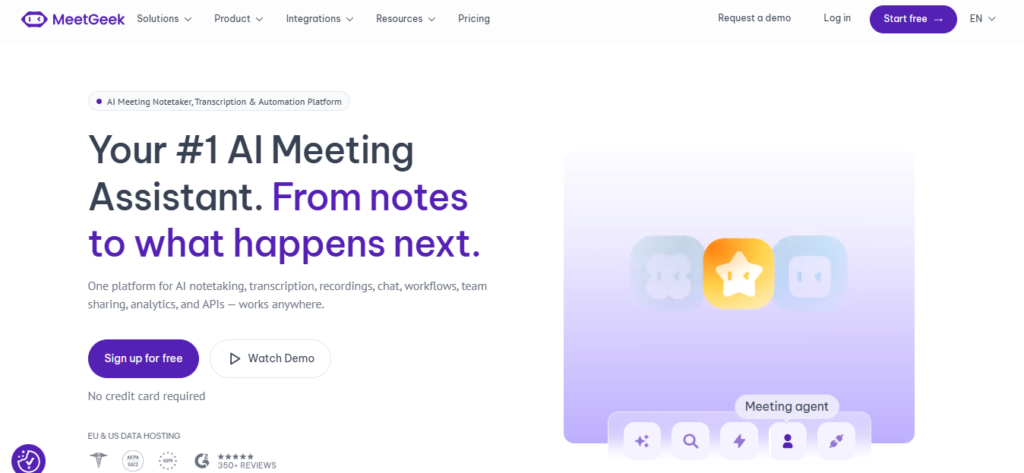
Overview
MeetGeek is an AI meeting assistant focused on customizable summaries, workflow automation, and centralized meeting knowledge.
Key Features
- Custom templates for interviews, discovery calls, and team meetings.
- Automated sharing rules based on meetings and participants.
- Sentiment and speaker participation analysis.
- Searchable meeting recordings and transcript highlights.
- Integrations with Zapier, Trello, Notion, and Slack.
How to Use It
Choose an appropriate template before your meeting. For example, recruiters can use an interview template to organize candidate responses. MeetGeek records the conversation, extracts relevant information, and can automatically share the resulting report with the appropriate team.
Free Plan or Pricing
MeetGeek provides a free plan with monthly recording limits. Pro and Business plans add higher recording allowances, advanced templates, and team permissions. Check the official website for current plans.
Pros
- Flexible templates for different meeting types.
- Strong workflow automation.
- Useful organization for video and transcript archives.
Cons
- Free plan has recording limitations.
- Initial configuration can take some time.
- Longer recordings may sometimes require additional processing time.
Best For
Recruiters, HR departments, managers, and teams that need customized meeting summaries.
9. Tactiq
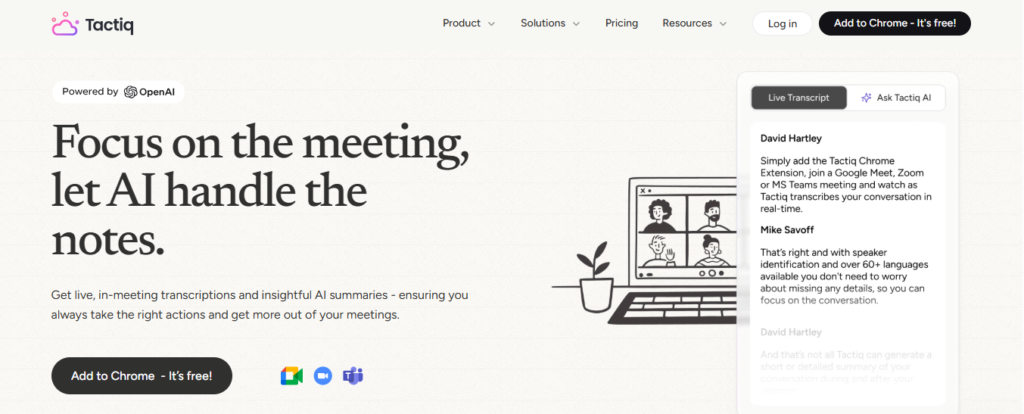
Overview
Tactiq is a lightweight browser extension that provides live meeting transcription without requiring a traditional meeting bot to enter the call.
Key Features
- Chrome and Edge extension-based setup.
- Live transcription for supported browser-based meetings.
- Custom AI prompts for summaries, action items, and follow-up content.
- Export options for Google Docs, Notion, Quip, and Slack.
- In-meeting tagging and note highlighting.
How to Use It
Install the Tactiq browser extension and open your supported meeting in the browser. Tactiq displays the live transcript in a side panel. Important parts of the discussion can be tagged, and the resulting notes can later be exported to supported applications.
Free Plan or Pricing
Tactiq offers a free plan with up to 10 free transcripts per month. Paid plans provide additional transcripts and advanced AI prompt capabilities. Check the official website for current details.
Pros
- No meeting bot is required.
- Works naturally with browser-based meetings.
- Easy export to tools such as Google Docs and Notion.
Cons
- Requires supported browser-based meeting usage.
- Focuses primarily on transcription rather than full audio/video recording.
- Mobile support is more limited than some competing tools.
Best For
Google Meet users, students, and freelancers who want simple browser-based transcription.
10. Fellow
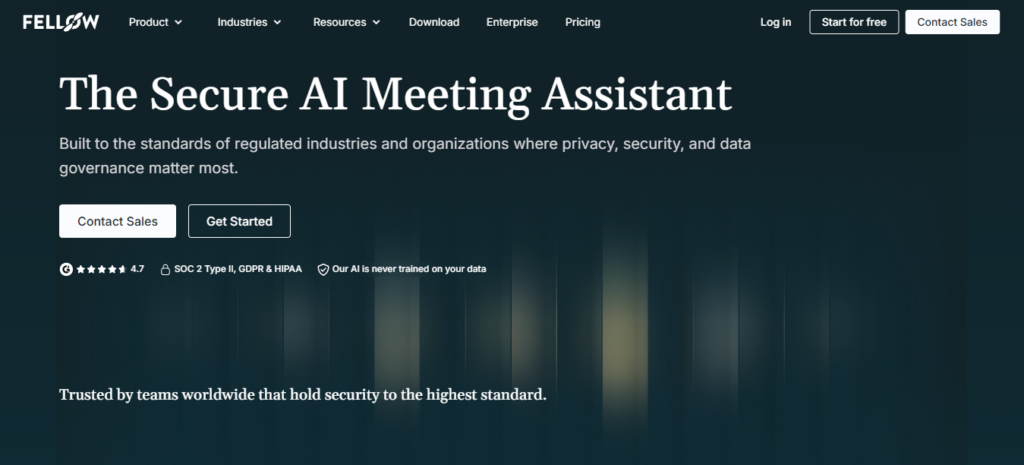
Overview
Fellow combines meeting management with collaborative agendas, 1-on-1 workflows, task tracking, and AI-generated meeting notes.
Key Features
- Collaborative meeting agendas connected to calendars.
- AI-generated summaries inside meeting documents.
- Task tracking with owners and due dates.
- 1-on-1 and feedback management features.
- Integrations with Asana, Jira, Slack, and Microsoft Teams.
How to Use It
Create an agenda for a team meeting and invite participants to collaborate on it. During the meeting, agenda items can be reviewed while Fellow generates AI notes. Action items can then be assigned and connected with project-management tools.
Free Plan or Pricing
Fellow offers a plan, for small teams that includes core meeting‑management features. Fellow’s Pro and Business subscriptions add AI functionality, workflows and administrative controls. Check the website to verify current pricing.
Pros
- Encourages structured meeting preparation.
- Strong task assignment and follow-up features.
- Particularly useful for recurring team meetings and 1-on-1s.
Cons
- Users may need to adopt Fellow’s broader meeting workflow.
- Transcription is not its primary focus.
- Advanced administration features require higher-tier plans.
Best For
Managers, engineering leads, operations teams, and department heads who prioritize agendas and accountability.
11. Sembly AI
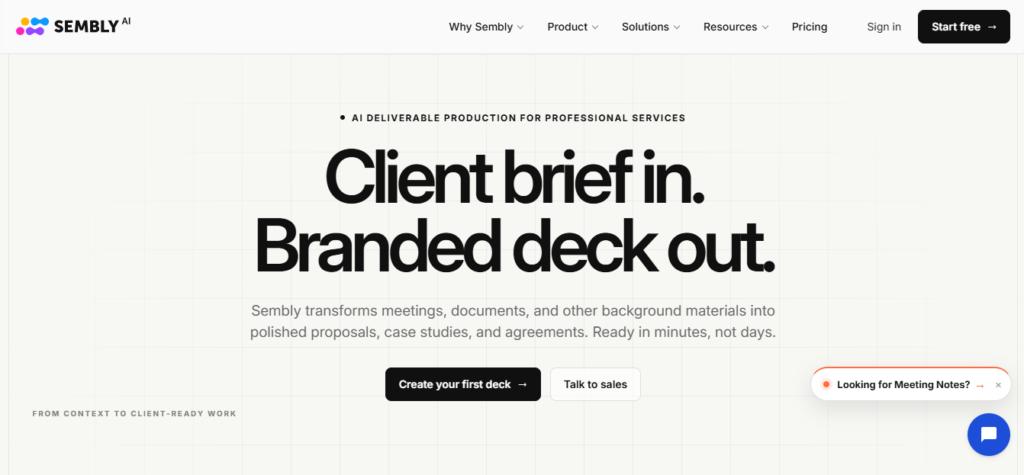
Overview
Sembly AI is an intelligent meeting assistant capable of transcribing and analyzing meetings while also offering a proxy attendance feature for users who cannot personally attend overlapping calls.
Key Features
- Sembly Agent can attend meetings on a user’s behalf.
- Automatic action item detection.
- Multi-language speech recognition.
- Meeting analytics and project tracking.
- AI-generated follow-up emails.
How to Use It
When two meetings overlap, Sembly Agent can be assigned to one of them. The agent joins the meeting, records and transcribes the conversation, and later provides a summary containing key information and assigned tasks.
Free Plan or Pricing
Sembly offers a free personal plan with monthly usage limitations. Professional, Team, and Enterprise plans provide additional capabilities such as proxy attendance and advanced workspace analytics. Check the official website for current pricing.
Pros
- Useful proxy attendance functionality.
- Strong multilingual capabilities.
- Clear action-item and task analysis.
Cons
- Proxy attendance requires clear meeting and organizational policies.
- Free usage limits can restrict frequent users.
- Advanced analytics are more useful for teams.
Best For
Executives, project leaders, and business owners who regularly face overlapping meetings.
12. Grain
Overview
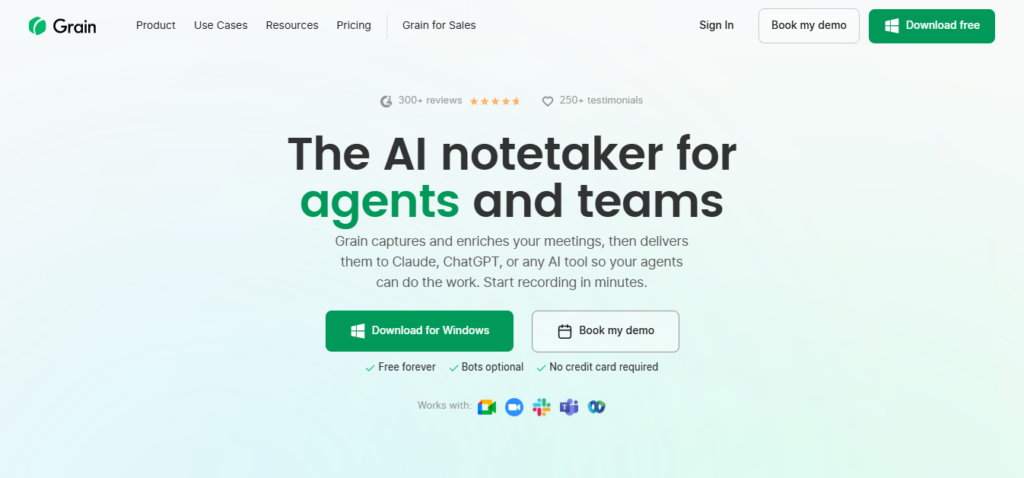
Grain is a customer-focused meeting assistant that helps teams record conversations, generate transcripts, create summaries, and turn important customer statements into shareable video clips.
Key Features
- Short video clips from important customer moments.
- Automatic meeting summaries.
- CRM synchronization with Salesforce and HubSpot.
- Research libraries for customer and product insights.
- Transcript tagging and topic organization.
How to Use It
Record a customer interview or user research session on Zoom. Grain transcribes the conversation and allows you to select important customer statements and convert them into short clips. These clips can then be shared with product teams or added to research documentation.
Free Plan or Pricing
Grain offers a free plan with basic meeting limits. Paid plans add greater storage, custom AI prompts, and CRM automation. Verify current plan details on the official website.
Pros
- Excellent for sharing customer video evidence.
- Useful for UX and product research.
- Strong CRM workflow capabilities.
Cons
- Free plans limit historical recording access.
- Advanced research functionality may require paid plans.
- Less focused on general internal meeting administration.
Best For
UX researchers, product managers, customer success teams, and professionals working with customer insights.
Best AI Meeting Assistant for Different Needs
Different users have different requirements, so there is no single tool that will be ideal for every workflow.
- Best Overall AI Meeting Assistant: Fathom — Its fast processing, accurate summaries, CRM integrations, and generous individual free tier make it a strong choice for many professionals.
- Best Free AI Meeting Assistant: Fathom / tl;dv — Fathom provides unlimited individual recording and summaries, while tl;dv is particularly useful for users who want free recording and video-highlight features.
- Best AI Meeting Assistant for Zoom: Fathom — It provides a streamlined Zoom workflow, meeting highlights, and fast post-meeting summaries.
- Best AI Meeting Assistant for Google Meet: Tactiq — Its browser-extension approach allows users to transcribe supported meetings without adding a traditional bot participant.
- Best AI Meeting Assistant for Microsoft Teams: Otter.ai / Fathom — Otter stands out for real-time captions and collaborative workspace features.
- Best AI Meeting Assistant for Students: Tactiq / Otter.ai — Both can help students capture lectures and turn conversations into searchable notes and summaries.
- Best AI Meeting Assistant for Remote Teams: tl;dv — Timestamped video highlights make it especially useful for asynchronous teams working across time zones.
- Best AI Meeting Assistant for Businesses: Fireflies.ai — Its extensive integrations, multilingual transcription, search, and CRM capabilities make it well suited to business workflows.
- Best AI Meeting Assistant for Meeting Transcription: Otter.ai — Its real-time transcription and speaker identification make it a strong option for users focused on live transcription.
- Best AI Meeting Assistant for Meeting Summaries: Fathom — It produces concise summaries focused on important topics, decisions, and action items.
Free AI Meeting Assistants in 2026
Free plans can be a practical way to test an AI meeting assistant before committing to a paid subscription. They allow users to evaluate transcription accuracy, summary quality, and overall usability.
However, free plans often come with restrictions.
Common Free Plan Limitations
- Monthly Transcription Limits: Some services limit the amount of transcription available each month, such as 300 minutes or a small number of meetings.
- Meeting Duration Caps: Certain free plans restrict how long a single meeting can be recorded.
- Storage & Retention Limits: Older recordings and transcripts may be automatically removed or archived after a certain period.
- Restricted AI Summaries: Some platforms provide basic transcripts for free while reserving advanced summaries and custom templates for paid users.
- Export Restrictions: Free accounts may have fewer export and integration options.
- Team Admin Features: Shared workspaces, user permissions, centralized administration, and SSO are commonly limited to business or enterprise plans.
AI Meeting Assistants vs. Traditional Meeting Notes
AI meeting assistants can significantly reduce the manual work involved in documenting meetings.
| Feature / Aspect | Traditional Manual Notes | AI Meeting Assistant |
|---|---|---|
| Participant Focus | Attention is divided between listening and writing | Users can focus primarily on the conversation |
| Speed & Availability | Notes require manual writing and editing | Summaries can be ready within seconds or minutes |
| Accuracy & Completeness | Human notes can contain omissions and errors | Creates detailed transcripts of conversations |
| Action Item Tracking | Tasks can be forgotten or poorly documented | Action items can be automatically identified |
| Searchability | Notes may be scattered across documents and emails | Meeting records can be centrally indexed |
| Cost | No software cost, but requires human time | Free tiers plus scalable subscription plans |
| Multilingual Support | Depends on the note taker’s abilities | Some platforms support dozens of languages |
How to Use an AI Meeting Assistant Effectively
Getting good results from an AI meeting assistant depends partly on how the meeting environment and workflow are configured.
- Prepare the Meeting Environment: Use a good microphone or headset and minimize background noise to improve transcription quality.
- Configure Auto-Join Settings Carefully: Only allow automatic meeting attendance for relevant calendar events, especially when dealing with personal or confidential calls.
- Ensure Speakers Are Identifiable: In larger meetings, clear participant names and speaker identification can improve transcript accuracy.
- Review AI Summaries Promptly: Spend a short amount of time checking the generated summary immediately after the meeting.
- Check Action Items & Assign Owners: Make sure automatically detected tasks have the correct owner and deadline before sending them to project-management systems.
- Organize Transcripts into Folders: Sort meetings by client, project, department, or another logical structure.
- Protect Confidential Information: Avoid recording sensitive conversations unless the tool and organizational security policies are appropriate for that information.
- Obtain Participant Consent: Inform participants when a meeting is being recorded or transcribed and follow applicable recording laws and privacy requirements.
Privacy and Security Considerations
AI meeting assistants handle potentially sensitive conversations, so privacy and security should be considered before deploying them across a team.
- Meeting Recordings & Storage: Check where recordings and transcripts are stored and whether the provider encrypts information during transmission and while stored.
- Third-Party Model Processing: Review whether transcripts are processed by external AI providers and understand whether customer information can be used for model training.
- Sensitive Business Information: Organizations dealing with regulated or highly confidential information should verify the provider’s relevant compliance certifications and contractual protections.
- Access Controls & Permissions: Role-based permissions can help restrict sensitive meeting records to authorized employees.
- Company Policies & Consent: Establish clear rules for when AI meeting assistants can be used and make sure external participants are informed when meetings are recorded.
Note: Privacy laws, security certifications, vendor policies, and data-processing practices can change. Review the provider’s latest privacy documentation and seek appropriate legal guidance when necessary.
Frequently Asked Questions
What is the best AI meeting assistant in 2026?
For many users, Fathom is a strong overall choice because of its fast processing, AI summaries, generous individual free plan, and CRM integrations. Businesses that require extensive integrations and workflow automation may also want to consider Fireflies.ai.
What is the best free AI meeting assistant?
Fathom is one of the strongest free options for individual users because of its generous recording and summary features. tl;dv is another strong choice, particularly for remote teams that want video highlights.
Can AI meeting assistants transcribe Zoom meetings?
Yes. Major AI meeting assistants such as Fathom, Otter.ai, Fireflies.ai, and Read AI can work with Zoom to record, transcribe, and summarize meetings.
Can AI meeting assistants work with Google Meet?
Yes. Tactiq works through a browser extension, while platforms such as Fathom, Fireflies, and tl;dv can connect with Google Meet through their supported meeting workflows.
Can AI meeting assistants work with Microsoft Teams?
Yes. Tools including Fathom, Otter.ai, Fireflies.ai, Read AI, and Fellow support Microsoft Teams workflows.
Can AI meeting assistants summarize meetings automatically?
Yes. Most modern AI meeting assistants analyze meeting transcripts and generate summaries covering key topics, decisions, highlights, and action items.
Can AI meeting assistants identify action items?
Yes. AI systems can analyze conversations to detect commitments and tasks, such as someone agreeing to send a document or complete a task by a certain date.
Are AI meeting assistants safe for confidential meetings?
Security varies by provider and plan. Reputable services may offer encryption, compliance programs, access controls and data-processing options. However organizations should review the privacy and security documentation of each provider before using an AI assistant for confidential discussions.
Do AI meeting assistants record audio?
Many AI meeting assistants record audio and sometimes video so they can create accurate transcripts. Browser-extension tools such as Tactiq primarily focus on capturing live transcript information rather than storing complete meeting recordings.
Can students use AI meeting assistants?
Yes. Students can use tools such as Otter.ai and Tactiq to transcribe lectures, organize class discussions, and create study notes from recorded conversations.
What is the difference between an AI meeting assistant and a transcription tool?
A traditional transcription service mainly converts spoken audio into text. An AI meeting assistant goes further by identifying speakers, summarizing conversations, extracting action items, generating follow-up content, and connecting meeting information with other business applications.
Conclusion
AI meeting assistants have developed far beyond simple transcription software. Modern platforms can record meetings, generate structured notes, identify action items, summarize conversations, and create searchable repositories of organizational knowledge.
The best choice ultimately depends on the way you work.
- If you want a fast, easy-to-use, and generous option for individual use, Fathom is a strong choice.
- If real-time transcription and collaborative notes are your priority, Otter.ai is worth considering.
- If CRM integration, multilingual transcription, and business automation are important, Fireflies.ai is a powerful option.
- If you prefer a bot-free approach, Granola and Tactiq offer useful alternatives.
Before adopting an AI meeting assistant, test several options through their free plans or trials. Compare transcription quality, supported meeting platforms, integrations, pricing, privacy policies, and storage limits. Most importantly, make sure participants are informed whenever meetings are recorded or transcribed.
Related Articles
Best AI Productivity Tools 2026: Features, Pricing, Pros & Cons
Find the top free & paid AI productivity apps
15 Best AI Presentation Makers in 2026: Tested & Compared
Discover the best AI presentation makers.
Pingback: 15 Best AI Marketing Tools in 2026: Tested & Compared - AI Crest Lab
Pingback: Zoom MCP Explained: Features, Setup, Use Cases & Limitations in 2026 - AI Crest Lab
Pingback: How to Use ChatGPT for Meeting Notes: Step-by-Step Guide - AI Crest Lab
Pingback: What Is an AI Agent? Definition, Examples, Types & Risks - AI Crest Lab