Introduction (Best AI Art Generators)
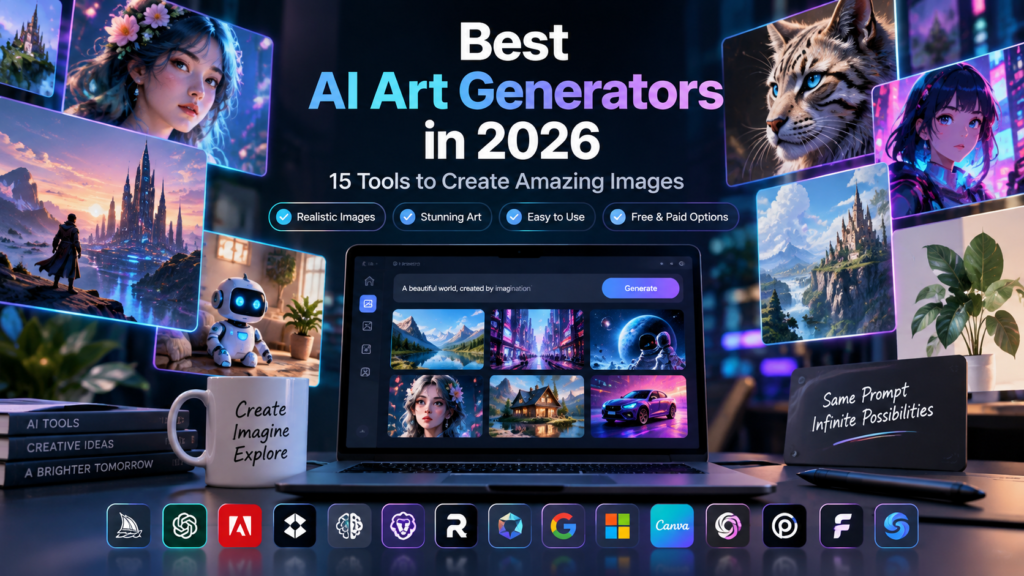
AI art generation has moved beyond just being an experiment. By 2026 these tools are now real solutions for designers, marketers, content creators, photographers and digital artists.
Today’s AI platforms do more than turn text into images. They create photos generate detailed illustrations produce clean vector graphics add readable text to visuals edit existing pictures and keep the same characters or styles across many different pieces.
Picking the AI art generator in 2026 comes down to what you want to make. Some tools focus on cinematic looks. Others work better for photo-style outputs, marketing materials, typography, commercial designs or tasks that need custom setups tailored to local workflows.
In this guide we compare 15 of the top AI art generators available in 2026. We go over their features how they work, free versions, pricing plans what they do well where they fall short and the kinds of projects each tool is best suited for. This helps you find the AI art generator, for your creative goals.
Also Read: Best AI Image Generators 2026: 12 Best AI Art Tools Compared (Free & Paid)
Table of Contents
What Is an AI Art Generator?
An AI art generator is a software application that uses artificial intelligence and machine learning models to create images from text prompts or other visual inputs.
Most modern systems are based on advanced generative models that have learned relationships between images, descriptions, colors, styles, objects, lighting, and compositions.
For example, you could enter a prompt such as:
“An oil painting of a futuristic metropolis during golden hour.”
The AI interprets the description and generates an image based on the requested subject, style, environment, and visual characteristics.
Modern AI image generation tools can do much more than basic text-to-image generation. Depending on the platform, users can also perform image-to-image transformations, inpainting, outpainting, style transfers, background replacement, vector generation, and character-consistency workflows.
How AI Art Generators Can Help
AI art generators can significantly reduce the time required to create visual content. Instead of starting every project from scratch, creators can use AI to explore ideas, develop concepts, and produce initial designs within minutes.
Here are some common applications:
- Creating Illustrations: Generate artwork for articles, books, magazines, graphic novels, and editorial projects.
- Social Media Graphics: Create eye-catching visuals, promotional graphics, banners, and social media content.
- Blog Images: Produce custom illustrations and header images for websites and blog posts.
- Concept Art: Develop characters, environments, vehicles, costumes, and visual concepts for games, films, and animation.
- Marketing Visuals: Create advertising graphics, campaign images, newsletter visuals, and landing-page artwork.
- Product Concepts: Generate visual concepts for packaging, clothing, consumer products, and other designs.
- Posters and Designs: Create event posters, promotional flyers, album covers, and typography-focused graphics.
- Character Concepts: Develop character variations, costumes, poses, and visual references.
- Backgrounds: Generate virtual backgrounds, environmental scenes, textures, wallpapers, and UI backgrounds.
- Creative Experimentation: Experiment with unusual styles, color palettes, surreal concepts, and different artistic directions.
What to Look for in the Best AI Art Generator
There is no single best AI image generator for every user. The right choice depends on your goals, budget, technical experience, and the type of images you want to create.
Here are some of the most important factors to consider.
Image Quality and Aesthetics
Look at how detailed, realistic, and visually appealing the generated images are. Some tools are particularly strong at photorealism, while others excel at illustrations, fantasy art, or cinematic visuals.
Prompt Understanding
A good generator should understand detailed instructions involving subjects, composition, lighting, camera angles, colors, and spatial relationships.
Style Variety
Consider whether the platform can produce different visual styles, including photorealism, watercolor, anime, 3D renders, line art, vintage designs, and digital illustrations.
Editing Capabilities
Advanced platforms may offer tools such as inpainting, outpainting, background removal, object replacement, canvas editing, and localized adjustments.
Text Rendering
If you create posters, logos, advertisements, or social media graphics, accurate text generation can be especially important.
Resolution and Upscaling
Check the maximum output resolution and whether the platform provides an integrated AI upscaler for producing larger and sharper images.
Ease of Use
Some tools are designed for beginners, while others offer advanced controls that require more technical knowledge.
Free Plan Availability
A meaningful free AI art generator option can be useful if you want to test a platform before paying for a subscription.
Pricing and Value
Compare subscription prices, credits, generation limits, and the number of images you can realistically produce each month.
Commercial Usage Rights
If you’re creating images for a business, check whether the platform’s terms allow commercial use of generated content.
Privacy and Ownership
Privacy policies can differ significantly between platforms. Check whether your generated images remain private or are automatically shared with a public community.
Quick Comparison: 15 Best AI Art Generators in 2026
The following table provides a quick overview of the 15 AI image generation tools covered in this guide:
| Tool | Best For | Free Option | Main Features | Ease of Use | Best Use Case |
|---|---|---|---|---|---|
| Midjourney | Artistic Quality & Cinematic Style | No permanent free tier | Omni Reference, web editor, aesthetic controls | Moderate | Concept art, editorial visuals, album covers |
| ChatGPT (GPT Image) | Conversational Editing & Prompt Adherence | Limited daily free generations | Multi-turn editing, natural-language prompts | Very Easy | Concepts, infographics, iterative editing |
| Adobe Firefly | Commercial Safety & Creative Cloud | Trial / paid plans | Generative Fill, vector output, Creative Cloud integration | Easy | Brand campaigns and professional design |
| FLUX.1 | Photorealism & Local Control | Open-weight local versions | High prompt fidelity, local generation, API access | Complex / Easy in cloud | Photography and custom generation |
| Ideogram | Typography & Poster Design | Free tier | Strong text rendering, Magic Prompt, color controls | Easy | Posters, logos, social graphics |
| Leonardo.Ai | Character Consistency & Game Assets | Daily free allowance | Custom models, canvas, character tools | Moderate | Game assets and character artwork |
| Recraft | Vector Graphics & Brand Assets | Free tier | SVG generation, vector tools, brand controls | Easy | Icons, branding, vector illustrations |
| Stable Diffusion 3.5 | Open Source & Customization | Open weights | LoRA, ControlNet, local workflows | Advanced | Private generation and custom pipelines |
| Google Imagen 3 | Photorealism & Accessibility | Free access options | Photorealistic generation, SynthID, conversational workflows | Very Easy | General image creation |
| Microsoft Designer | Beginner Accessibility | Free | Templates, AI image generation, design automation | Very Easy | Social posts and simple graphics |
| Canva AI | All-in-One Design | Limited free credits | Image generation, Magic Edit, Brand Kit | Very Easy | Marketing and social media |
| NightCafe Studio | Multi-Model Experimentation | Daily free credits | Multiple models, community tools | Easy | Creative experimentation |
| Playground AI | Canvas Editing | Free tier | Infinite canvas, masking, multi-image editing | Moderate | Composite artwork |
| Magnific AI | Commercial Graphics | Limited free access | Re-imagine, stock integration, upscaling | Easy | Marketing and web graphics |
| SeaArt AI | Stylized & Anime Art | Daily free allowance | LoRA, ControlNet, upscaling | Moderate / Advanced | Anime and character artwork |
Pricing Note:
AI art generator pricing, free credits, and plan limits can change frequently. The prices mentioned in this guide are based on the information available at the time of writing. Before subscribing, always check the official website of each AI art generator for the latest pricing, features, usage limits, and commercial licensing terms.
Detailed Reviews of the 15 Best AI Art Generators
Also Read: 15 Best AI Logo Makers in 2026: Tested & Compared
1. Midjourney
Overview
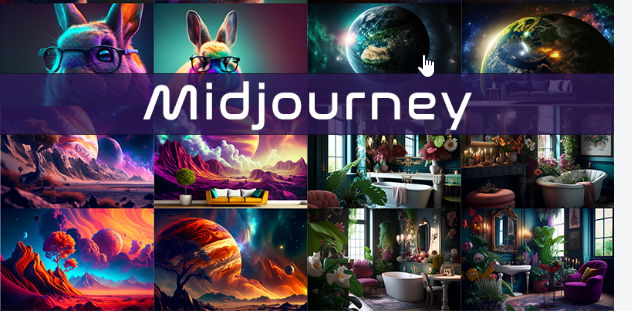
Midjourney remains one of the strongest choices for creators who prioritize artistic quality, cinematic composition, and visual consistency.
Its latest tools provide users with extensive control over style and composition while maintaining the distinctive aesthetic quality for which the platform is known.
Midjourney is particularly useful for concept artists, illustrators, creative directors, and designers who need visually impressive artwork.
Key Features
- Omni Reference: Helps maintain character and visual consistency across generations.
- Web Editor: Provides tools for editing, inpainting, panning, and outpainting.
- Custom Parameters: Users can adjust elements such as aspect ratio, stylization, variation, and randomness.
- Relax Mode: Available with qualifying subscription plans for background generation.
How to Use It
A fantasy writer creating artwork for a book cover could use a prompt such as:
An ancient library filled with glowing magical runes, dramatic volumetric lighting, cinematic photography, 8k resolution --ar 16:9 --v 7
After generating several variations, the creator can select the strongest result and use the web editor to make localized changes.
Free Plan or Pricing
Midjourney does not currently offer a permanent free trial tier. Paid subscriptions begin with the Basic Plan at around $10 per month, with higher tiers providing additional GPU resources and features.
Pricing and promotions can change, so users should check Midjourney’s current plans before subscribing.
Pros
- Excellent artistic quality and visual coherence.
- Strong cinematic and painterly aesthetics.
- Useful character and style reference features.
- Powerful editing capabilities.
Cons
- No permanent free plan.
- Advanced controls can take time to learn.
- Its recognizable artistic style may require additional prompting for strict photorealism.
Best For
Concept artists, creative directors, illustrators, designers, and creators looking for high-quality cinematic artwork.
2. ChatGPT (GPT Image / DALL-E)
Overview
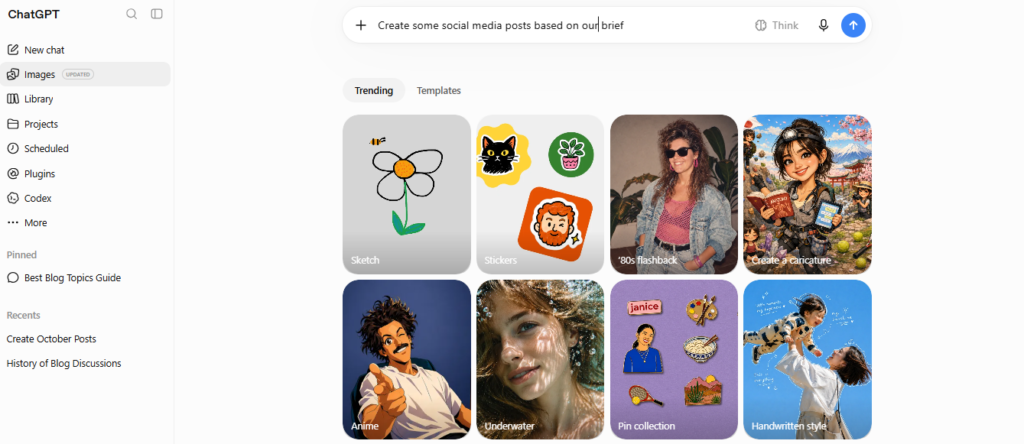
ChatGPT‘s image-generation capabilities allow users to create and edit images through natural-language conversations.
Instead of learning complicated commands, users can describe what they want and then make additional requests to modify the result.
Key Features
- Conversational Editing: Make changes using natural-language instructions.
- Strong Prompt Understanding: Handles detailed and multi-step descriptions.
- Text Rendering: Can create text, labels, and other typography elements in images.
- Chat Integration: Image creation works alongside writing, analysis, and other tasks.
How to Use It
A content manager could request:
“Create a clean vector-style header graphic featuring a robot writing in a notebook next to a cup of coffee.”
If the coffee cup isn’t suitable, the user can simply ask:
“Keep everything the same, but change the coffee cup to a green ceramic mug with a leaf logo.”
This conversational approach makes iterative editing particularly accessible.
Free Plan or Pricing
Free ChatGPT accounts may include limited image-generation access, while paid plans provide higher usage allowances and additional capabilities. Pricing and limits can change over time.
Pros
- Very intuitive conversational workflow.
- Strong understanding of detailed instructions.
- Easy image editing through natural language.
- Useful for beginners and non-designers.
Cons
- Some creative prompts may be restricted by safety policies.
- Free usage is limited.
- Certain artistic workflows may offer fewer specialized controls than dedicated art platforms.
Best For
Bloggers, marketers, content creators, non-technical users, and anyone who prefers conversational image creation.
3. Adobe Firefly
Overview
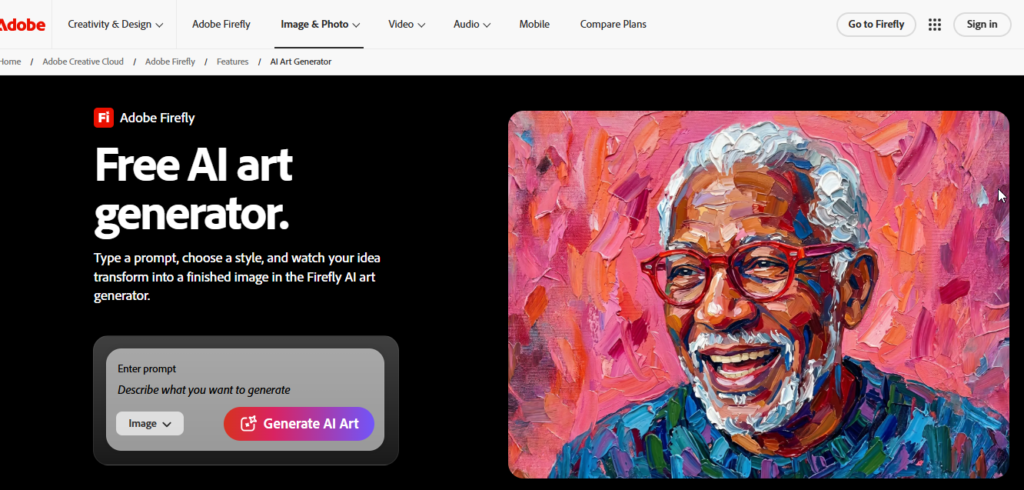
Adobe Firefly is designed around professional creative workflows and integrates closely with Adobe’s broader ecosystem.
Its strongest advantage is the ability to combine AI generation with applications such as Photoshop, Illustrator, and Adobe Express.
Key Features
- Commercial-Focused Workflows: Designed with commercial creative use in mind.
- Creative Cloud Integration: Works with Photoshop, Illustrator, and Adobe Express.
- Generative Fill: Allows users to add, remove, or replace elements within images.
- Text to Vector: Supports vector-oriented creative workflows.
- Content Credentials: Provides provenance information for generated content.
How to Use It
An e-commerce designer could open a product photograph in Photoshop, select the background, and use Generative Fill with a prompt such as:
“Rustic wooden table surrounded by soft morning light and autumn leaves.”
Firefly can generate a replacement environment designed to fit the original product.
Free Plan or Pricing
Adobe offers limited generative credits across selected plans, while paid Firefly and Creative Cloud subscriptions provide expanded access. Pricing can vary by plan and region.
Pros
- Strong professional design integration.
- Useful commercial workflows.
- Excellent integration with Photoshop and Illustrator.
- Powerful vector-generation capabilities.
Cons
- Some creative prompts may be restricted.
- The standalone interface can feel less specialized than dedicated art generators.
- Full value is highest for users already working in the Adobe ecosystem.
Best For
Professional designers, agencies, marketing teams, corporate brands, and Photoshop users.
4. FLUX.1
Overview
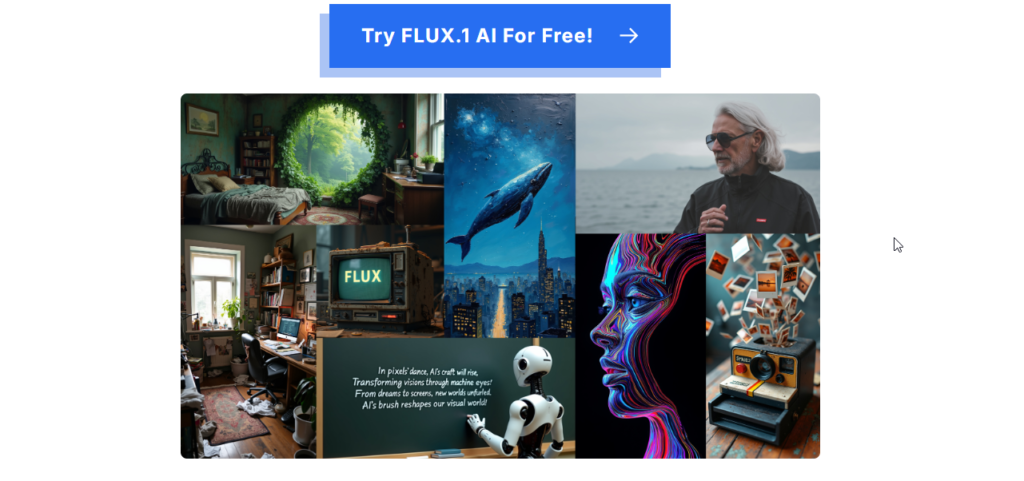
FLUX.1, developed by Black Forest Labs, has gained significant attention for photorealistic image generation and open-weight workflows.
It is particularly attractive to technical users because certain versions can be run locally rather than relying entirely on a cloud service.
Key Features
- Strong photorealistic rendering.
- Open-weight versions for local generation.
- Detailed lighting and camera characteristics.
- High prompt adherence.
- API and cloud deployment options.
How to Use It
A photographer developing a product concept could use a prompt such as:
Studio shot of a luxury glass perfume bottle on wet dark slate, sharp focus, caustic light reflection, 85mm lens, f/1.8 aperture
Users with suitable hardware can also run supported models locally.
Free Plan or Pricing
Some FLUX.1 models are available as open weights and can be run locally. Cloud and API implementations may use different pricing structures.
Hardware requirements and commercial licensing depend on the specific model and deployment method.
Pros
- Excellent photorealistic output.
- Strong camera and lighting characteristics.
- Flexible local workflows.
- Useful for developers and technical creators.
Cons
- Local installation can require powerful hardware.
- Technical setup may be difficult for beginners.
- Some creative workflows require third-party interfaces.
Best For
Photographers, developers, technical artists, and users who want greater control over local image generation.
5. Ideogram
Overview
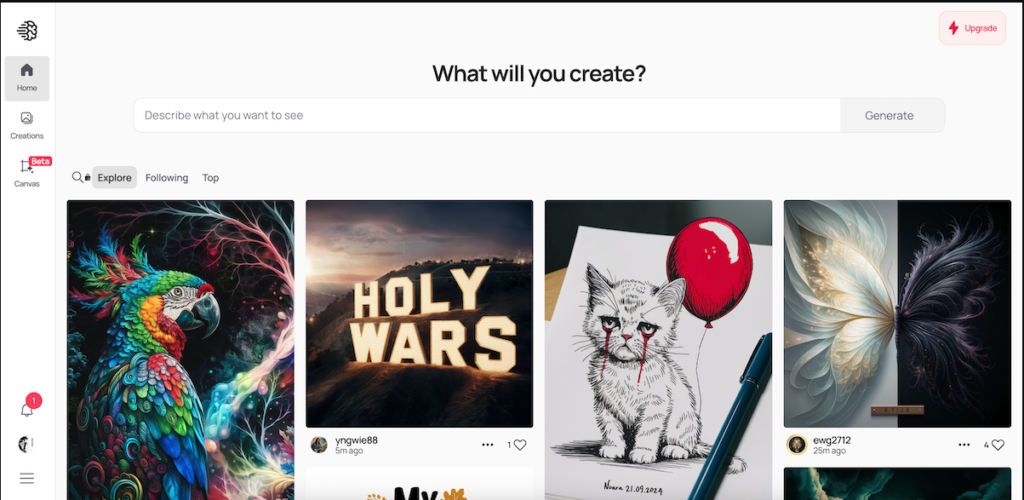
Ideogram is particularly well known for its ability to generate readable text within images.
This makes it a strong option for posters, logos, social media graphics, apparel designs, and other typography-heavy projects.
Key Features
- Strong typography generation.
- Magic Prompt for expanding basic ideas.
- Color palette controls.
- Multiple visual style categories.
How to Use It
A designer creating a jazz event poster could enter:
A vintage retro poster for a summer jazz concert titled "Midnight Notes", bold typography, 1970s warm color scheme, saxophone silhouette background
The platform can then generate the design with the requested headline incorporated into the visual.
Free Plan or Pricing
Ideogram offers a free tier with limited credits, while paid plans provide additional generation capacity and features. Exact allowances may change over time.
Pros
- Excellent text rendering.
- Useful for posters and graphic design.
- Magic Prompt helps beginners.
- Straightforward interface.
Cons
- Free usage is limited.
- Photorealism may not be its primary strength compared with specialized photo models.
- Some free-plan outputs may be public.
Best For
Graphic designers, social media managers, apparel designers, and users creating typography-heavy artwork.
6. Leonardo.Ai
Overview
Leonardo.Ai provides a broad collection of image-generation and editing tools designed for creators, game developers, and digital artists.
The platform combines generation with canvas editing, custom models, character consistency, and other creative controls.
Key Features
- Daily free generation allowance.
- Custom and specialized models.
- Character and style reference tools.
- AI Canvas and inpainting.
- Tools for concept art and game assets.
How to Use It
A game developer creating a fantasy RPG character could select an appropriate model and use a prompt such as:
A knight in silver armor holding a glowing broadsword, isometric view, game asset background
A reference image can also be incorporated into the workflow to help maintain visual consistency.
Free Plan or Pricing
Leonardo offers a free plan with a recurring daily allowance, while paid plans provide higher limits and additional capabilities.
Pros
- Useful free access for regular experimentation.
- Strong character consistency tools.
- Extensive model selection.
- Good for game assets and concept art.
Cons
- The interface can be overwhelming for beginners.
- Advanced features can consume credits quickly.
- Results can vary depending on model selection.
Best For
Game developers, illustrators, concept artists, and creators working with recurring character designs.
7. Recraft
Overview
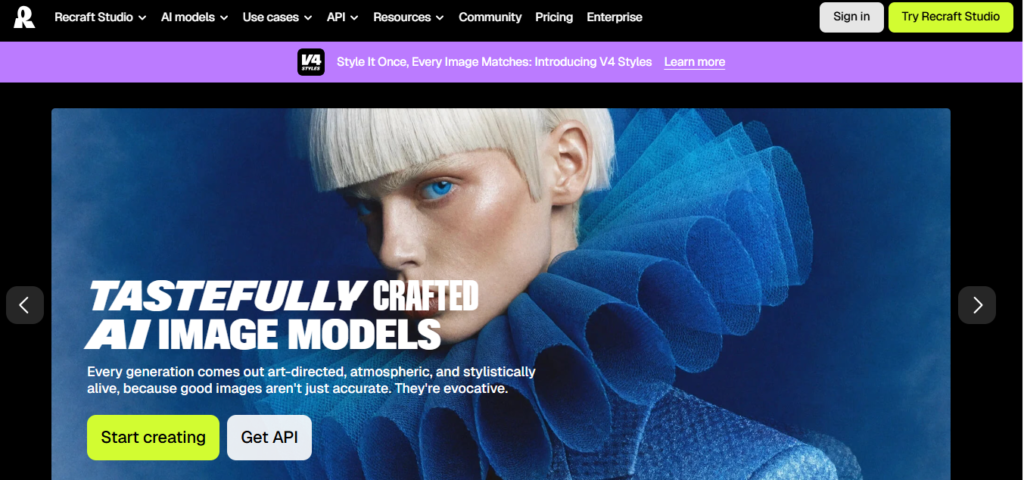
Recraft focuses heavily on graphic design and vector-based creative workflows.
Unlike traditional image generators that primarily produce raster images, Recraft is particularly useful when creators need scalable vector graphics.
Key Features
- Native vector and SVG generation.
- Brand-oriented controls.
- Palette management.
- Vector illustration workflows.
- Lottie animation capabilities.
How to Use It
A UI designer could request:
Minimalist line-art icon of a cloud database with a security shield lock
The resulting vector artwork can then be incorporated into a broader design workflow.
Free Plan or Pricing
Recraft offers free access with limitations, while paid plans provide additional features and commercial-use capabilities depending on the current plan.
Pros
- Strong vector generation.
- Useful for UI and branding work.
- Good control over colors and visual identity.
- Modern design-oriented interface.
Cons
- Less focused on photorealism.
- Free usage has licensing limitations.
- Smaller ecosystem than some established image platforms.
Best For
UI designers, brand designers, graphic artists, and vector illustrators.
8. Stable Diffusion 3.5
Overview
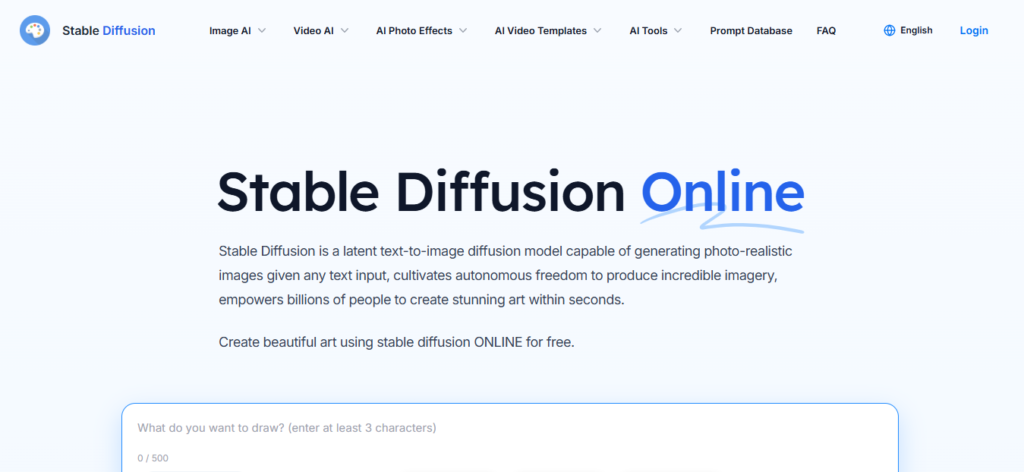
Stable Diffusion remains one of the most flexible choices for users who want control over their AI image-generation workflow.
The open ecosystem surrounding Stable Diffusion allows technical users to work with custom models, LoRAs, ControlNet tools, upscalers, and different interfaces.
Key Features
- Extensive customization.
- Local image generation.
- LoRA support.
- ControlNet workflows.
- Large open-source ecosystem.
- Private generation.
How to Use It
A technical artist using a workflow application such as ComfyUI could combine a pose reference, ControlNet, and a custom character model to generate consistent animation or storyboard frames.
Free Plan or Pricing
Open-weight models can be downloaded and used locally without per-image generation fees. However, hardware, software setup, and licensing requirements vary depending on the model and intended use.
Pros
- Extremely flexible.
- Strong customization options.
- Local privacy.
- No recurring generation fee when run locally.
Cons
- Steep learning curve.
- Local generation requires suitable hardware.
- Setup can be complicated for beginners.
Best For
Developers, technical artists, researchers, and advanced users who want complete control over their generation pipeline.
9. Google Imagen 3
Overview
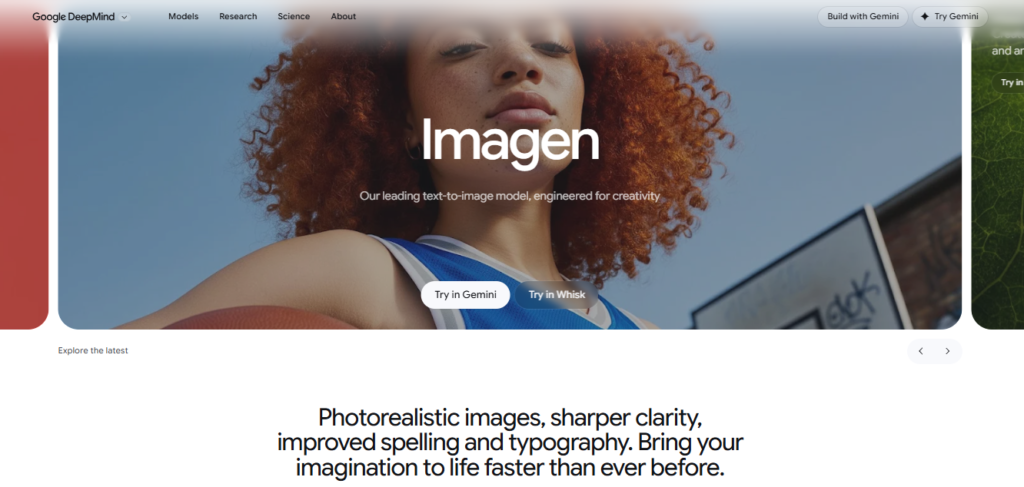
Google’s Imagen technology is designed to produce detailed and realistic images from natural-language descriptions.
Its integration with Google’s AI ecosystem makes image generation accessible to users who already work with Gemini and other Google tools.
Key Features
- Photorealistic image generation.
- Strong prompt understanding.
- Integration with conversational AI workflows.
- SynthID technology for AI provenance.
- Google Cloud and developer access options.
How to Use It
A content creator could ask for:
“Create a realistic photographic image of a modern eco-friendly office filled with indoor plants, large glass windows, and natural sunlight.”
The generated image can then be refined through the available workflow.
Free Plan or Pricing
Access depends on the Google product being used and the current availability and usage limits. Advanced developer and enterprise usage may involve paid services.
Pros
- Strong photographic detail.
- Easy access through Google’s ecosystem.
- Useful for general-purpose image creation.
- Provenance features through SynthID.
Cons
- Fewer granular artistic controls than some specialized platforms.
- Editing capabilities may be more limited than dedicated design tools.
- Some prompts may be restricted by safety systems.
Best For
General users, writers, developers, and Google ecosystem users who want accessible image generation.
10. Microsoft Designer
Overview
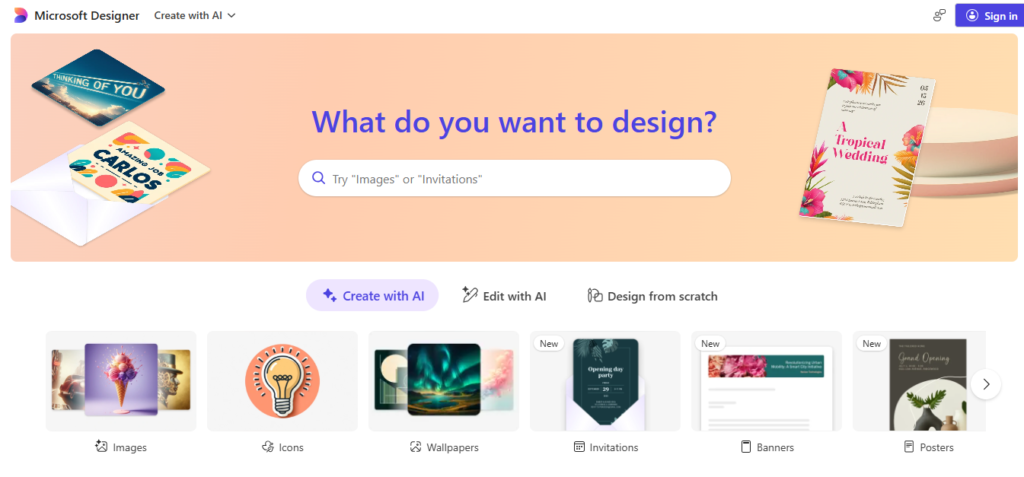
Microsoft Designer is aimed at users who want to create visual content without learning complicated design software.
It combines AI-generated images with templates and design tools, making it particularly useful for social media graphics and promotional content.
Key Features
- AI image generation.
- Design templates.
- Automated layouts.
- Style customization.
- Integration with Microsoft’s ecosystem.
How to Use It
A small business owner could enter:
A cozy autumn sale banner with pumpkin spice latte and fallen leaves
The generated visual can then be combined with promotional text and a template.
Free Plan or Pricing
Microsoft Designer provides free access with usage limits, while additional Microsoft services and subscriptions may provide expanded capabilities.
Pros
- Beginner-friendly.
- Easy browser-based workflow.
- Combines AI generation and graphic design.
- Useful for social media content.
Cons
- Fewer advanced controls.
- Less flexibility than technical image-generation platforms.
- Generation speed can vary after free allowances are used.
Best For
Beginners, students, small businesses, and social media managers.
11. Canva AI
Overview
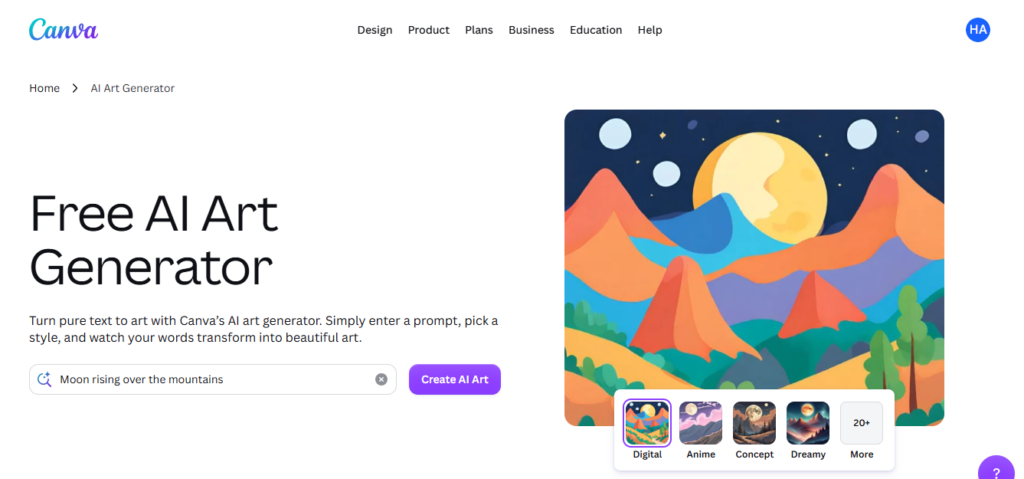
Canva AI brings AI image generation directly into Canva’s larger design ecosystem.
This makes it possible to generate an image and immediately use it inside presentations, social posts, posters, advertisements, and other designs.
Key Features
- AI image generation through Magic Studio.
- Magic Edit and Eraser.
- Easy layout integration.
- Brand Kit integration.
- Access to multiple creative tools.
How to Use It
A marketing assistant creating a presentation could enter:
A modern futuristic city with green solar power towers, vibrant digital illustration style
The generated image can then be added directly to a slide and combined with text, charts, and other design elements.
Free Plan or Pricing
Canva provides limited AI usage on free accounts, while paid plans offer additional generative credits and premium design features.
Pros
- Complete design ecosystem.
- Very easy to use.
- Useful for marketers and social media teams.
- Generated images can immediately be incorporated into designs.
Cons
- AI generation has credit limits.
- Fewer advanced parameters than technical generators.
- Designed more around complete designs than raw image-generation workflows.
Best For
Marketers, educators, social media managers, and users who want an all-in-one design platform.
12. NightCafe Studio
Overview
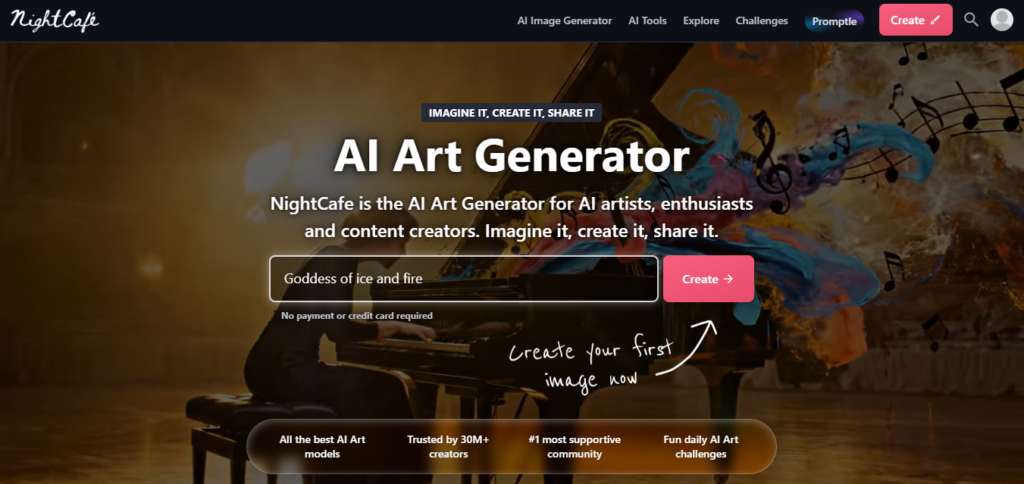
NightCafe Studio is a community-focused AI art platform that brings multiple image-generation models together in one environment.
It is especially useful for creators who want to experiment with different models and artistic styles without maintaining separate workflows.
Key Features
- Multi-model generation.
- Daily free credits.
- Community challenges.
- Prompt controls.
- Public art community.
How to Use It
A creator could begin with:
A cybernetic owl resting on a neon branch
They can then compare different models and styles to see which approach produces the strongest result.
Free Plan or Pricing
NightCafe provides free credits and additional ways to earn credits through community participation. Paid options provide additional generation capacity.
Pros
- Multiple models in one platform.
- Useful for experimentation.
- Active creative community.
- Daily free-credit system.
Cons
- Credit-based generation can become expensive with heavy use.
- Interface contains many features and menus.
- Output quality depends on the selected model.
Best For
Hobbyists, art enthusiasts, and creators who want to experiment with multiple AI models.
13. Playground AI
Overview
Playground AI focuses on canvas-based image creation and editing.
Its workspace allows users to arrange multiple images, sketches, and generated elements together rather than treating every generation as an isolated image.
Key Features
- Infinite canvas.
- Multi-image composition.
- Inpainting and outpainting.
- Image masking.
- Structural control tools.
How to Use It
A concept artist could upload a rough mountain sketch, apply structural guidance, and prompt:
Dramatic snowy mountain peak at sunrise, photorealistic 8k
The artist could then add additional generated elements to the same canvas.
Free Plan or Pricing
Playground AI provides a free tier with generation and resolution limitations. Paid plans increase generation capacity and provide additional capabilities.
Pros
- Excellent canvas workflow.
- Useful masking and editing tools.
- Good for complex compositions.
- Supports iterative experimentation.
Cons
- Canvas tools require some learning.
- Free usage has limitations.
- Performance depends on browser and internet connection.
Best For
Concept artists, digital compositors, and creators working with complex visual compositions.
14. Magnific AI
Overview
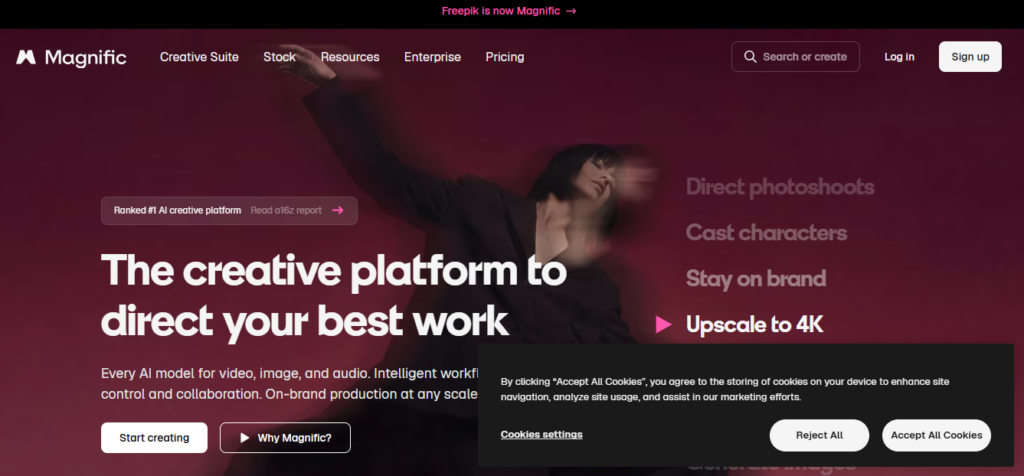
Magnific AI combines generative image tools with Magnific broader stock-image and graphic-asset ecosystem.
This combination can be particularly useful for marketers and designers who need both generated visuals and traditional stock assets.
Key Features
- Re-imagine tool.
- Sketch-to-image workflows.
- Stock asset integration.
- AI upscaling.
- Commercial design tools.
How to Use It
An advertising designer could upload a stock photograph of a runner and use a style such as:
Futuristic Neon Illustration
The system can then produce alternative versions suitable for a campaign concept.
Free Plan or Pricing
Magnific offers limited free generation and stock access, while paid plans provide larger allowances and additional premium features.
Pros
- Combines AI generation with a large stock library.
- Useful for marketing workflows.
- Includes creative transformation tools.
- Helpful for agencies and commercial designers.
Cons
- Free usage is limited.
- Fewer technical controls than advanced open models.
- Visual styles often focus heavily on commercial design.
Best For
Marketing agencies, designers, advertisers, and content creators.
15. SeaArt AI
Overview
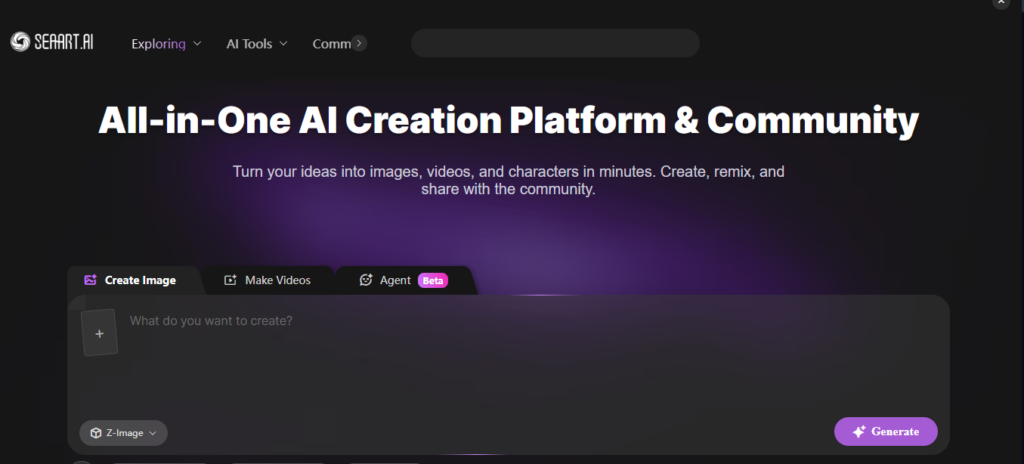
SeaArt AI is a feature-rich image-generation platform with a strong focus on anime, stylized artwork, character creation, and community-developed models.
Its support for LoRA models and ControlNet-style workflows gives experienced users significant control over their results.
Key Features
- Large LoRA library.
- ControlNet tools.
- Anime and stylized art generation.
- Image-to-image workflows.
- HD repair and upscaling.
How to Use It
An anime artist could upload a pose sketch, select an appropriate LoRA, enable pose guidance, and use a prompt such as:
A female warrior with silver hair in a futuristic armor suit, dramatic lighting
The result can then be refined using additional controls.
Free Plan or Pricing
SeaArt uses a daily allowance system for free users, while paid membership options provide additional generation capacity and features.
Pros
- Strong anime and stylized-art capabilities.
- Extensive LoRA ecosystem.
- Advanced control tools.
- Useful character-generation workflow.
Cons
- Interface can feel complicated.
- Less suitable for certain photorealistic workflows.
- Credit and reward systems can make the platform feel busy.
Best For
Anime artists, game designers, character creators, and users interested in custom stylized models.
Best AI Art Generator for Different Needs
Choosing one platform becomes easier when you match it to your specific requirements.
Best Overall AI Art Generator: Midjourney
Reason: Midjourney offers exceptional artistic quality, strong visual coherence, and cinematic aesthetics. It is particularly effective for concept art, editorial imagery, fantasy artwork, and creative projects.
Best Free AI Art Generator: Leonardo.Ai
Reason: Leonardo.Ai provides recurring free access along with useful canvas, model, and character-generation tools, making it a strong choice for users who want to experiment regularly.
Best AI Art Generator for Beginners: Microsoft Designer
Reason: Microsoft Designer keeps the workflow simple. Users can describe what they want and combine generated images with ready-made design layouts.
Best AI Art Generator for Professional Creators: Adobe Firefly
Reason: Firefly is closely integrated with Photoshop, Illustrator, and other Adobe tools, making it a natural choice for professional creative workflows.
Best AI Art Generator for Realistic Images: FLUX.1
Reason: FLUX.1 is particularly strong at photorealistic scenes, lighting, camera characteristics, and detailed visual rendering.
Best AI Art Generator for Illustrations: Midjourney
Reason: Midjourney is well suited to painterly artwork, fantasy illustrations, digital concepts, and imaginative visual styles.
Best AI Art Generator for Social Media: Canva AI
Reason: Canva AI combines image generation with templates, typography, layouts, and other tools required for social media content.
Best AI Art Generator for Commercial Projects: Adobe Firefly
Reason: Firefly is designed around professional creative workflows and integrates directly with Adobe’s established design ecosystem.
Best AI Art Generator for Image Editing: ChatGPT (GPT Image)
Reason: Conversational editing makes it easy to describe changes without manually configuring complicated editing parameters.
Free AI Art Generators in 2026
Not every AI art generator requires a paid subscription. Several platforms provide free access, although the amount of usage and available features can vary.
Daily Reset Allowances
Platforms such as Leonardo.Ai and SeaArt AI provide recurring free allowances that reset periodically. These options can be useful for creators who generate images regularly.
Open-Source Local Models
Models such as FLUX.1 and Stable Diffusion 3.5 can be used locally when their licensing and hardware requirements are met. Local generation can eliminate per-image fees, although it requires a suitable computer and technical setup.
Free Boost Systems
Platforms such as Microsoft Designer provide limited free fast-generation usage, after which users may experience slower processing or additional limitations.
Weekly Credit Systems
Ideogram provides a recurring free allowance that can work well for users who only need occasional poster or typography generation.
Key Limitations of Free Plans
Free AI art generators often come with restrictions.
- Public Visibility: Some platforms may make free-plan creations publicly visible.
- Resolution Limits: Higher resolutions and upscaling may be reserved for paid users.
- Watermarking: Certain services may add visible or invisible identifiers to AI-generated content.
- Licensing Restrictions: Some platforms limit commercial use on free plans.
Always check the current terms of the specific service before using free-generated images commercially.
How to Write Better AI Art Prompts
The quality of an AI-generated image often depends on how clearly you describe the desired result.
Instead of using a few disconnected keywords, build your prompt around several important components.
Essential Prompt Elements
1. Subject:
Describe the main person, object, animal, or environment.
Example: a vintage espresso machine.
2. Style:
Specify the artistic or visual style.
Example: 1950s watercolor illustration.
3. Composition:
Explain how the scene should be framed.
Example: wide-angle eye-level shot.
4. Lighting:
Describe the source and quality of light.
Example: soft golden-hour sunlight.
5. Camera & Lens:
Useful for photorealistic scenes.
Example: 35mm film, f/1.4 aperture, shallow depth of field.
6. Color Palette:
Specify the dominant colors.
Example: muted pastel palette.
7. Mood & Atmosphere:
Describe the emotional tone.
Example: serene, warm, and nostalgic.
8. Background Details:
Explain the environment surrounding the subject.
Example: a rain-slicked Tokyo street.
9. Aspect Ratio:
Specify the desired image format when supported.
Example: --ar 16:9 for landscape images or --ar 4:5 for social media posts.
Practical Example Prompts
Photorealistic Product Photography
A minimalist glass skincare serum bottle resting on smooth beach pebbles, gentle water ripples surrounding the base, warm morning sunlight, soft caustics reflection, commercial studio shot, sharp focus, f/2.8 lens --ar 4:5
Editorial Fantasy Illustration
An intricate watercolor painting of an ancient celestial cartographer sitting among glowing brass telescopes and star maps, rich indigo and gold color palette, detailed line work, whimsical fantasy art style, cinematic soft lighting
Typography Graphic Poster
A modern graphic design poster featuring the bold typography "EXPLORE THE UNKNOWN" in a clean sans-serif font, geometric mountain silhouette background, sunset gradient color scheme, ultra-clean vector layout
Isometric Digital Art
An isometric 3D cutaway render of a cozy retro coffee shop, warm wooden tables, detailed espresso machine, potted indoor plants, ambient lighting, octane render style, soft shadows
AI Art Generator vs AI Image Generator
The terms AI art generator and AI image generator are often used interchangeably, but they can have slightly different meanings.
AI Art Generator
The term usually emphasizes creative and artistic applications, including:
- Digital paintings
- Fantasy art
- Anime
- Concept art
- Surreal artwork
- Book illustrations
Platforms such as Midjourney and Leonardo.Ai are commonly associated with these workflows.
AI Image Generator
This is a broader term covering almost any type of AI-generated visual content, including:
- Photorealistic photography
- Product images
- Architectural renders
- Marketing graphics
- UI icons
- Vector assets
Tools such as FLUX.1, Adobe Firefly, and Recraft can fit into this broader category.
In reality, the distinction has become increasingly blurred. Many modern platforms can produce both artistic images and practical commercial graphics.
Are AI-Generated Images Copyrighted?
Disclaimer: This section provides general information and should not be treated as formal legal advice.
The legal treatment of AI-generated images differs between countries and continues to develop.
Human Authorship
In jurisdictions such as the United States, copyright protection generally focuses on human authorship. Purely AI-generated material created without meaningful human creative contribution may therefore face limitations in traditional copyright protection.
Human Creative Input
When a person substantially modifies an AI-generated image or incorporates it into a larger original work, the human-created elements may receive copyright protection depending on the applicable law.
Commercial Licensing
Copyright protection and commercial usage rights are not the same thing.
An AI platform may give users contractual permission to commercially use generated images even when copyright protection under local law is limited.
Before using AI-generated content for an important commercial project, review the platform’s current terms and applicable local laws.
How to Use AI Art Generators Responsibly
AI image-generation tools are powerful, but creators should use them responsibly.
Respect Intellectual Property
Avoid using AI to reproduce protected logos, copyrighted characters, or other protected material for commercial purposes without permission.
Avoid Mimicking Living Artists
Instead of directly requesting the style of a living contemporary artist, describe broader visual characteristics such as historical art movements, mediums, composition, lighting, or color techniques.
Disclose Synthetic Media
For advertising, journalism, and other situations where authenticity matters, consider clearly identifying AI-generated imagery.
Protect Data Privacy
Do not upload sensitive photographs, confidential documents, private information, or unreleased commercial material without understanding the platform’s privacy policies.
Combine AI With Human Creativity
AI can accelerate brainstorming and production, but human editing, design judgment, composition, and creative direction can still play an important role in producing the final result.
Frequently Asked Questions
What is the best AI art generator in 2026?
Midjourney is a strong overall choice for artistic quality, cinematic visuals, and creative consistency. However, the best option depends on the task. Adobe Firefly may be better suited to professional commercial workflows, while FLUX.1 is particularly strong for photorealistic generation.
What is the best free AI art generator?
Leonardo.Ai is a strong option for users who want recurring free access and advanced creative tools. Users with suitable hardware may also consider local open-weight models such as FLUX.1 or Stable Diffusion.
Which AI art generator is easiest for beginners?
Microsoft Designer and ChatGPT are among the easiest options for beginners because users can describe what they want using natural language without learning complicated technical parameters.
Can AI art generators create realistic images?
Yes. Modern platforms such as FLUX.1, Midjourney, and Google Imagen can generate highly realistic images with detailed lighting, textures, environments, and photographic characteristics.
Can I use AI-generated images commercially?
Commercial use depends on the platform’s current terms and the specific plan you use. Always check the licensing conditions before using generated content in commercial campaigns.
Which AI art generator is best for illustrations?
Midjourney and Leonardo.Ai are strong choices for illustrations, fantasy artwork, concept art, digital paintings, and character designs.
Can AI art generators create text inside images?
Yes. Tools such as Ideogram and ChatGPT are particularly useful for generating images containing readable typography, headlines, labels, and graphic text.
Are AI-generated images copyrighted?
Copyright treatment varies by jurisdiction. Pure AI-generated content may not receive the same copyright protection as human-authored work in some countries. However, human modifications and contractual commercial licenses can affect the rights available to the user.
What is the difference between AI art and AI image generation?
AI art generally refers to creative or artistic imagery such as digital paintings, illustrations, fantasy scenes, and concept art. AI image generation is a broader term that also includes photography, product images, icons, marketing visuals, and technical graphics.
How can I write better AI art prompts?
A strong prompt should clearly describe the subject, style, composition, lighting, colors, mood, background, and other relevant visual details. Adding camera or aspect-ratio information can also help when creating realistic or platform-specific images.
Conclusion
The best AI art generators in 2026 give creators more options than ever for producing visual content. However, there is no single tool that is perfect for every project.
Your choice should depend on what you want to create, how much control you need, your technical experience, and your budget.
- Choose Midjourney for high-quality artistic visuals, cinematic artwork, and concept art.
- Choose Adobe Firefly for professional design workflows and Adobe Creative Cloud integration.
- Choose FLUX.1 for photorealistic generation and flexible open-weight workflows.
- Choose Ideogram when accurate typography and poster design are important.
- Choose Leonardo.Ai for character creation, game assets, and recurring free access.
- Choose Microsoft Designer if you want a simple beginner-friendly design workflow.
- Choose Canva AI when you need AI-generated visuals combined with complete graphic-design tools.
- Choose ChatGPT when conversational image creation and iterative editing are your priority.
The best way to find the right tool is to experiment with several platforms and compare their results using the same prompts. As these technologies continue to improve, combining AI generation with human creativity and design judgment can help you build a faster and more flexible visual workflow.
Related Articles
Best AI Video Generators 2026
Compare the best AI video generators for marketing, YouTube, social media, presentations.
Best AI Chatbots 2026: 10 Best AI Assistants Compared
Find the best AI chatbots for productivity, research, coding, and everyday tasks.
Best AI Productivity Tools 2026: Features, Pricing, Pros & Cons
Find the top free & paid AI productivity apps
15 Best AI Resume Builder Tools in 2026: Tested & Compared
AI resume builder tools. Compare features, pricing, ATS optimization.
15 Best AI Presentation Makers in 2026: Tested & Compared
Discover the best AI presentation makers.
15 Best AI Voice Generators in 2026: Tested & Compared
Discover the best AI voice generators
Pingback: 15 Best AI Logo Makers in 2026: Tested & Compared - AI Crest Lab
Pingback: Best AI Video Generators 2026: 12 Best AI Video Creation Tools Compared (Free & Paid) - AI Crest Lab
Pingback: Best AI Image Generators 2026: 12 Best AI Art Tools Compared (Free & Paid) - AI Crest Lab