Creating a logo used to mean hiring a designer or spending hours learning software like Adobe Illustrator. For startups, freelancers, small businesses and people launching side projects that approach could quickly become expensive and time-consuming.
Today AI logo makers have made the process much easier. You can enter your business name pick a style describe your brand and get logo ideas in just minutes. Many platforms also offer more than logos. They include brand colors, fonts, social media graphics, business cards and other marketing materials.
Not every AI logo maker is the same. Some are best, for free logo creation. Others are built for branding, vector exports, full customization or complete brand kits.
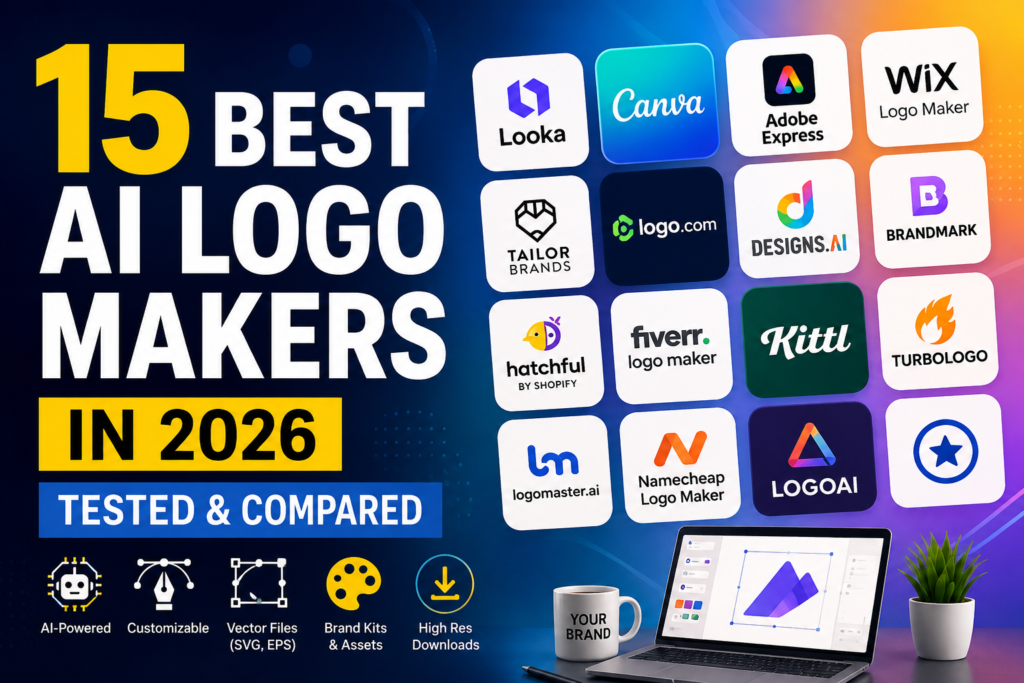
In this guide we compare the 15 best AI logo makers in 2026. We look at their features how easy they are to use, their pricing, how customization they offer the file formats they provide their branding capabilities and overall value.
Also Read: Best AI Art Generators in 2026: 15 Tools to Create Amazing Images
Table of Contents
Quick Comparison: Best AI Logo Makers in 2026
| Tool | Best For | Free Plan | Starting Price | Logo Quality | Brand Kit | Transparent PNG | SVG | Commercial Use | Rating |
|---|---|---|---|---|---|---|---|---|---|
| Looka | Complete Brand Identity | Free Preview | $20 one-time / $96 yearly | Excellent | Yes | Yes, paid | Yes, premium | Yes, paid | 4.8/5 |
| Canva | All-in-One Design | Yes | $14.99/mo | Good | Yes, Pro | Yes, Pro | Yes, Pro | Yes | 4.7/5 |
| Adobe Express | Professional Design | Yes | $9.99/mo | Very High | Yes | Yes | Yes | Yes | 4.6/5 |
| Wix Logo Maker | Website Owners | Free Preview | $12.99 one-time | Good | Yes | Yes, paid | Yes, professional | Yes, paid | 4.3/5 |
| Tailor Brands | Business Branding | Free Preview | $9.99/mo | Good | Yes | Yes, paid | Yes, paid | Yes, paid | 4.2/5 |
| Logo.com | Affordable Branding | Yes | $10/mo or $12 option | Very Good | Yes | Yes | Yes | Yes | 4.6/5 |
| Designs.ai | Complete AI Suite | Trial | $19/mo | Good | Yes | Yes | Yes | Yes | 4.1/5 |
| Brandmark | Modern Branding | Free Preview | $25 one-time | Very High | Yes | Yes | Yes, higher tiers | Yes, paid | 4.7/5 |
| Hatchful by Shopify | Free Logos | Yes | $0 | Basic | Basic | Yes | No | Yes | 4.0/5 |
| Fiverr Logo Maker | Professional-Looking Designs | Free Preview | ~$30 one-time | High | Yes | Yes | Yes, higher tier | Yes, paid | 4.5/5 |
| Kittl | Creative Customization | Yes | $10/mo | Very High | Limited | Yes | Yes, Pro | Yes | 4.8/5 |
| Turbologo | Flexible Editing | Free Preview | ~$16 one-time | Good | Yes | Yes, paid | Yes, paid | Yes, paid | 4.3/5 |
| Logomaster.ai | Startups & SaaS | Free Preview | $29 one-time | High | Yes | Yes, paid | Yes, paid | Yes, paid | 4.4/5 |
| Namecheap Logo Maker | Free Vector Logos | Yes | $0 | Moderate | Basic | Yes | Yes | Yes | 4.2/5 |
| LogoAI | Animated Branding | Free Preview | $29 one-time | High | Yes | Yes, paid | Yes, professional | Yes, paid | 4.5/5 |
Prices and features can change. Always check the relevant platform’s current pricing and licensing terms before purchasing.
How We Compared These AI Logo Generators
A logo generator shouldn’t be judged only by how attractive its first few designs look.
A logo may look good in a browser preview but become difficult to use when you need it on a business card, website header, product package, social media profile, or large sign.
For this comparison, we considered several practical factors:
- AI Generation: How well the tool turns business information and design preferences into relevant logo concepts.
- Customization: Whether users can change fonts, colors, icons, spacing, layouts, and other elements.
- File Formats: Availability of PNG, transparent PNG, SVG, EPS, and other useful formats.
- Branding Features: Availability of brand kits, business cards, social media assets, and brand guidelines.
- Commercial Rights: Whether the platform provides clear terms for commercial use and ownership.
- Ease of Use: How simple the process is for someone without graphic design experience.
- Overall Value: Whether the features offered justify the price.
1. Looka
Overview
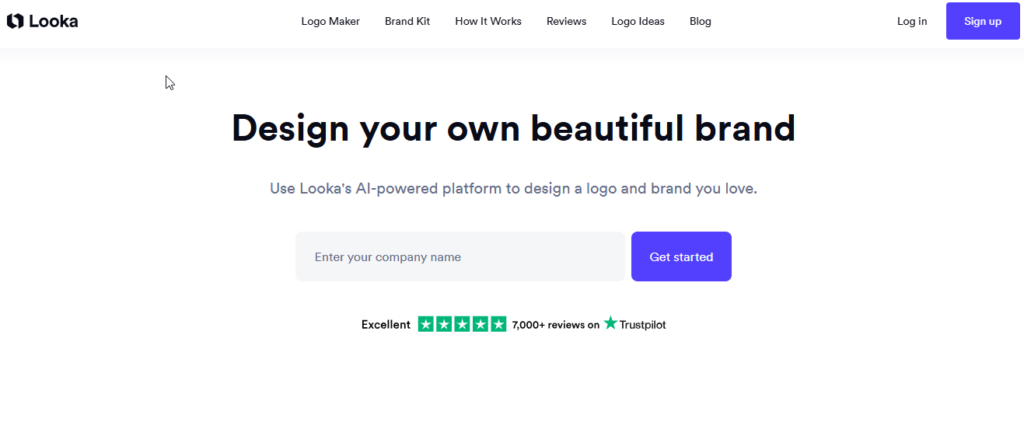
Looka is one of the most focused platforms for creating an entire visual identity rather than just a single logo.
The platform asks about your business, industry, preferred styles, colors, and design preferences before presenting multiple logo concepts. You can then modify the designs and see how they might look across different marketing materials.
Key Features
- AI-assisted logo generation.
- Multiple logo concepts generated from your preferences.
- Custom colors, fonts, icons, and layouts.
- Business card and merchandise mockups.
- Brand Kit with hundreds of marketing assets.
- High-resolution logo downloads.
- PNG, JPG, SVG, and EPS options on applicable plans.
- Commercial usage rights with paid packages.
Logo Quality
Looka generally produces polished and modern designs. Typography, spacing, and color combinations are among its stronger areas.
The generated logos are particularly suitable for startups, online businesses, agencies, and service-based companies.
Ease of Use
Looka is designed for beginners. Its guided process means you don’t need previous graphic design experience to start creating logo concepts.
Pricing
The source content lists the following packages:
- Basic Logo Package: $20 one-time.
- Premium Logo Package: $65 one-time.
- Brand Kit: $96/year.
Because pricing can change, check the current plans before purchasing.
Pros
- Strong branding ecosystem.
- Easy for beginners.
- Good typography and spacing.
- Professional mockups.
- Vector files available on higher plans.
Cons
- No completely free usable logo download.
- Basic package has limited files.
- Custom icon uploading is limited.
Best For
Startups and small businesses that want a logo plus a complete brand identity.
Our Rating
4.8/5
2. Canva
Overview
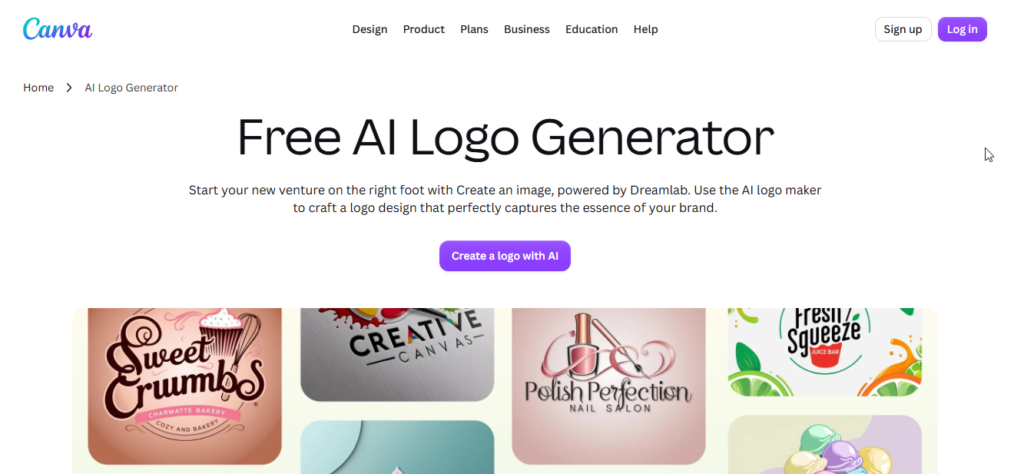
Canva is much more than an AI logo maker. It is a complete online design platform where users can create logos, social media posts, presentations, advertisements, videos, documents, and other marketing materials.
Its AI features can help generate design elements while the editor gives users extensive manual control.
Key Features
- AI-powered design tools.
- Large collection of templates and icons.
- Drag-and-drop editor.
- Brand colors and fonts.
- Team collaboration.
- Social media design tools.
- PNG, JPG, PDF and SVG exports depending on plan.
- Brand management features.
Logo Quality
The quality can be excellent, but the final result depends heavily on how you customize the design.
Because Canva provides a huge library of templates and assets, users should avoid creating a logo that looks too similar to commonly used templates.
Ease of Use
Canva is extremely beginner-friendly. The drag-and-drop interface makes it easy to change colors, fonts, icons, and layouts.
Pricing
- Free: $0.
- Canva Pro: Listed in the source at $14.99/month or $119.99/year.
Pros
- Powerful free version.
- Huge design ecosystem.
- Excellent customization.
- Useful for creating other brand materials.
- SVG export on Pro.
Cons
- Some important exports require Pro.
- Template-based designs may lack uniqueness.
- Shared design assets can create trademark concerns.
Best For
Creators, freelancers, bloggers, and businesses that want logo creation plus a complete design platform.
Our Rating
4.7/5
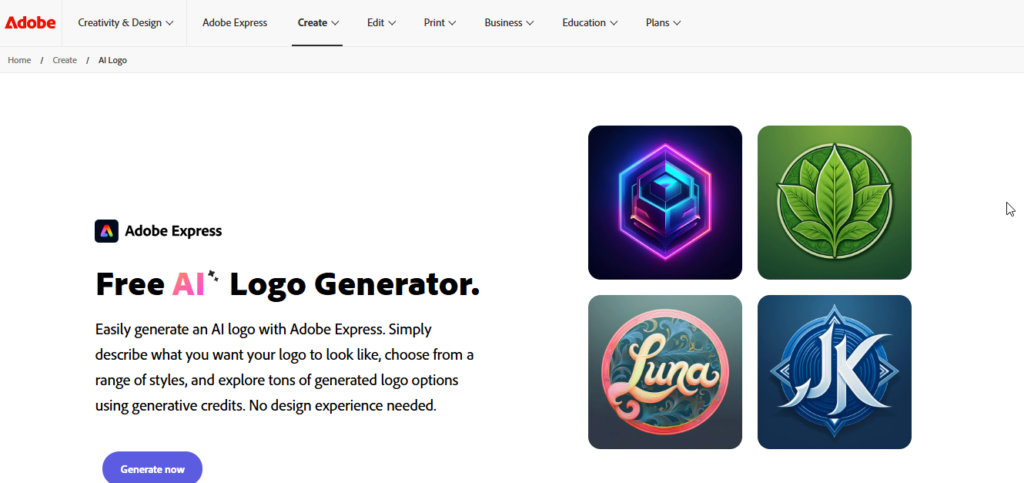
3. Adobe Express
Overview
Adobe Express brings many of Adobe’s creative capabilities into a simpler web-based environment.
Its integration with Adobe Firefly makes it particularly interesting for users who want AI-assisted graphics while still having access to professional design tools.
If you’re also interested in creating visuals beyond logos, our guide to Best AI Image Generators 2026 covers popular tools for generating images, graphics, and other visual content.
Key Features
- Adobe Firefly AI integration.
- Vector-related design capabilities.
- Adobe Fonts integration.
- Brand tools.
- Automatic resizing.
- Creative Cloud integration.
- PNG, JPG, PDF and SVG export options.
Logo Quality
Adobe Express can produce highly polished visual designs, especially when users spend some time refining the generated result.
Its typography and professional design ecosystem are major advantages.
Ease of Use
Compared with traditional Adobe applications, Express is much easier for beginners to understand.
Pricing
- Free: $0.
- Premium: Listed in the source at $9.99/month.
Pros
- Professional Adobe ecosystem.
- Strong typography.
- Firefly AI integration.
- Useful vector capabilities.
- Good for broader creative workflows.
Cons
- Advanced features may require a subscription.
- Some AI-generated concepts can become overly complicated.
Best For
Businesses and marketers who want AI-assisted logo creation alongside professional design tools.
Our Rating
4.6/5
4. Wix Logo Maker
Overview
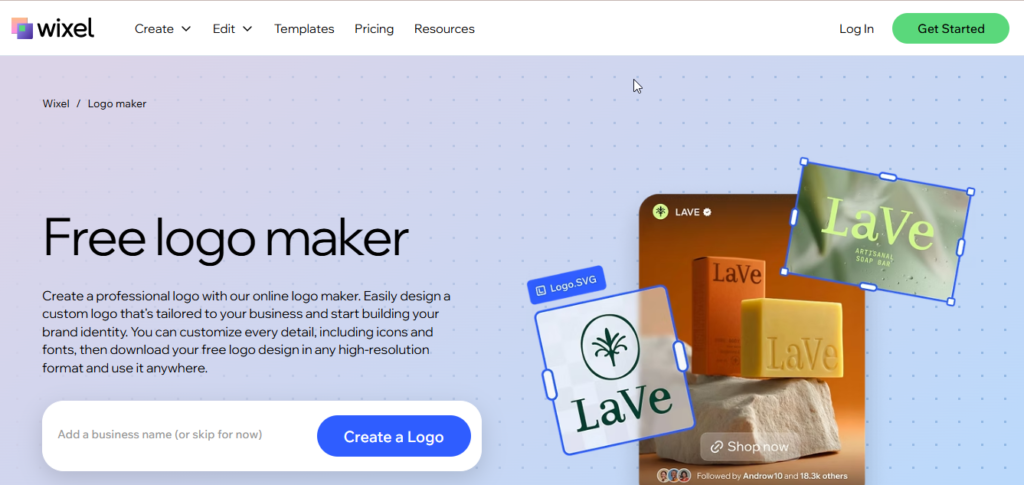
Wix Logo Maker is particularly useful for people who are already building a website with Wix.
The platform uses information about your business and preferred visual style to generate logo concepts that can then be customized.
Key Features
- AI-assisted logo generation.
- Industry and personality-based recommendations.
- Logo customization.
- Website integration.
- Social media assets.
- Vector downloads on applicable packages.
- Business branding tools.
Logo Quality
The designs generally focus on clean and modern aesthetics. They work particularly well for websites, online stores, and service businesses.
Ease of Use
The guided process is simple. Users select styles and preferences before receiving logo suggestions.
Pricing
The supplied content lists:
- Basic: Around $12.99 one-time.
- Professional: Around $49.99 one-time.
Pricing may vary.
Pros
- Excellent Wix integration.
- Easy creation process.
- Website-friendly designs.
- Vector files available on higher packages.
Cons
- Useful downloads require payment.
- Best value is within the Wix ecosystem.
Best For
Small businesses creating their website with Wix.
Our Rating
4.3/5
5. Tailor Brands
Overview
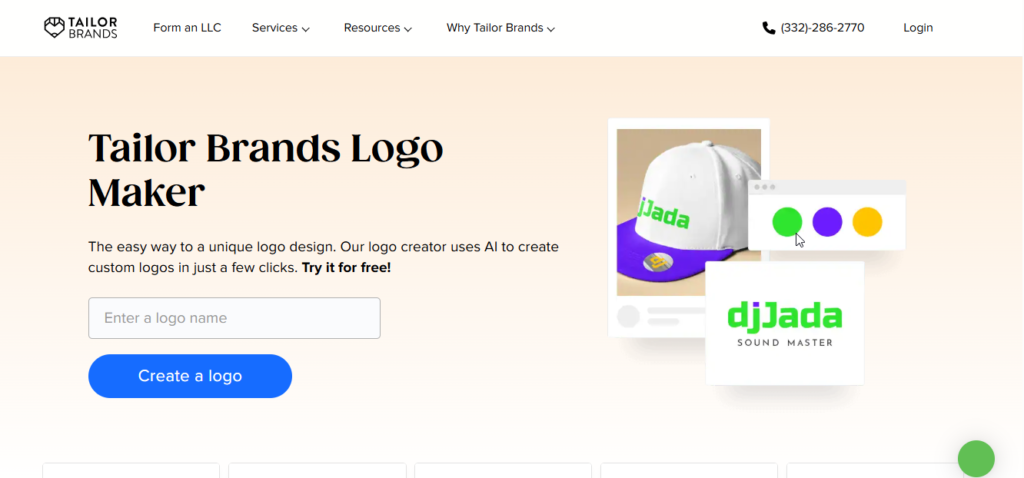
Tailor Brands takes a broader approach to business branding.
Alongside logo generation, it provides tools related to business setup, brand guidelines, social media graphics, and other business resources.
Key Features
- AI logo generation.
- Different logo styles.
- Brand guidelines.
- Social media graphics.
- Business card designs.
- Business formation services.
- Color and typography recommendations.
Logo Quality
Tailor Brands tends to focus on simple and professional designs. Its results are suitable for local businesses, online stores, and service providers.
Ease of Use
The guided setup makes it possible to create a logo without understanding professional design software.
Pricing
The source lists plans beginning around $9.99/month, with higher plans providing additional branding features.
Pros
- Business-focused platform.
- Simple logo generation.
- Brand guideline tools.
- Additional business services.
Cons
- Subscription-based model.
- Less manual control than platforms such as Canva.
Best For
Entrepreneurs who want logo creation together with broader business branding tools.
Our Rating
4.2/5
6. Logo.com
Overview
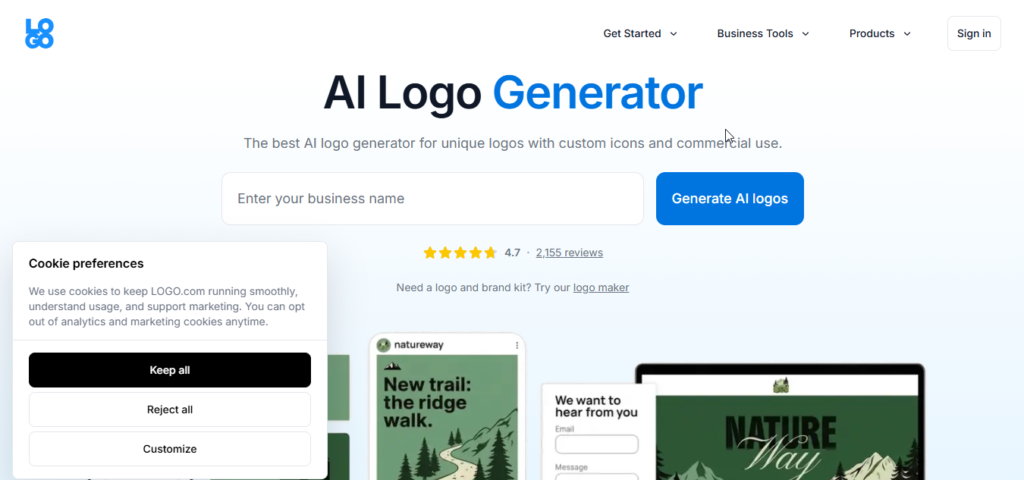
Logo.com is designed around a straightforward logo-generation experience.
Its focus is on making logo creation affordable while also providing additional brand assets and customization tools.
Key Features
- AI logo generation.
- Multiple logo variations.
- Online logo editor.
- Font and color customization.
- Brand guidelines.
- Social media assets.
- Domain-related tools.
- Vector downloads on applicable plans.
Logo Quality
The generated designs are generally clean and modern, making the platform suitable for startups, freelancers, and small businesses.
Ease of Use
One of Logo.com’s biggest strengths is simplicity. You don’t need extensive design knowledge to make basic modifications.
Pricing
The source lists options around:
- Free tier.
- Approximately $10/month.
- A flat-price option around $12.
Pros
- Affordable.
- Beginner-friendly.
- Simple editor.
- Vector files available.
- Useful brand assets.
Cons
- Less creative freedom than professional design platforms.
- Some icons may feel repetitive.
Best For
Budget-conscious businesses and beginners.
Our Rating
4.6/5
7. Designs.ai
Overview
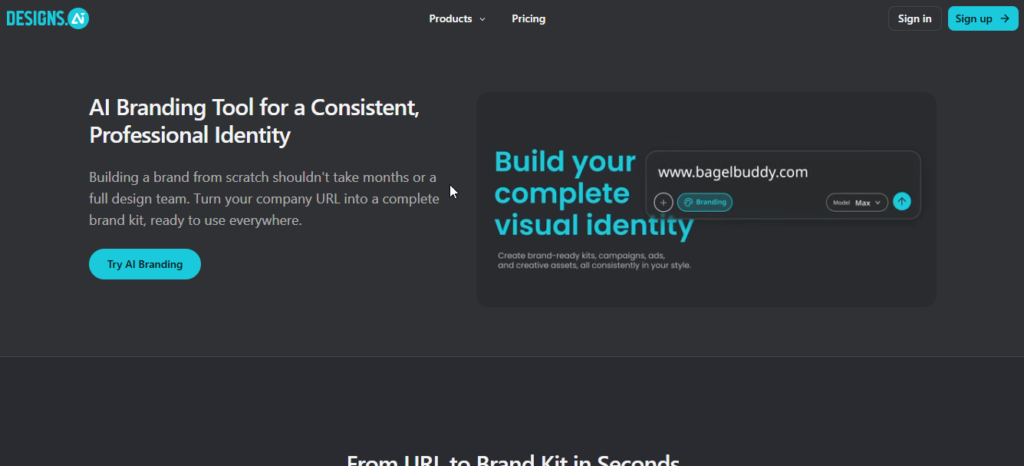
Designs.ai is different from dedicated logo platforms because it combines multiple AI creative tools under one service.
Because platforms like Designs.ai combine several AI capabilities in one workflow, you may also want to explore our guide to the Best AI Productivity Tools 2026 for tools that can help streamline everyday business and work tasks.
Besides logo creation, it offers tools for text, video, voice, and other creative projects.
Key Features
- AI logo generator.
- Brand asset generation.
- Color and typography tools.
- Social graphics.
- Multi-language support.
- Vector exports.
- Additional AI creative tools.
Logo Quality
Designs.ai produces clean and modern logos, particularly for businesses looking for conventional corporate styles.
Ease of Use
The guided workflow is straightforward and doesn’t require advanced design skills.
Pricing
The source lists:
- Basic: $19/month.
- Pro: $49/month.
Pros
- Multiple AI tools in one subscription.
- Quick logo creation.
- Good for marketing teams.
- Multi-language support.
Cons
- Subscription may be expensive if you only need a logo.
- Logo customization is less flexible than dedicated design software.
Best For
Marketing teams and creators who need multiple AI creative tools.
Our Rating
4.1/5
8. Brandmark
Overview
Brandmark focuses heavily on visual identity and automated design aesthetics.
Rather than simply producing an icon with text, it attempts to create a more complete visual system around your brand.
Key Features
- AI logo generation.
- Color palette recommendations.
- Typography combinations.
- Brand guidelines.
- Business card designs.
- Social media assets.
- Vector exports on higher plans.
Logo Quality
Brandmark is particularly strong when it comes to minimalist and modern branding.
Ease of Use
The automated approach makes it easy for beginners to get polished-looking results without manually adjusting every design element.
Pricing
The source lists packages beginning around $25 one-time, with higher packages offering additional assets.
Pros
- Strong visual aesthetics.
- Good color combinations.
- Pay-once options.
- Professional branding assets.
Cons
- Less manual customization.
- Vector files may require a higher package.
Best For
Startups, agencies, and modern businesses that prefer minimalist branding.
Our Rating
4.7/5
9. Hatchful by Shopify
Overview
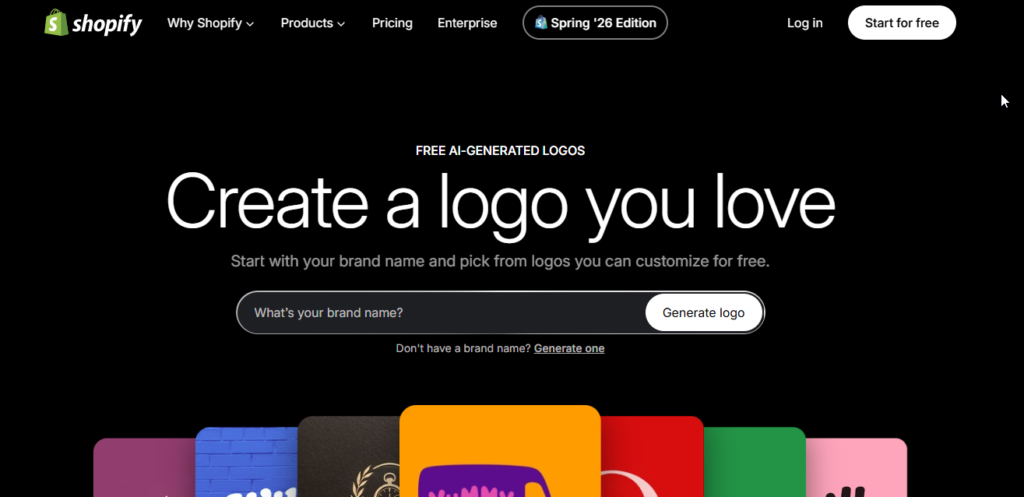
If your biggest priority is creating a logo without spending money, Hatchful by Shopify is worth considering.
It is a simple logo creation tool designed primarily for quick branding rather than advanced AI-powered design.
Key Features
- Free logo creation.
- Industry-based templates.
- Social media assets.
- Basic color and font customization.
- Multiple profile image sizes.
Logo Quality
Hatchful produces simple logos rather than highly customized brand identities.
For a new side project or small online store, however, that simplicity can be enough.
Pricing
$0
Pros
- Completely free.
- Easy to use.
- Social media assets included.
- Quick setup.
Cons
- No SVG/EPS according to the supplied comparison.
- Limited customization.
- Designs may appear generic.
Best For
Students, side hustlers, small online stores, and anyone who needs a basic free logo.
Our Rating
4.0/5
10. Fiverr Logo Maker
Overview
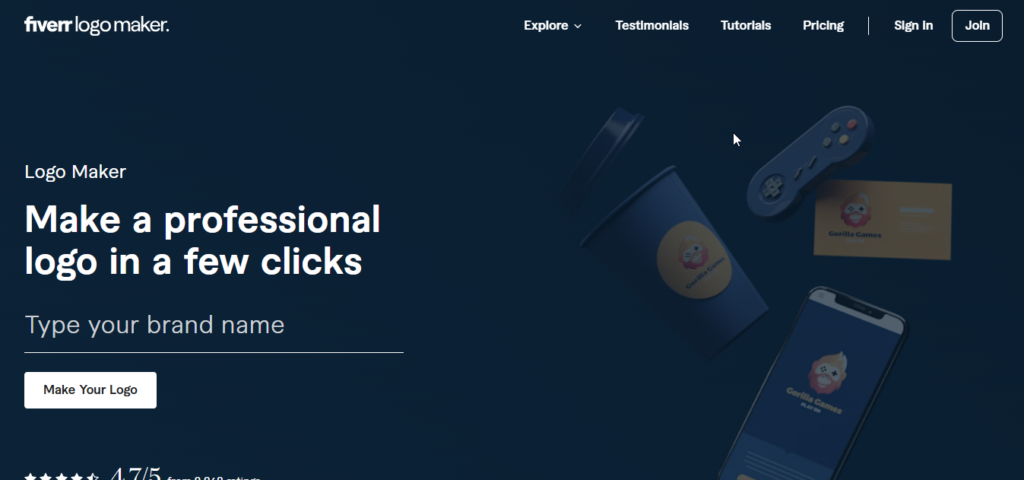
Fiverr Logo Maker takes a different approach to automated logo generation.
Its system uses design elements created by designers on the Fiverr platform and combines them into logo concepts based on your business information.
Key Features
- AI-assisted logo creation.
- Designer-created visual assets.
- Brand kits.
- Social media graphics.
- Commercial licensing on applicable packages.
- Option to work with a human designer.
Logo Quality
The designs can have a more polished appearance because of the design elements behind the system.
Ease of Use
The process is guided, so beginners can generate multiple concepts without professional design knowledge.
Pricing
The supplied content lists packages starting around $30 one-time.
Pros
- Designer-influenced assets.
- Professional-looking results.
- Option to hire a designer afterward.
- Branding packages available.
Cons
- More expensive than some competitors.
- Editing flexibility can be limited.
Best For
Businesses that want AI-assisted speed with the possibility of human design support.
Our Rating
4.5/5
11. Kittl
Overview
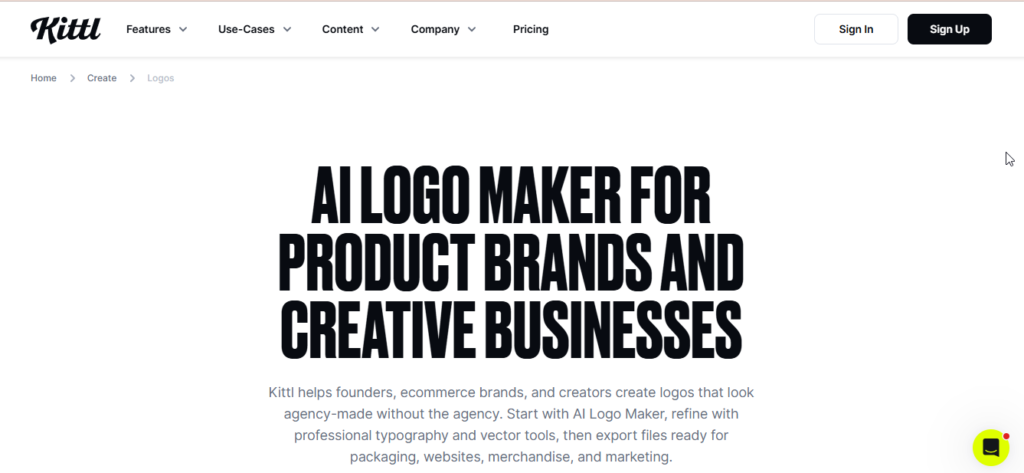
Kittl is better suited to users who want more control than a traditional one-click AI logo generator provides.
It combines AI generation with a powerful browser-based design editor, making it useful for logos, typography, illustrations, apparel graphics, and other visual projects.
Key Features
- AI-generated vector graphics.
- Advanced typography tools.
- Text warping.
- Text-on-path effects.
- Vector editing.
- Large font and illustration library.
- SVG and PDF exports on applicable plans.
Logo Quality
Kittl can produce highly creative results, especially for vintage, badge, apparel, and detailed logo styles.
Ease of Use
It is relatively easy compared with professional desktop design software, but it has a bigger learning curve than simple logo generators.
Pricing
The source lists:
- Free: $0.
- Pro: $10/month.
- Expert: $24/month.
Pros
- Excellent customization.
- Strong typography tools.
- Vector-focused workflow.
- Great for creative logos.
Cons
- Requires more hands-on work.
- Can feel complicated to someone who only wants an instant logo.
Best For
Designers, creators, apparel businesses, breweries, craft brands, and users who want creative control.
Our Rating
4.8/5
12. Turbologo
Overview
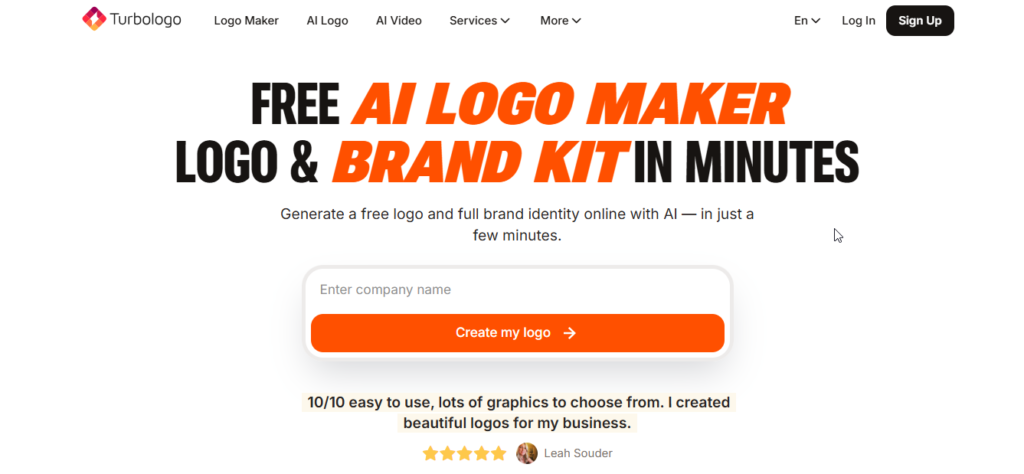
Turbologo combines automated logo creation with a relatively flexible editing experience.
It uses your industry, preferences, and selected design styles to produce logo concepts that can then be modified.
Key Features
- AI-assisted logo generation.
- Large icon library.
- Font selection.
- Color customization.
- Brand kit creation.
- Social media assets.
- Vector downloads on applicable packages.
Logo Quality
The designs are generally clean and practical, particularly for consultants, agencies, and local service businesses.
Ease of Use
Its editor is straightforward and provides useful positioning and alignment controls.
Pricing
The source lists packages starting around $16 one-time, with higher packages offering additional files and branding assets.
Pros
- Flexible editor.
- Simple workflow.
- One-time purchase options.
- Good customization.
Cons
- Lower-priced package has fewer assets.
- Vector files require a higher package.
Best For
Small businesses and service providers that want a simple logo with editing flexibility.
Our Rating
4.3/5
13. Logomaster.ai
Overview
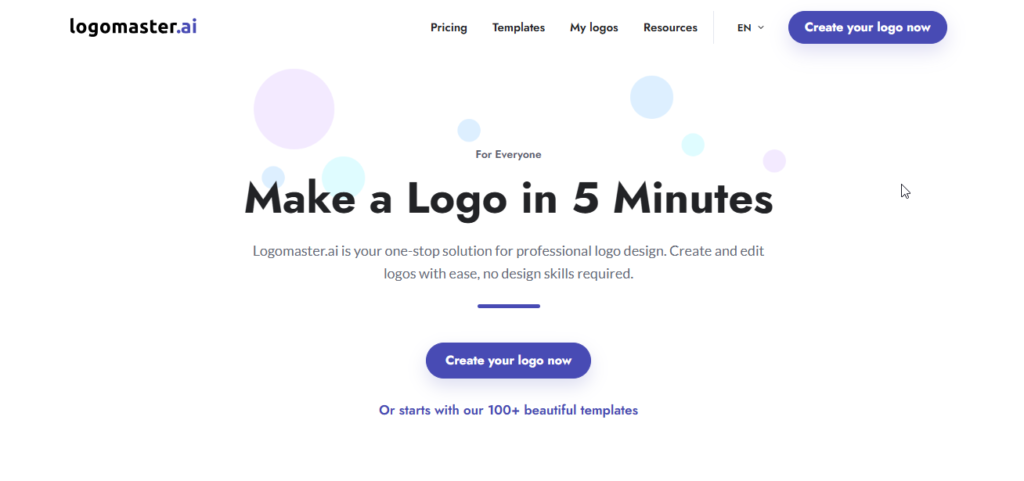
Logomaster.ai is aimed particularly at startups, SaaS businesses, developers, and digital products.
Its designs generally emphasize clean shapes and modern technology-oriented aesthetics.
Key Features
- AI logo generation.
- Startup-oriented styles.
- Online customization.
- High-resolution downloads.
- SVG vector files on applicable plans.
- Transparent backgrounds.
- Commercial usage options.
Logo Quality
The platform works particularly well for modern software companies, websites, apps, and digital products.
Ease of Use
The process is quick and doesn’t require design experience.
Pricing
The source lists plans beginning around $29 one-time.
Pros
- Strong technology-oriented styles.
- Simple workflow.
- One-time payment structure.
- Vector options available.
Cons
- Less suitable for highly artistic or vintage designs.
- Entry price is higher than some free options.
Best For
SaaS companies, developers, startups, and digital products.
Our Rating
4.4/5
14. Namecheap Logo Maker
Overview
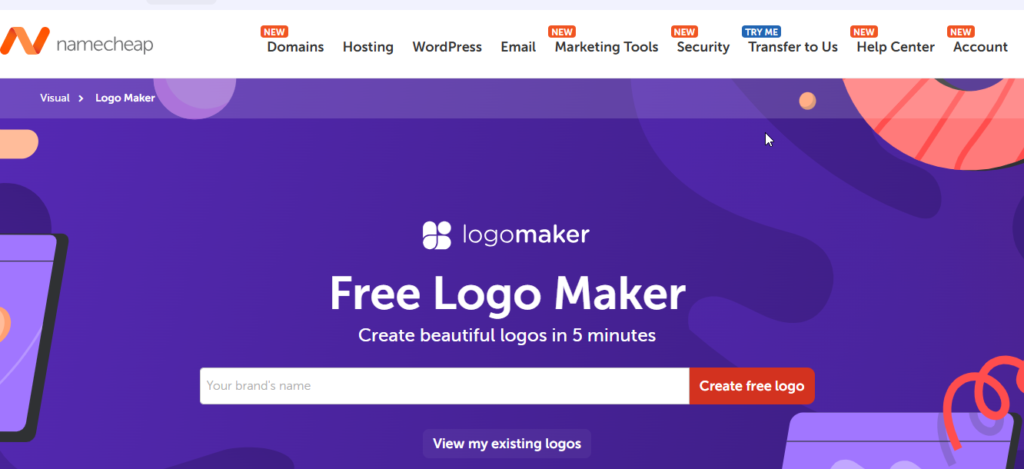
Namecheap Logo Maker is one of the more interesting choices for users looking for a free logo solution.
The tool guides users through choices such as fonts, colors, and icons before generating logo concepts.
Key Features
- Free logo creation.
- SVG downloads.
- High-resolution PNG files.
- Font recommendations.
- Color selection.
- Icon library.
- Basic mockups.
Logo Quality
The designs are relatively simple, but they can work well for websites, small projects, and basic business branding.
Ease of Use
The guided workflow is particularly easy for beginners.
Pricing
$0
Pros
- Free.
- SVG downloads.
- High-resolution PNG.
- No major upfront investment.
- Beginner-friendly.
Cons
- Limited advanced editing.
- Design styles are relatively simple.
Best For
Users who need a free logo and scalable vector files.
Our Rating
4.2/5
15. LogoAI
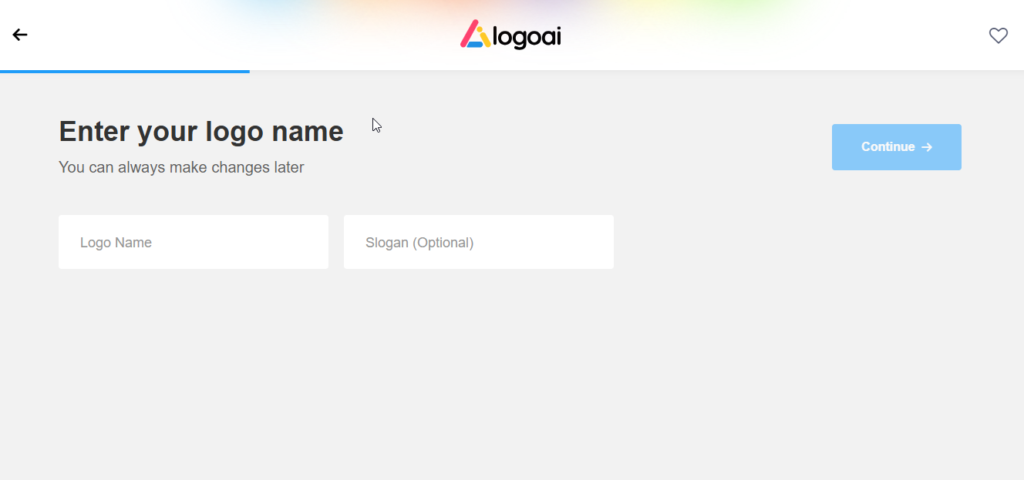
Overview
LogoAI focuses on creating a broader brand identity around the logo.
Alongside standard logo generation, the platform includes branding materials and animated logo capabilities for digital businesses and content creators.
Key Features
- AI logo generation.
- Logo animation.
- Brand guidelines.
- Social media graphics.
- Business cards.
- Posters and stationery.
- PNG, JPG, SVG and EPS options on applicable plans.
Logo Quality
LogoAI produces modern and balanced designs with good typography and color combinations.
Ease of Use
The onboarding process is straightforward, allowing users to create and modify concepts without advanced design knowledge.
Pricing
The source lists packages starting around $29 one-time, with higher packages providing additional branding and animation features.
Pros
- Logo animation.
- Complete branding ecosystem.
- Modern designs.
- Multiple asset types.
Cons
- Full branding features cost more.
- Basic packages have fewer file options.
Best For
Digital brands, content creators, and businesses that want static and animated logo assets.
Our Rating
4.5/5
Best AI Logo Makers by Use Case
There isn’t one logo generator that is perfect for everyone. Your best choice depends on what you’re actually trying to create.
- Best Overall: Looka — Excellent combination of logo quality, editing, vector files, and brand assets.
- Best Free AI Logo Maker: Namecheap Logo Maker — A strong free option with SVG downloads.
- Best for Small Businesses: Wix Logo Maker — Especially useful when your website is built with Wix.
- Best for Startups: Logomaster.ai — Focuses on clean, modern technology-oriented branding.
- Best for Beginners: Logo.com — Simple workflow and straightforward customization.
- Best for Professional Branding: Brandmark — Strong visual identity and polished aesthetics.
- Best for Social Media: Canva — Excellent ecosystem for applying your branding across social platforms.
- Best for Brand Kits: Looka — Provides a broad range of matching brand materials.
- Best for Customization: Kittl — Excellent control over typography, vectors, and graphic elements.
- Best Budget Option: Hatchful by Shopify — Useful if your priority is creating a basic logo for free.
AI Logo Maker vs. Traditional Logo Designer
AI logo generators and professional designers serve different purposes.
| Factor | AI Logo Maker | Traditional Logo Designer |
|---|---|---|
| Typical Cost | $0–$100 | $300–$5,000+ |
| Time Required | Minutes | Days or weeks |
| Customization | Depends on the platform | Highly flexible |
| Originality | Varies by platform and assets | Custom-created |
| Revisions | Usually immediate | Depends on designer |
| Brand Strategy | Basic to moderate | More comprehensive |
| File Delivery | Usually instant | Provided after completion |
| Trademark Considerations | Depends on assets and licensing | Generally easier to create unique artwork |
For a new website, startup, freelancer, or small business, an AI logo maker can be a practical starting point.
For an established company going through a major rebrand, professional design strategy may provide significantly more value.
Are AI Logo Makers Good Enough for Businesses?
For many businesses, yes.
A modern AI logo generator can produce a professional-looking logo without requiring a large design budget. This is particularly useful for startups, freelancers, local businesses, ecommerce stores, bloggers, and new online projects.
Why Businesses Use AI Logo Makers
- Lower cost: You can create a logo without paying agency-level design fees.
- Fast results: Multiple concepts can be generated within minutes.
- Easy experimentation: You can test different colors, fonts, and styles.
- Additional branding: Some platforms also create business cards, social graphics, and brand guidelines.
When a Human Designer May Be Better
There are still situations where professional design services make more sense.
Consider hiring a designer if you need:
- A complete enterprise rebrand.
- A highly distinctive visual identity.
- Custom illustrations or mascots.
- Hand-drawn typography.
- Complex packaging artwork.
- Extensive brand strategy.
- A logo requiring particularly careful trademark differentiation.
Are AI Logo Makers Really Free?
This is one of the most important things to understand before choosing an AI logo generator.
Many platforms allow you to create and preview logos for free, but downloading the final high-resolution files may require payment.
Common limitations include:
- Low-resolution downloads.
- Watermarked previews.
- No transparent background.
- No SVG or EPS files.
- Limited commercial rights.
- Restricted brand assets.
If you specifically want a free logo, Namecheap Logo Maker and Hatchful by Shopify are among the options listed in this comparison.
However, always check the current licensing and download terms before using a free logo for a commercial business.
Can You Use an AI-Generated Logo Commercially?
In many cases, AI-generated logos can be used commercially, but the answer depends on the platform and the assets included in your design.
Before using a logo for a business, check:
Commercial License
Make sure your selected plan allows commercial use across websites, products, advertising, and other business materials.
Stock Assets
Some platforms use libraries of icons or design elements. If an element is available to many users, you may not have exclusive rights to that specific element.
Fonts
Check whether the fonts included in your logo have appropriate commercial licensing.
Platform Terms
Always read the current terms of service and license agreement before relying on a logo for an important business identity.
Can an AI-Generated Logo Be Trademarked?
Trademark and copyright rules surrounding AI-generated artwork can be complicated and can vary between countries.
It’s important to distinguish between copyright and trademark protection.
Copyright generally concerns creative works, while a trademark is used to identify and distinguish a business or its products and services.
If your logo contains common stock icons or elements that are widely available, obtaining exclusive protection may be more difficult.
For an important commercial brand, consider performing a trademark clearance search before committing to the logo.
For example, businesses in the United States can use the official USPTO trademark resources for research.
Also Read: 25 Best Free AI Tools in 2026 (Tested & Reviewed)
How to Choose the Best AI Logo Maker
Before selecting a platform, consider these seven questions:
1. Does the Design Match Your Brand?
A technology startup, restaurant, clothing brand, and law firm may require completely different visual styles.
2. How Much Can You Customize?
Check whether you can change fonts, colors, icons, spacing, and layout after the logo is generated.
3. Do You Need a Transparent PNG?
A transparent logo is useful for websites, social media graphics, presentations, and marketing materials.
4. Do You Need SVG or EPS?
If you’re planning to print your logo on signs, packaging, merchandise, or large materials, vector files can be extremely useful.
5. Do You Need a Brand Kit?
If you need social media graphics, business cards, brand guidelines, and other assets, a platform with a complete brand kit may save time.
6. What Are the Commercial Rights?
Never assume that generating a logo automatically means you own every element exclusively.
7. What Is Your Budget?
Some platforms offer completely free options, while others use one-time purchases or subscriptions.
How to Create a Logo With AI
Creating a logo with an AI tool is usually a straightforward process.
Step 1: Define Your Brand
Before opening the generator, think about your business personality.
Do you want the brand to feel:
- Modern?
- Professional?
- Friendly?
- Luxury?
- Minimalist?
- Creative?
- Bold?
Step 2: Select an AI Logo Generator
Choose a platform according to your budget and requirements.
For example, Looka may suit users who want a brand kit, while Kittl may be better for users who want more creative control.
Step 3: Enter Your Business Name
Provide your exact business name and tagline if you use one.
Step 4: Select Your Industry
Choose the category that most closely represents your business.
Step 5: Choose Your Design Style
Select colors, fonts, layouts, or example designs that match your preferred style.
Step 6: Generate Multiple Concepts
Don’t automatically choose the first design you see. Generate several options and compare them.
Step 7: Customize Your Favorite
Adjust:
- Font
- Colors
- Icon
- Spacing
- Position
- Size
- Layout
Step 8: Test the Logo at Different Sizes
Make sure the design remains recognizable when it becomes very small, such as a website favicon or social media profile image.
Step 9: Check Licensing
Before using the logo commercially, review the platform’s current license terms.
Step 10: Download the Right Files
If available, download:
- Transparent PNG
- SVG
- EPS
- High-resolution JPG/PNG
- Different color variations
Keeping both raster and vector versions gives you more flexibility later.
Common AI Logo Maker Mistakes to Avoid
AI can make logo creation easier, but it doesn’t automatically guarantee a good brand identity.
Avoid these common mistakes.
Choosing the First Design
Generate several concepts before making a final decision.
Making the Logo Too Complicated
A logo should remain recognizable when displayed at a small size.
Using Too Many Colors
Two or three primary colors are often easier to manage across different platforms and print materials.
Using Generic Symbols
Try to avoid extremely common industry symbols if you want your brand to feel distinctive.
Ignoring Black-and-White Versions
A strong logo should still work when color isn’t available.
Downloading Only a Low-Resolution File
Don’t rely on a small PNG if you plan to use the logo for printing.
Ignoring Licensing
Always check commercial usage rights and asset restrictions.
Creating an Inconsistent Brand
Once you choose your colors and typography, try to use them consistently across your website, social media, packaging, and marketing materials.
Frequently Asked Questions
What is the best AI logo maker in 2026?
Looka is our overall pick from this comparison because it combines AI-assisted logo generation, customization, vector files, and broader brand identity features.
What is the best free AI logo generator?
Namecheap Logo Maker and Hatchful by Shopify are two strong free options from the tools reviewed here. Namecheap is particularly useful if you need SVG files.
Can AI create a professional logo?
Yes. AI logo generators can produce professional-looking designs suitable for many websites, startups, small businesses, ecommerce stores, and digital brands. However, highly specialized branding projects may still benefit from a professional designer.
What is the best AI logo maker for small businesses?
Wix Logo Maker and Looka are strong options for small businesses because they combine logo creation with additional branding features.
Can I create a logo with AI for free?
Yes. Several platforms let you create logos without paying, although some restrict high-resolution downloads, transparent files, vector formats, or commercial rights.
Can AI-generated logos be used commercially?
Often yes, but it depends on the platform, plan, and assets used in the logo. Always check the current commercial licensing terms before using a logo commercially.
Can an AI-generated logo be trademarked?
Trademark eligibility depends on the logo, jurisdiction, existing trademarks, and the specific elements used. If the logo contains commonly available stock assets, exclusivity may be more difficult.
Which AI logo makers provide SVG files?
According to the comparison above, platforms including Looka, Canva Pro, Adobe Express, Logo.com, Brandmark, Logomaster.ai, Kittl, and Namecheap Logo Maker provide SVG options under applicable plans.
Which AI logo maker is easiest for beginners?
Logo.com and Looka are among the easiest choices because their guided workflows require little previous design experience.
Are AI logo makers better than professional designers?
Neither is universally better.
AI tools are generally faster and cheaper, making them excellent for startups, side projects, and small businesses. Professional designers are more suitable when you need detailed brand strategy, highly original artwork, or complex visual identity work.
Conclusion
I have noticed that AI logo makers have made it easier and cheaper for startups, small businesses, creators and side projects to get looking branding. If you are building an AI-powered workflow for your business you might want to read our guide to Best Free AI Tools 2026.
I think the best tool depends on what you need. Namecheap Logo Maker and Hatchful are great if you want no cost. Canva and Adobe Express are better for people who want a design platform along with logo creation. For people who want control Kittl is a stronger option. Brandmark is also worth looking at for brand identities.
I recommend looking at licensing, SVG/EPS availability, customization options and trademark rules before choosing any AI logo generator than judging a tool only by how nice the first design looks.
In my experience AI logo makers are a step, for creating a brand identity quickly and cheaply. For businesses and early-stage brands AI logo makers can give everything needed to launch. For businesses that need branding or have trademark rules working with a professional designer may still be helpful.
Related Articles
Best AI Video Generators 2026
Compare the best AI video generators for marketing, YouTube, social media, presentations.
Best AI Writing Tools 2026: 15 Best AI Writers Compared
Compare the top AI writing assistants for blogging, copywriting, SEO, and content creation.
Best AI Image Generators 2026: 12 Best AI Art Tools Compared
Explore the leading AI image generators for creating stunning artwork, logos, and realistic visuals.
15 Best AI Resume Builder Tools in 2026: Tested & Compared
AI resume builder tools. Compare features, pricing, ATS optimization.
15 Best AI Presentation Makers in 2026: Tested & Compared
Discover the best AI presentation makers.
15 Best AI Voice Generators in 2026: Tested & Compared
Discover the best AI voice generators
Pingback: Best AI Art Generators in 2026: 15 Tools to Create Amazing Images - AI Crest Lab